

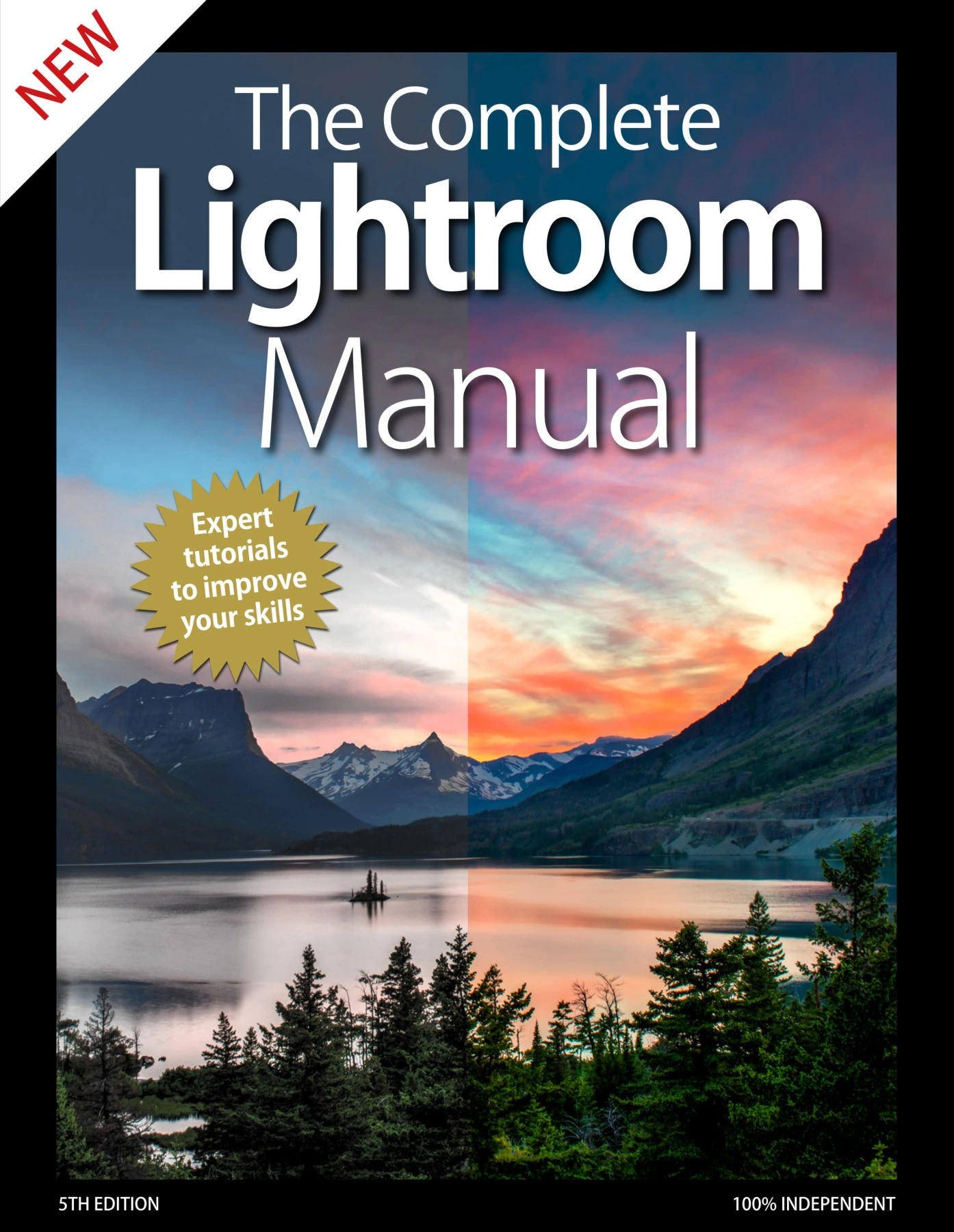
The Complete Lightroom Manual
Original price was: $5.33.$2.67Current price is: $2.67.

BDM Publications
Product Specs:
- File Type: PDF
- File Size: 151.2 MB
- Book Language: English
- Total Page Count: 195
- Instant Download
Adobe Lightroom is often the backbone of a photographer’s workflow, but its depth can feel overwhelming. This fifth edition of The Complete Lightroom Manual is designed to change that, offering a clear, independent tour through both Lightroom Classic CC and the cloud-focused Lightroom CC. Instead of skimming the surface, it walks you through the tools that matter most for organising, editing, and sharing your images with confidence.
Your Lightroom Foundation 📷
The manual begins by demystifying the interface and core concepts. You’ll explore the differences between Lightroom and Photoshop, understand the benefits of shooting in raw, and learn how to import photos for the first time. Clear explanations of the workspace help you feel at home whether you’re using the desktop-centric Classic CC or the streamlined cloud-based CC.
Organise and Find Photos Faster
An efficient workflow starts with a well-organised library. The guide shows you how to sort, rate, and add keywords to your images, make the most of collections, and use face recognition to group photos automatically. You’ll also pick up clever Quick Develop tricks—like solo mode and panel reset—that keep your editing space tidy and responsive.
Editing Essentials and Creative Tools
Once your images are organised, it’s time to make them shine. The Develop module is covered in depth, from crop and straighten tools to white balance, histogram optimisation, tone controls, and noise reduction. You’ll learn how to use graduated and radial filters, the adjustment brush, and lens corrections, and you’ll discover how to create and save your own presets for one-click edits.
From Map to Print to Publish
Lightroom isn’t just for editing—it’s a full publishing hub. This edition explores the Map module for organising images by location, the Print module for custom layouts and watermarks, and the Book, Slideshow, and Web modules for presenting your work. You’ll also find practical advice on publishing to social media and your own website.
Go Mobile and Tackle Real Projects
With Lightroom CC, your photos can follow you anywhere. The manual covers the cloud-based workspace, mobile device workflows, syncing, and editing on the go. Then it brings everything together with step-by-step projects: processing landscapes, retouching portraits, and creating striking black-and-white conversions. A comprehensive glossary rounds out the learning experience.
Throughout the book, you’ll find handy tips, before-and-after comparisons, and references to free downloadable resources that let you work alongside the tutorials. Whether you’re a beginner looking for a structured introduction or an experienced photographer seeking to refine your Lightroom skills, this manual offers a practical, hands-on path to better images.
User Reviews
Be the first to review “The Complete Lightroom Manual”
You must be logged in to post a review.

Photography Tricks and Tips: 4th Edition
Sold by BDM Publications
The Complete Google Manual
Sold by BDM Publications
The Complete MacBook Manual
Sold by BDM Publications
The Complete Python Manual Vol 39
Sold by BDM Publications
The Complete Internet Security Manual
Sold by BDM Publications
The Complete Google Manual
Sold by BDM Publications Original price was: $5.33.$2.67Current price is: $2.67.






There are no reviews yet.