

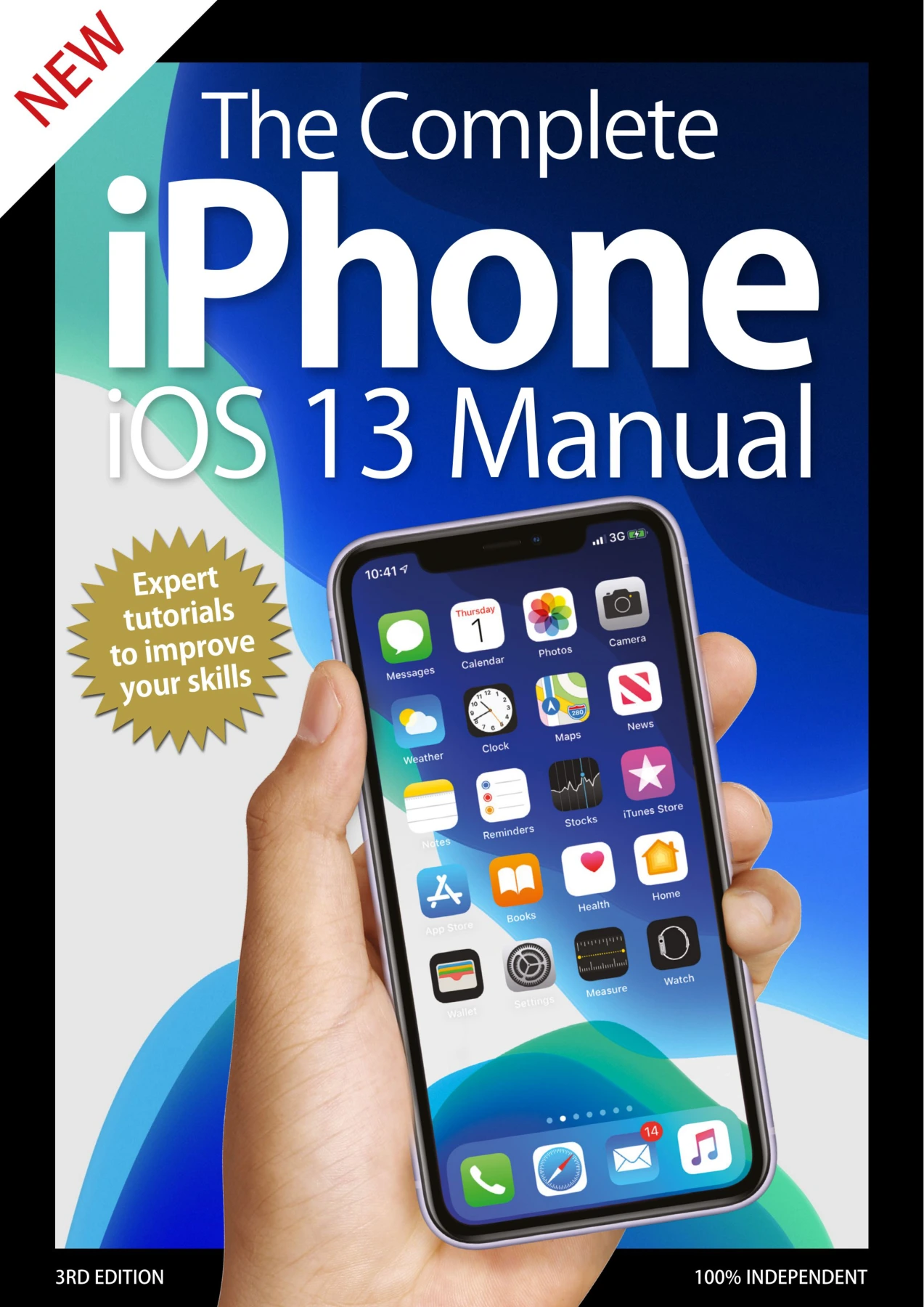
The Complete iPhone iOS 13 Manual
Original price was: $5.00.$2.50Current price is: $2.50.

BDM Publications
Product Specs:
- File Type: PDF
- File Size: 97.1 MB
- Book Language: English
- Total Page Count: 163
- Instant Download
Understanding a modern iPhone means learning a large collection of shortcuts, gestures, settings, and apps. This third edition of The Complete iPhone iOS 13 Manual turns that learning curve into a series of plain-English explanations and clearly illustrated tutorials. Produced by BDM Publications, the manual focuses on the iPhone 11, iPhone 11 Pro, and iPhone 11 Pro Max, while also supporting older iPhones that can run iOS 13.
Know Your iPhone Inside and Out 📱
Before digging into software, the manual helps you recognise the hardware in your hand. It explains the physical layout of current iPhones, from the side button and Ring/Silent switch to the Lightning connector and camera system. Dedicated spreads break down the differences between the iPhone 11, iPhone 11 Pro, and iPhone 11 Pro Max, including screen sizes, camera specifications, and colour options. If you’re still using an iPhone with a Home button, there’s also a clear guide to that older design language.
Set Up and Customise for the Way You Work
The early chapters walk through the essentials: creating an Apple ID, setting up Face ID or Touch ID, connecting to the internet, adding email accounts, and making phone calls. You’ll also find practical instructions for the touchscreen, keyboard, Control Centre, folders, Bluetooth, and accessibility features. A separate section on Voice Control shows how to operate the phone with spoken commands, which can be especially helpful for users with limited mobility.
The Apps That Power Your Day 💡
The manual’s app-by-app coverage includes Mail, Home, Safari, Reminders, Messages, Memoji, Notes, Calendar, Contacts, Activity, Camera, Photos, Maps, and Health. Each app is explained in plain English with steps and on-device examples, so you can follow along at your own pace. The camera and Photos chapters help you take better shots and organise your library, while Maps and Wallet cover everyday tasks like navigation and mobile payments.
Go Further with iCloud, Siri, and Screen Time
Later sections explore iCloud Drive, Files, Do Not Disturb, Siri, and the customisation options built into iOS 13. You’ll learn how to manage notifications, set Screen Time limits, and organise apps to suit your routine. Social and streaming apps such as Facebook, eBay, Netflix, and YouTube are also covered, along with Apple’s own services like Apple TV, Books, Podcasts, and Apple Music.
Whether you’re upgrading to one of the 2019 iPhone models or simply want to get more from the iPhone you already use, this manual offers a calm, structured way to build confidence. Each section is short enough to absorb in a few minutes, making it ideal for dipping in as questions arise.
User Reviews
Only logged in customers who have purchased this product may leave a review.
The macOS Big Sur Manual: The Complete Independent User Manual to Apple’s macOS 11: Big Sur
Sold by BDM Publications
The Complete Canon Manual, 5th Edition
Sold by BDM Publications
Photography Tricks and Tips: 4th Edition
Sold by BDM Publications
The Complete iPhone GuideBook – August 2020
Sold by BDM Publications
The Complete Coding Manual Volume 21
Sold by BDM Publications
Photoshop User Magazine Issue 2 – June 2022 Back Issue
Sold by BDM Publications Original price was: $5.00.$2.50Current price is: $2.50.






There are no reviews yet.