

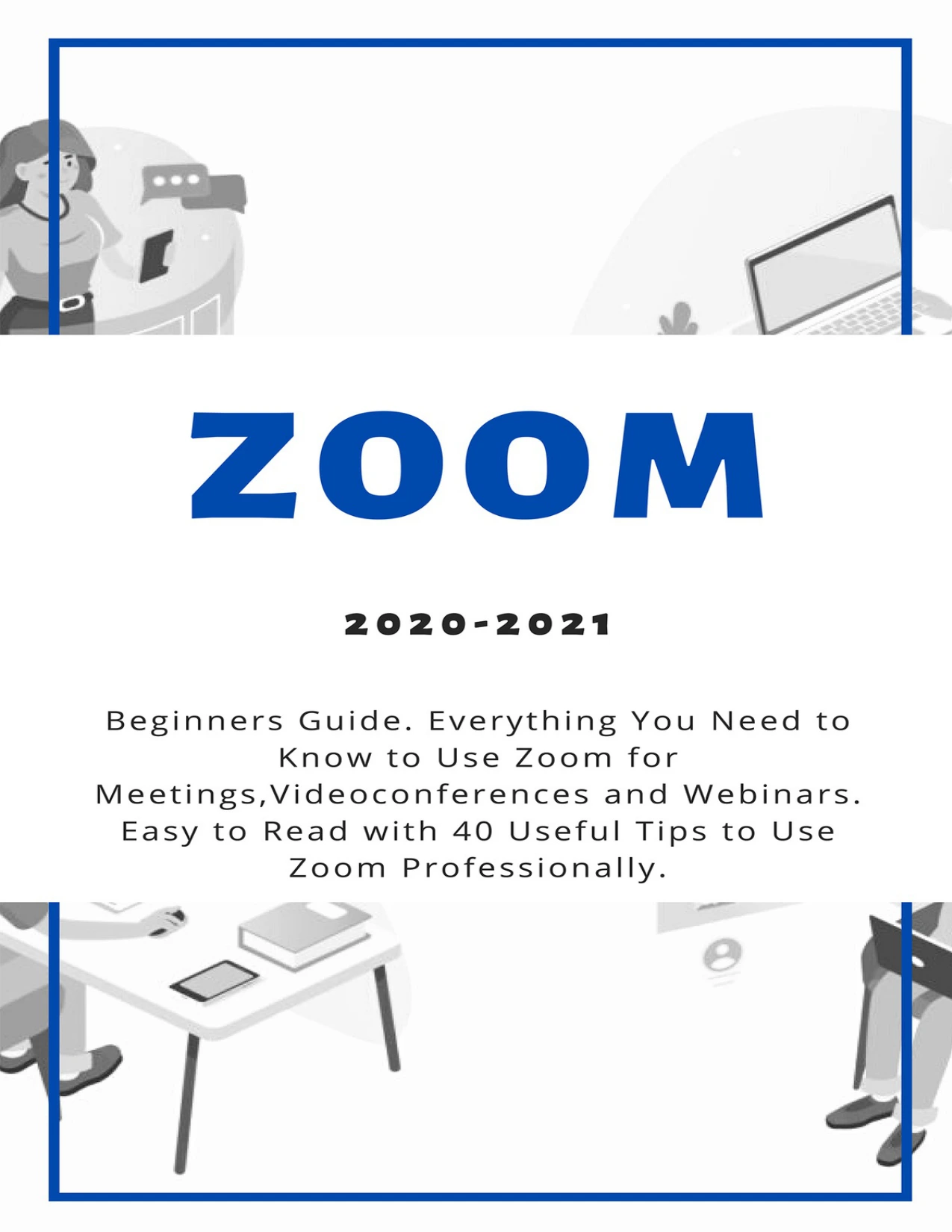
Zoom: 2020-2021 Beginners Guide. Everything You Need to Know to Use Zoom for Meetings, Videoconferences and Webinars. Easy to Read with 40 Useful Tips to Use Zoom Professionally
Original price was: $5.00.$2.50Current price is: $2.50.

Andrew Spiller
Product Specs:
- File Type: PDF
- File Size: 1.8 MB
- Book Language: English
- Total Page Count: 66
- Instant Download
Make Your First Zoom Meetings Feel Effortless
Andrew Spiller’s Zoom: 2020-2021 Beginners Guide walks through the video platform that became essential for remote teams, classrooms, and families. This guide keeps things friendly and practical—no jargon, just clear steps and useful habits that make meetings run more smoothly.
What’s Inside
- Setting up a Zoom account from scratch
- Understanding the Zoom interface and core meeting tools
- Hosting and joining meetings with confidence
- Running webinars and larger online sessions
- Exploring what’s new in Zoom 5.0
- Handling security settings and common troubleshooting
- 40 tips to use Zoom professionally
From Setup to Smooth Online Events 🎥
The chapters move naturally from the basics—choosing a good webcam, microphone, and lighting—to managing meetings, webinars, and advanced features. The troubleshooting chapter helps you avoid the blank screen and muted microphone moments that almost every new user experiences.
Built for Real-World Use 💻
Each section focuses on what actually matters when you’re presenting to colleagues or teaching online. The included tips are practical, covering everything from screen sharing to meeting security, so you can adapt the platform to your needs instead of just memorising button locations.
Who Will Find This Useful
Remote workers, educators, small business owners, and anyone new to Zoom will find clear direction here. If you’ve ever felt unsure about joining or leading a video call, this beginner-friendly guide offers the missing starting point.
Take the Guesswork Out of Video Meetings ✅
With Spiller’s straightforward explanations and 40 actionable tips, you’ll be better prepared to communicate clearly, host professional sessions, and enjoy the flexibility that Zoom offers.
User Reviews
Only logged in customers who have purchased this product may leave a review.
Original price was: $5.00.$2.50Current price is: $2.50.





There are no reviews yet.