
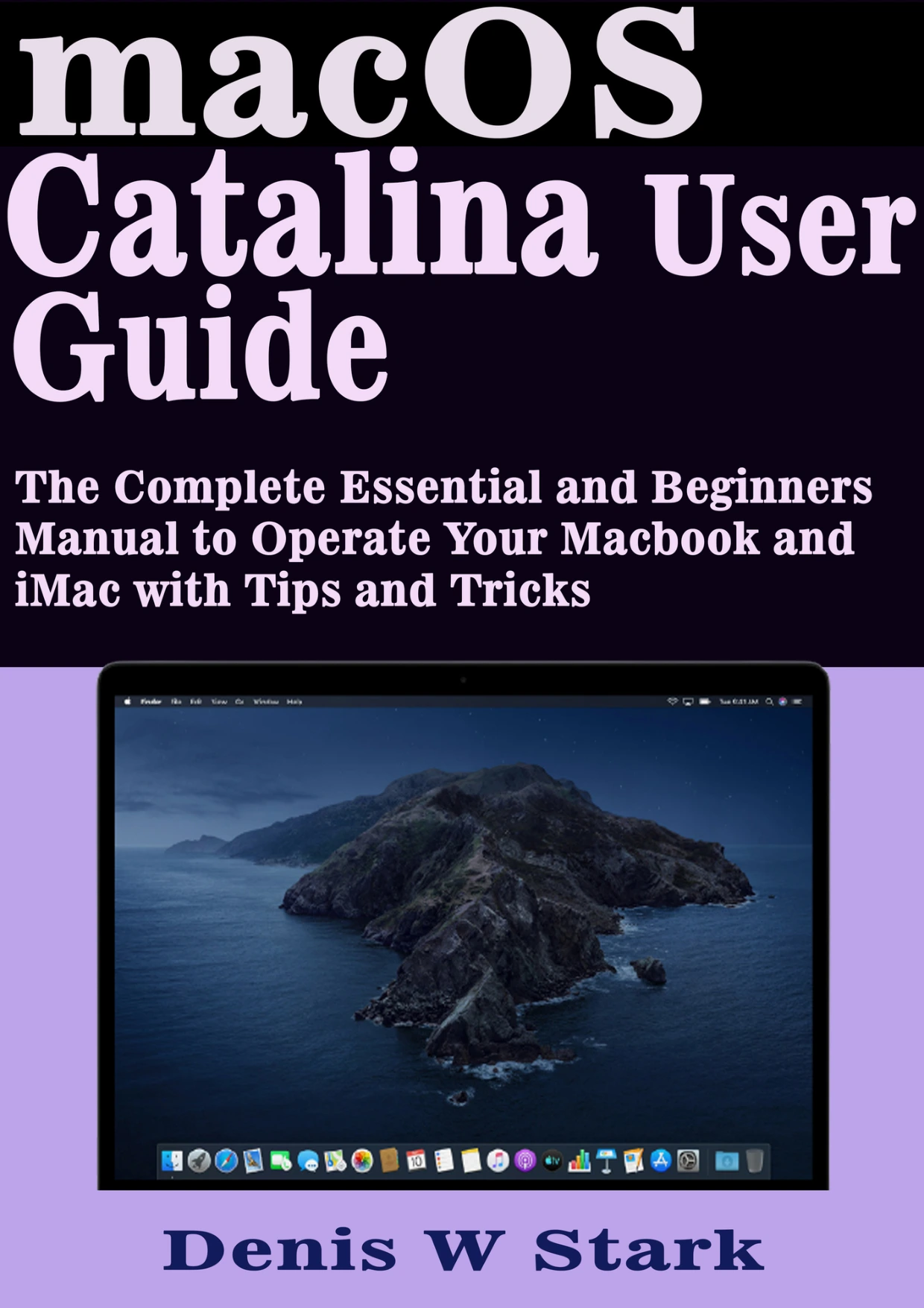
Description
A Practical Guide to macOS Catalina
macOS Catalina changed how Mac users manage apps, media, devices, and storage. Denis W Stark’s guide walks through the operating system in plain language, with an emphasis on the tasks beginners and new Mac owners are most likely to encounter. The book’s contents move from initial system settings and accessibility options through everyday tools like Spotlight, the Dock, file management, and Apple ID sharing features.
Rather than assuming deep technical knowledge, the material is organised around step-by-step actions: updating macOS, setting up Time Machine backups, using iCloud Drive, connecting wireless accessories, and getting comfortable with gestures on a trackpad or mouse.
Core Areas Covered 💻
- System settings, accessibility features, VoiceOver, screen enlargement, and keyboard or voice control
- Software updates, Time Machine backups, external drives, and iCloud Drive
- Touchpad and mouse gestures, Magic Keyboard, Magic Mouse, and Magic Trackpad connections
- Menu bar, Spotlight search, Dock setup, conversions, calculations, and definitions
- Apple ID, Family Sharing, Screen Time, purchase sharing, and two-factor authentication
- App Store downloads, Game Center, Find My, AirDrop, disc burning, and file organisation
Everyday Mac Skills, Explained Clearly
Chapters on AirPods, Handoff, Sidecar, and using an iPad as an alternative display show how Catalina fits into a wider Apple setup. Later sections cover user accounts, guest access, Books, Safari extensions, Apple Arcade subscriptions, and Safari AutoFill. The result is a guide that follows the Mac’s actual menus and features rather than abstract theory.
For someone moving from another platform or adjusting to a new MacBook or iMac, that task-based approach can make the system feel less intimidating. The book is written for readers who want practical orientation: what to click, where to look, and how related features connect.
Who Will Find It Useful
New Mac owners, returning Mac users, and anyone helping family members set up an Apple computer will find the topic coverage relevant. The guide’s structure also suits readers who prefer to dip into a specific feature, such as Time Machine or Family Sharing, rather than read front to back. It assumes no specialist background and keeps its focus on everyday macOS Catalina use.
Why This Manual Stands Out ⚙️
The contents are organised by real-world tasks instead of abstract explanations. That makes it easier to look up a feature, follow the described steps, and return to the relevant section later. The material also groups related tools together, so settings, backups, accounts, and accessories are presented in a logical sequence.
Get Started with Confidence
Digital Delights offers this macOS Catalina User Guide as a digital ebook, ready for reading on the device of your choice. If you are setting up a Mac, learning Catalina’s built-in tools, or looking for a straightforward reference to return to, this guide provides a practical place to begin.

Reviews
There are no reviews yet.