

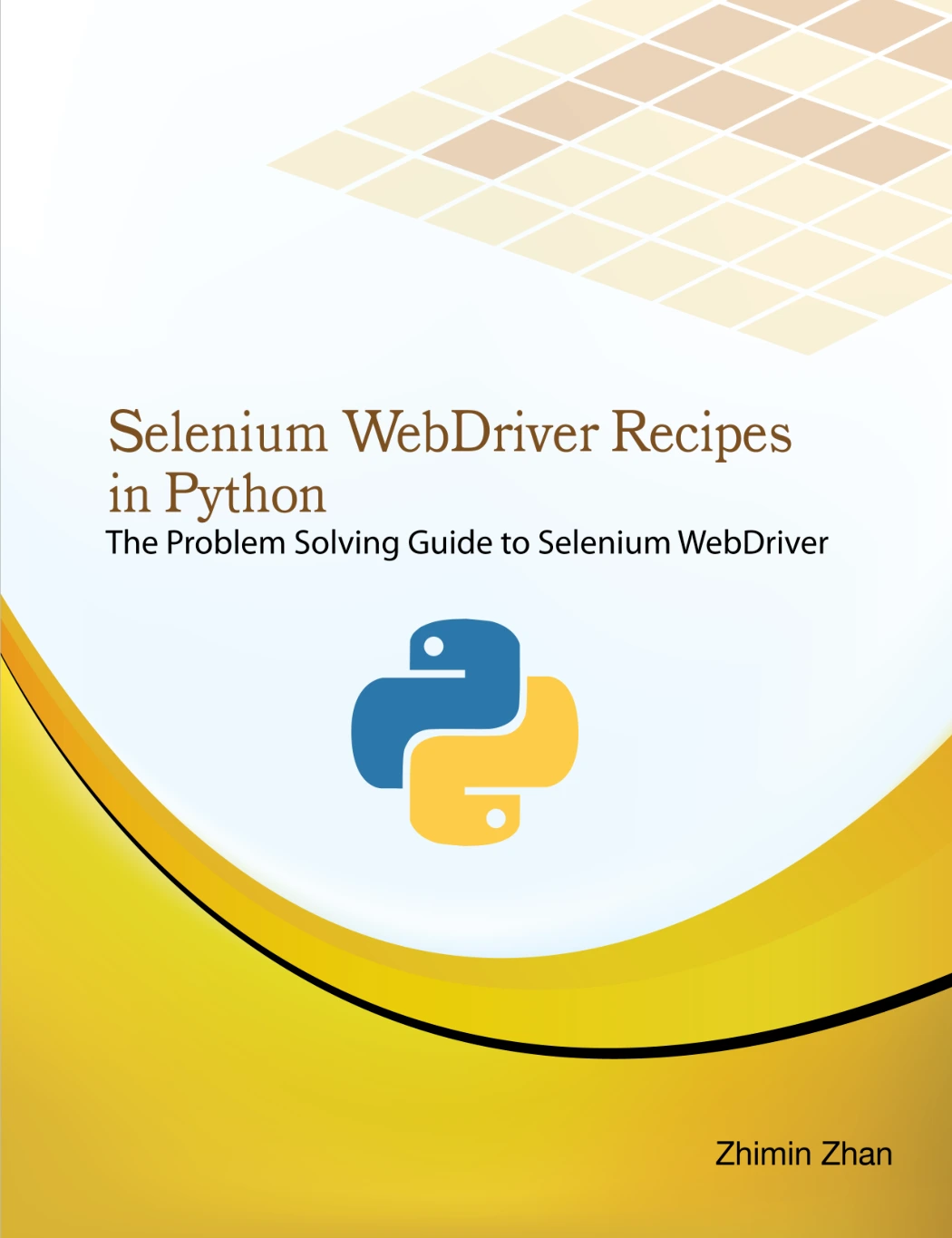
Selenium WebDriver Recipes in Python
Original price was: $5.00.$2.50Current price is: $2.50.

Zhimin Zhan
Product Specs:
- File Type: PDF
- File Size: 3.9 MB
- Book Language: English
- Total Page Count: 171
- Instant Download
Practical Selenium WebDriver Recipes for Python
Web testing with Selenium can feel like assembling a puzzle: the pieces are there, but the exact code for a specific task often takes longer to find than it should. This book changes that. Zhimin Zhan has collected a focused set of problem-solving recipes, each showing a clear path from testing need to working Python code.
What You Can Work Through
- Locating web elements with ID, XPath, CSS selectors, and other strategies
- Handling buttons, text fields, dropdowns, radio buttons, and checkboxes
- Managing browser windows, tabs, navigation, and page loads
- Building reliable waits and dealing with AJAX-based pages
- Uploading files, working with popups, and bypassing authentication
- Debugging test scripts with screenshots, page dumps, and browser attachment
Beyond Simple Element Interactions 💻
Many Selenium examples stop at finding a button and clicking it. This collection goes further, covering advanced user interactions, HTML5 and dynamic sites, WYSIWYG editors, and testing responsive layouts. The recipes also address performance considerations and common failure modes, helping you avoid slow or fragile tests.
Built for Testers Who Want Answers
Whether you are new to browser automation or already familiar with Selenium, the recipe format makes it easy to jump straight to the task you need. Each solution is self-contained, practical, and written in Python, so you can adapt it to your own project without reading the book cover to cover.
From Local Runs to Continuous Testing ⚙️
The final sections extend beyond individual scripts. You will find guidance on running Selenium Python tests on remote machines and incorporating them into a continuous testing workflow, so your automated checks become part of the development process rather than an afterthought.
User Reviews
Only logged in customers who have purchased this product may leave a review.
Original price was: $5.00.$2.50Current price is: $2.50.
There are no reviews yet.