

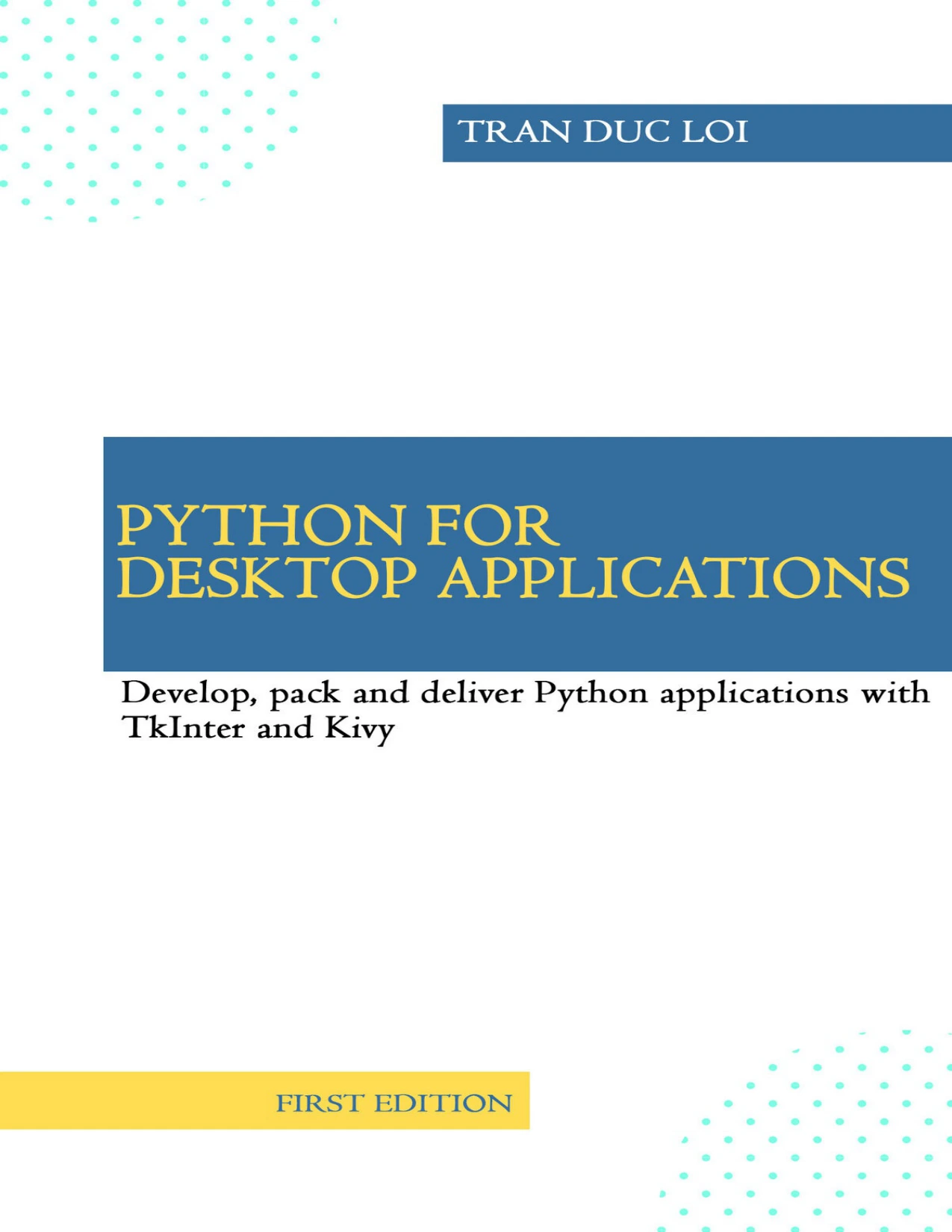
Python for Desktop Applications: How to Develop, Pack and Deliver Python Applications with TkInter and Kivy, 1st Edition
Original price was: $5.00.$2.50Current price is: $2.50.

Tran Duc Loi
Product Specs:
- File Type: PDF
- File Size: 4.1 MB
- Book Language: English
- Total Page Count: 102
- Instant Download
A Hands-On Route from Python Script to Desktop Application
Python is a natural fit for command-line tools, but turning a script into a polished desktop program that other people can install and run is a different skill. Tran Duc Loi’s Python for Desktop Applications treats that transition as a practical, project-based process. This 1st Edition, first released in October 2020, uses TkInter and Kivy to show how Python code becomes a real application, then shows how to package and deliver it on Windows.
Start with a Stable Development Environment
The opening chapter lays the groundwork: pip and wheels, virtual environments, the GIL, and the practical choice between Python versions and 32-bit or 64-bit builds. It also introduces the tools used throughout the book, including Git and a code editor. The goal is not to collect tools for their own sake, but to understand why each one matters once an application needs to be built, tested, and shipped.
Two Projects: A Tkinter Downloader and a Kivy Music Player
Chapter 2 builds a file downloader in two stages. First comes a console downloader with progress output. Then the same idea becomes a Tkinter GUI application, so readers can see how the underlying logic and the interface fit together. From there, the book moves into packaging the downloader as an executable and creating an installer with NSIS.
Chapter 3 switches toolkits and builds a music player with Kivy. It starts with a simple Kivy application, introduces file, and gradually adds the structure needed for a more complex player. The chapter also covers Kivy logging and packaging the music player with PyInstaller. Seeing a second GUI framework helps clarify which parts of desktop development are toolkit-specific and which are broader application concerns.
Packaging, Installers, and the Details That Trip Up Builds 🧰
A working script is not the same as a deliverable application. The book addresses the practical middle ground: PyInstaller, NSIS setup files, UPX versus NOUPX builds, and the role of dependencies. Chapter 4 continues with debugging strategies for frozen applications, including removing the -w option, using file loggers, remembering data files, handling, and using DependencyWalker on Windows. It also introduces cx_Freeze as an alternative packager.
Debugging Frozen Applications Without Guesswork
When an application works in the editor but fails after packaging, the error messages are often less helpful. The debugging chapter is built around that reality. It offers techniques for tracing problems, checking dependencies, and comparing packaging options rather than treating any single tool as the only solution. Readers who have wrestled with a missing DLL or a silent executable crash will find this section especially grounded.
Who Will Get the Most from This Book
The author states that the book is for Python programmers at any level. Experienced readers can move quickly to the project chapters, while beginners are encouraged to spend time with Chapter 1 and explore the foundational concepts carefully. The writing style relies on illustrations, diagrams, and examples with a modest amount of theory, so the emphasis stays on seeing how the code behaves.
What This Edition Does Not Cover
This edition focuses on creating desktop applications and does not cover testing; the author notes that testing may be considered for later editions based on feedback. The sample applications are kept intentionally simple for demonstration, not as ready-made commercial products. That clarity is useful: the book teaches the underlying techniques rather than pretending that a teaching example is production software.
A Practical Addition to a Python Bookshelf
If your Python experience has been mostly scripts, notebooks, or web frameworks, this book shows another side of the language: the desktop. It connects GUI development with packaging, installers, and debugging, so the final result is something that can actually be handed to a user. For readers who want to understand the path from Python source to a distributable Windows application, Python for Desktop Applications offers a focused, example-led route.
User Reviews
Only logged in customers who have purchased this product may leave a review.
Original price was: $5.00.$2.50Current price is: $2.50.
There are no reviews yet.