

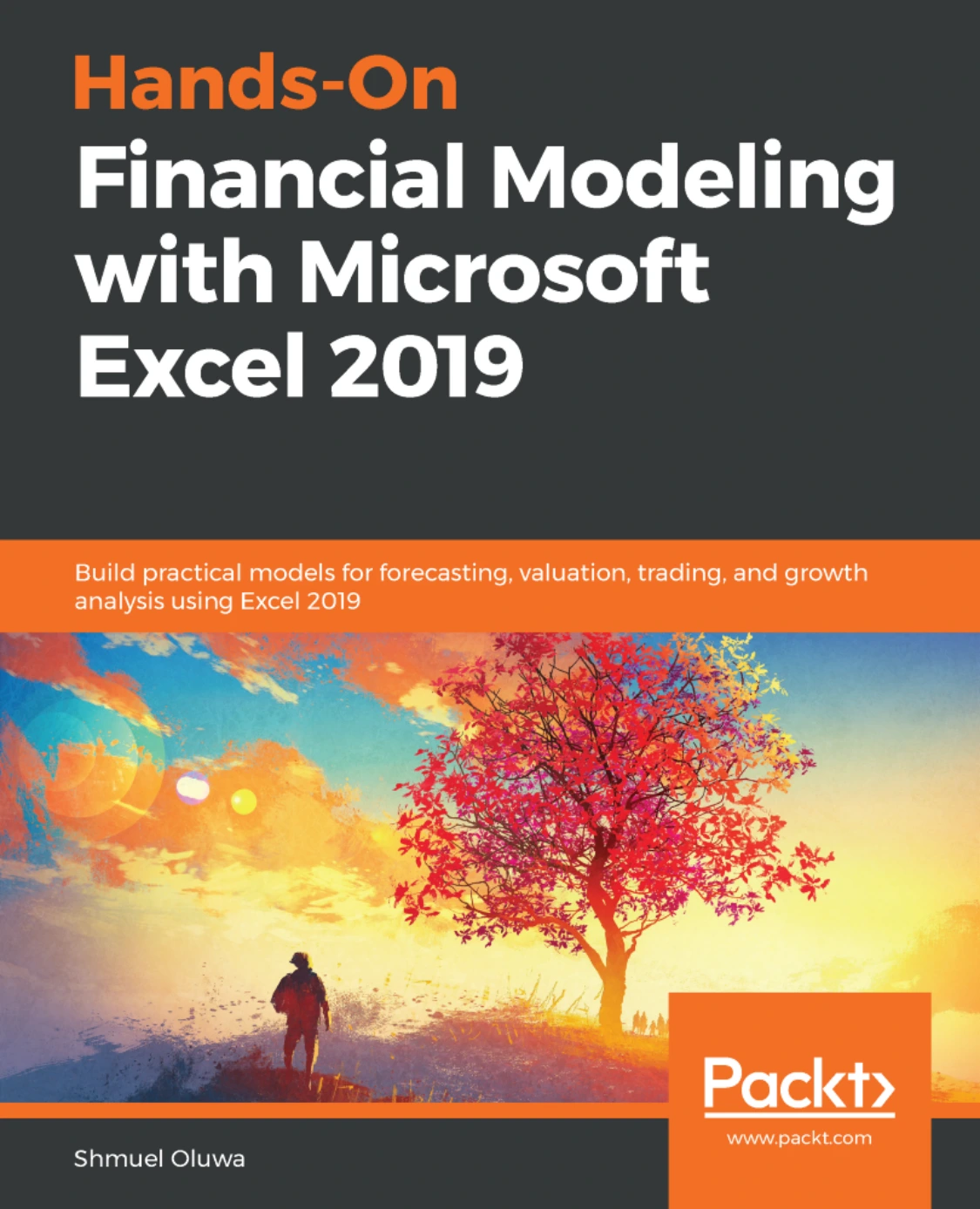
Hands-On Financial Modeling with Microsoft Excel 2019
Original price was: $25.99.$12.99Current price is: $12.99.

Shmuel Oluwa
Product Specs:
- File Type: PDF
- File Size: 12.6 MB
- Book Language: English
- Total Page Count: 280
- Instant Download
Financial models are only as useful as the assumptions, structure, and spreadsheet logic behind them. In Hands-On Financial Modeling with Microsoft Excel 2019, Shmuel Oluwa takes readers from the foundations of modeling to the construction and review of integrated financial models, using Excel tools along the way.
The book connects spreadsheet technique with real finance tasks: organizing historical information, projecting statements, examining growth drivers, and using models to support valuation and analysis. It assumes working knowledge of Excel, making it a practical next step for readers ready to use spreadsheets for more than everyday calculations.
Build a financial model from the ground up
Oluwa begins with the purpose and components of financial models, then surveys common forms such as three-statement, discounted cash flow, comparative-company, merger and acquisition, leveraged buyout, loan repayment, and budget models. The early chapters also outline a modeling workflow, from understanding a business and gathering historical data to setting assumptions, projecting statements, and preparing valuation and ratio analysis.
Make Excel work as a modeling tool
Formulas and functions, lookup tools, pivot tables, charts, and cell-reference frameworks each have a role in a well-organized workbook. The book examines these features in the context of financial modeling, helping readers understand how spreadsheet decisions affect the model they are building.
Connect assumptions to financial statements
Later material focuses on creating assumptions from project context and historical performance, then carrying those assumptions through financial projections. Topics include growth drivers, asset and debt schedules, depreciation, loan amortization, cash flow statements, and troubleshooting issues such as circular references.
Read the results with care
Ratio analysis and valuation help turn projected figures into material for financial interpretation. The book also addresses model testing, sensitivity and scenario analysis, and a simple Monte Carlo simulation—useful topics for thinking about how assumptions influence a model’s results rather than treating a forecast as certain.
Who may find it useful?
This Excel financial modeling book is aimed at readers working or studying in finance, business analysis, trading, and valuation who already have working familiarity with Excel. It offers a structured route through core model types, spreadsheet techniques, and analysis, with an emphasis on applying the pieces together.
User Reviews
Be the first to review “Hands-On Financial Modeling with Microsoft Excel 2019”
You must be logged in to post a review.
Original price was: $25.99.$12.99Current price is: $12.99.



There are no reviews yet.