

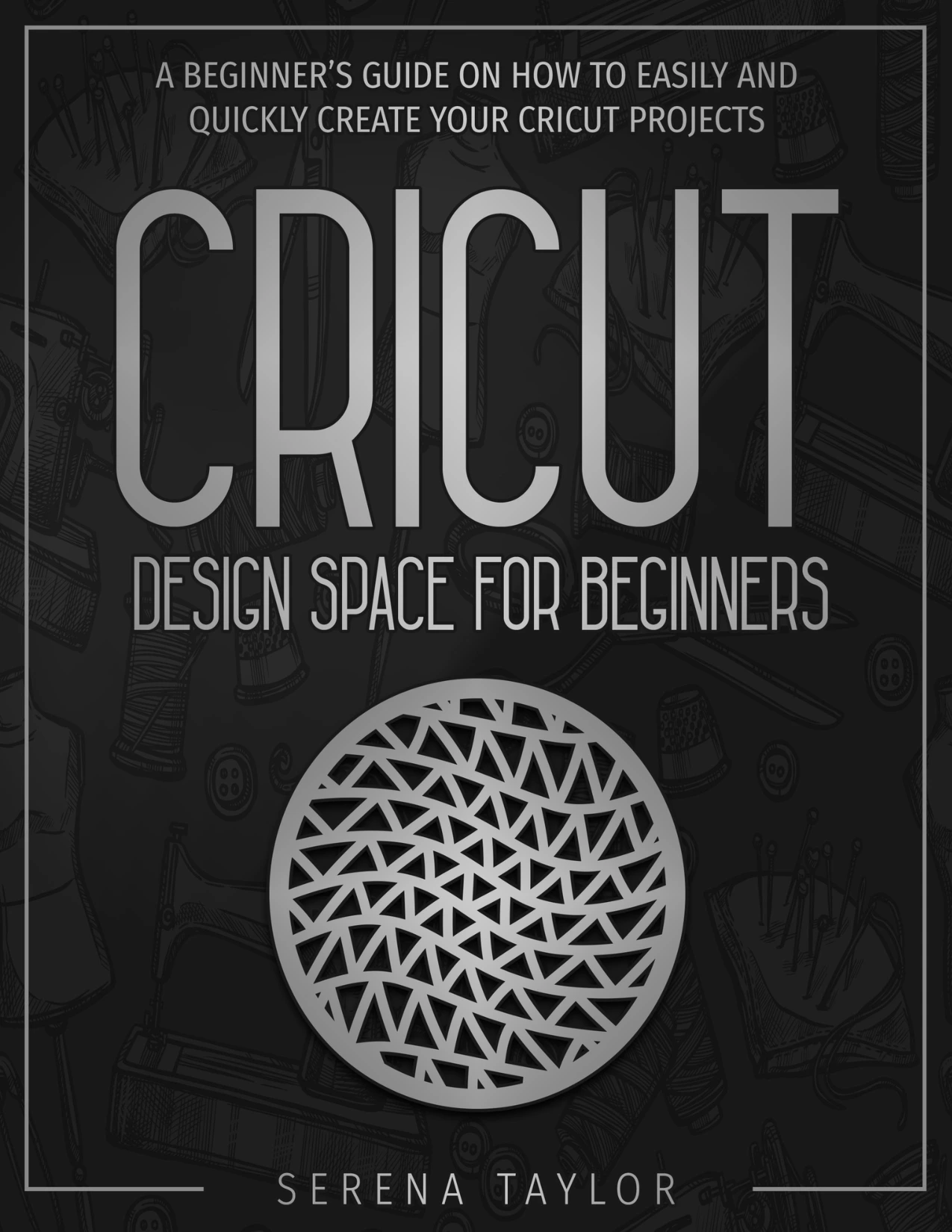
Cricut Design Space for Beginners: A Beginner’s Guide on How to Easily and Quickly Create Your Cricut Projects
Original price was: $5.00.$2.50Current price is: $2.50.

Serena Taylor
Product Specs:
- File Type: PDF
- File Size: 1.5 MB
- Book Language: English
- Total Page Count: 88
- Instant Download
Getting comfortable with Cricut Design Space means learning how its canvas, text tools, images, and editing controls work together before a design reaches the cutting mat. Serena Taylor’s beginner-oriented guide walks through those fundamentals and shows how they connect to a variety of craft project ideas.
The focus is the design software: from setting up an account and finding your way around the canvas to editing text, working with fonts, and preparing images and layers. The examples give new users concrete projects to keep in mind as they learn.
Get to Know the Design Space Canvas
The opening chapters introduce Cricut Design Space and its main workspace. Taylor covers account setup, use on mobile devices, the canvas, and the panels and controls that help arrange a design. This orientation can make the software feel more approachable before you begin building a project of your own.
Work with Text, Fonts, and Images
Much of the guide is devoted to the editing tools that shape a project. Topics include adding and editing text, choosing and adjusting fonts, spacing text, inserting images, and using features such as Slice, Weld, Flatten, and Contour. The book also addresses line types and drawing with fonts, connecting the on-screen design to the intended craft task.
Turn the Tools into Craft Ideas
The final chapter offers a range of project concepts, including vinyl wall decals, a hand-lettered wooden sign, cloud coasters, a fabric bookmark, a fabric wreath, and a monogram pendant. The variety illustrates how the same design workspace can support projects using different materials and forms.
A Starting Point for New Users
This guide is suited to Cricut owners who are just learning Design Space or crafters looking for an introductory tour of its editing functions. Published in 2020, it provides an introduction to the software and its tools at that time; readers should expect that some interface details may have changed in later versions.
User Reviews
Be the first to review “Cricut Design Space for Beginners: A Beginner’s Guide on How to Easily and Quickly Create Your Cricut Projects”
You must be logged in to post a review.
Original price was: $5.00.$2.50Current price is: $2.50.




There are no reviews yet.