
Description
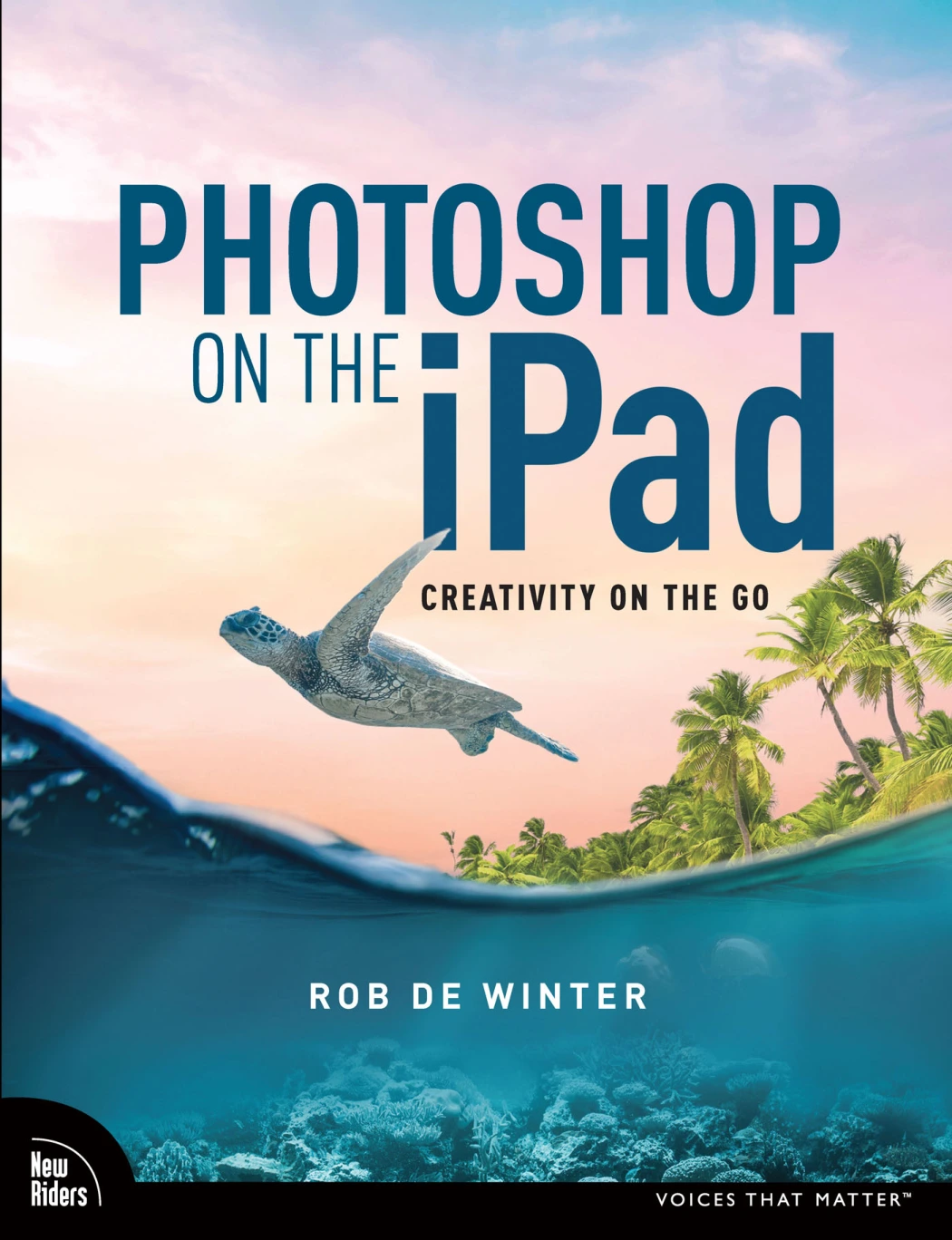
Photoshop on the iPad: A Creative Studio That Travels With You 🎨
Rob de Winter’s Photoshop on the iPad: Creativity on the Go is built for artists, photographers, and designers who want to use Adobe’s full-featured image editor without being tied to a desktop. The English-language edition from Pearson Education treats the iPad as a serious creative tool, not a watered-down companion device.
The book begins with the practical groundwork: understanding Photoshop on iPad subscriptions, choosing the right iPad and Apple Pencil, and working with documents through Creative Cloud Documents and Creative Cloud Files. That setup matters because it shapes how smoothly the rest of the creative process unfolds.
From First Launch to Confident Workflow 💡
Early chapters introduce the Photoshop interface and the logic of adjustment layers. Rather than presenting tools as isolated buttons, the lessons show how layers, selections, masks, and blend modes work together. Readers who are completely new to Photoshop or Creative Cloud are guided to start with Chapter 1 and the beginning of Chapter 2; those already familiar with Adobe’s ecosystem can move more quickly into hands-on projects.
Composition, Selections, and the Art of Blending
A major section focuses on photo composition and the decisions that make an image feel intentional. Exercises cover creating a new Photoshop document, using blend modes, working with Select Subject and Refine Edge, drawing light with brushes and selections, making whites transparent, adjusting masks with brushes, placing photos, using Remove Background, and shifting colors with Hue/Saturation.
Lessons and Perspectives from Working Artists
The book includes interviews with Ted Chin, Russell Brown, Frankie Cihi, and Magdiel Lopez. Their contributions add real-world context to the techniques, showing how experienced creatives approach iPad-based work and where the tool fits into a broader artistic practice.
Who Will Get the Most from This Guide
This is a strong fit for illustrators, photo editors, digital artists, and designers who own an iPad and want a structured path into Photoshop’s mobile environment. It is especially useful for readers who learn best by following projects, since the exercises build on one another and reinforce core concepts across chapters. The book assumes access to Photoshop on the iPad and, for the bonus exercise files, publisher registration.
A Practical Companion for iPad Creatives ✨
By the final chapters, readers will have a clearer understanding of how to set up a mobile workflow, make selective edits, combine images, refine masks, and use color adjustments with confidence. Photoshop on the iPad is less about memorizing menus and more about building fluency with a creative tool that can travel anywhere inspiration strikes.

Reviews
There are no reviews yet.