

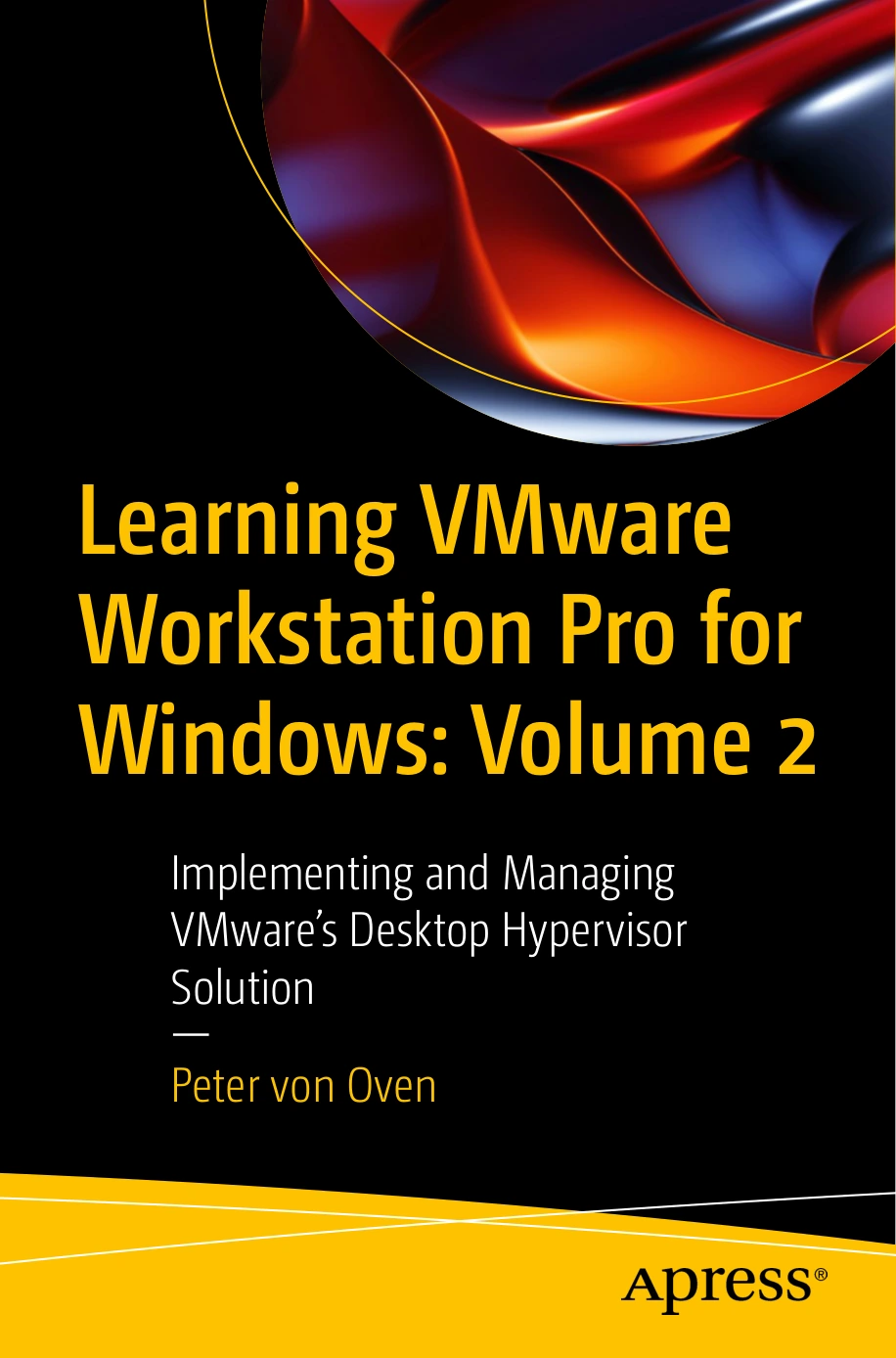
Learning VMware Workstation Pro for Windows: Volume 2: Implementing and Managing VMware’s Desktop Hypervisor Solution
Original price was: $47.39.$23.70Current price is: $23.70.

Peter von Oven
Product Specs:
- File Type: PDF
- File Size: 24.5 MB
- Book Language: English
- Total Page Count: 348
- Instant Download
VMware Workstation Pro has more to it than launching a virtual machine. This second volume of Peter von Oven’s Windows-focused guide turns to the tools and workflows that help users manage, automate, and troubleshoot a Workstation environment—from containers and command-line control to the product’s REST API.
The chapters are organized around practical tasks, making this a useful next step for readers who already know the basics and want to work more confidently with Workstation Pro’s administration features.
Put Workstation tools to work 💻
The book introduces the vctl command for working with containers, then explains the vmware command and vmrun. Together, these sections show how command-line tools can launch Workstation and control virtual machines, including operations such as power, snapshots, and networking.
Explore the Workstation Pro REST API
A substantial section focuses on setting up and using the REST API. It covers API access and calls for host network management, virtual machines, network adapters, and shared folders—useful territory for readers looking to manage tasks through an API rather than relying only on the graphical interface.
From troubleshooting to alternative virtual machines
Further chapters address gathering support and debugging information, investigating performance issues, and using Workstation Player. The practical examples also include building Ubuntu and Proxmox virtual machines, followed by installing VMware Tools for Proxmox.
Installation, releases, and continued learning
The book rounds out its coverage with unattended Workstation Pro installation and command-line installer options, then reviews product releases and the Broadcom ownership change. It is a focused companion for readers who want to deepen their command-line, API, and administrative knowledge of VMware Workstation Pro.
Volume 2 in Peter von Oven’s Workstation series, for hands-on readers ready to explore what happens beyond the basic setup.
User Reviews
Be the first to review “Learning VMware Workstation Pro for Windows: Volume 2: Implementing and Managing VMware’s Desktop Hypervisor Solution”
You must be logged in to post a review.
Original price was: $47.39.$23.70Current price is: $23.70.



There are no reviews yet.