

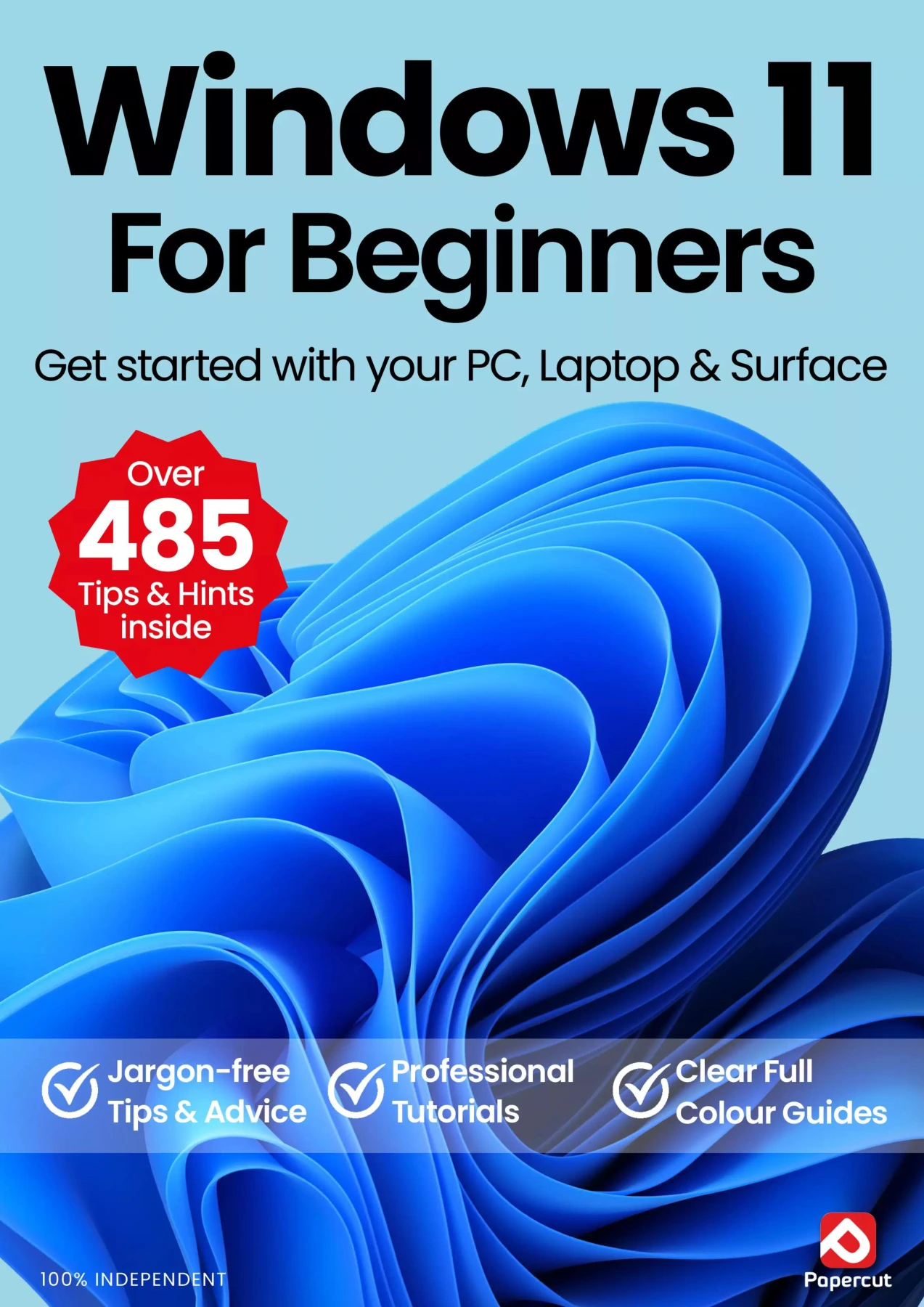
Windows 11 For Beginners: Get started with your PC, Laptop & Surface
Original price was: $5.00.$2.50Current price is: $2.50.

Papercut
Product Specs:
- File Type: PDF
- File Size: 59.2 MB
- Book Language: English
- Total Page Count: 94
- Instant Download
Make Windows 11 Feel Simple 🖥️
If you’ve just opened a new PC, laptop, or Surface and want to feel confident rather than confused, this independent manual is built for you. The Windows 11 For Beginners guide from Papercut Ltd cuts through the jargon with plain-English explanations and step-by-step tutorials that show you what to tap, click, and do next. No prior Windows experience is assumed.
What You’ll Actually Use Every Day
Instead of burying you in theory, the book focuses on the tasks that matter when you sit down at your computer. You’ll learn how to:
- Set up Windows 11 from the very first screen
- Navigate the Start menu, Taskbar, and Quick Settings
- Organize files and folders with File Explorer
- Connect to Wi-Fi and manage network settings
- Use Snap Layouts and multiple desktops for smoother multitasking
- Personalize colours, backgrounds, and system settings
Beyond the Basics: Apps, Cloud, and Copilot
The guide then moves into the tools that make Windows 11 genuinely useful. You’ll explore Microsoft Edge, Mail, Calendar, the Microsoft Store, Teams chat, and OneDrive cloud storage. A dedicated section shows 10 ways to get more from Copilot, Microsoft’s built-in AI assistant, while other chapters cover Focus Assist, sharing to nearby devices, connecting your phone, importing and editing photos, and making the most of the Maps app.
Clear, Visual, and Updated for 2026
This 16th edition is fully updated for the latest version of Windows 11. Every tutorial is illustrated with clear, step-by-step visuals that let you follow along without guessing. Whether you’re brand new to Windows or upgrading from an older version, the friendly, practical approach makes the transition easier.
A Handy Reference You’ll Return To
Because the chapters are organized by task, you don’t need to read the entire manual cover to cover. Dip in when you need to remember how to import photos, schedule a calendar appointment, or use a keyboard shortcut. With this guide beside you, Windows 11 becomes less of a mystery and more of a useful everyday tool.
User Reviews
Be the first to review “Windows 11 For Beginners: Get started with your PC, Laptop & Surface”
You must be logged in to post a review.
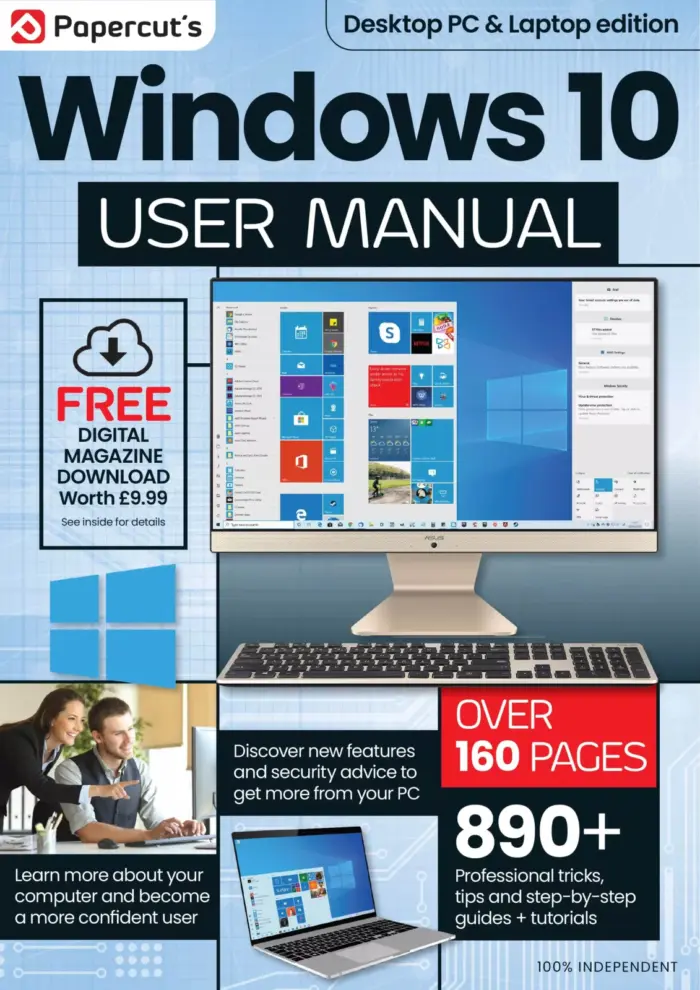
Papercut’s Windows 10 User Manual
Sold by Papercut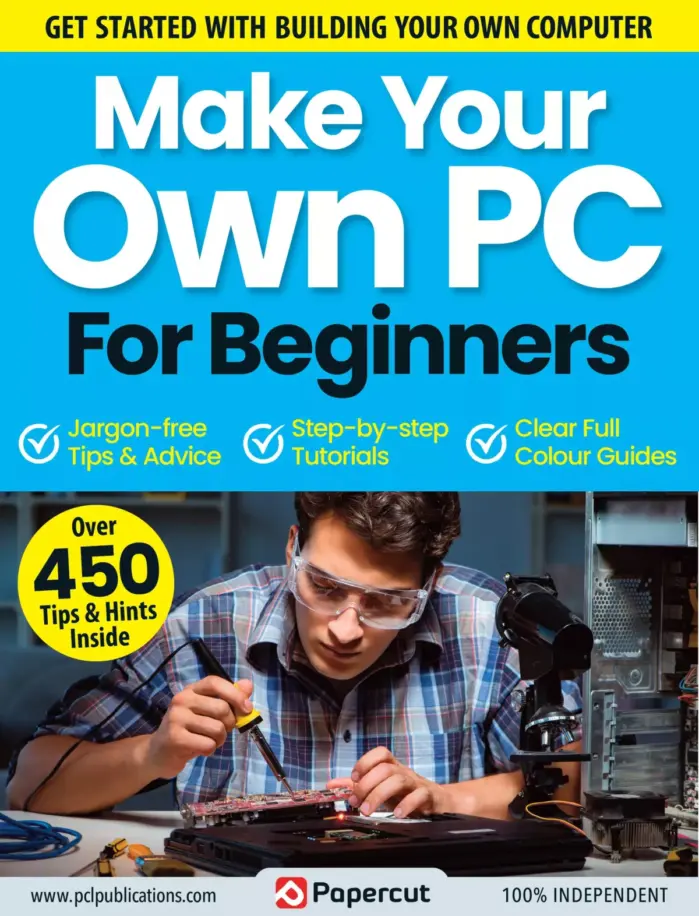
Make Your Own PC For Beginners: April 2023
Sold by Papercut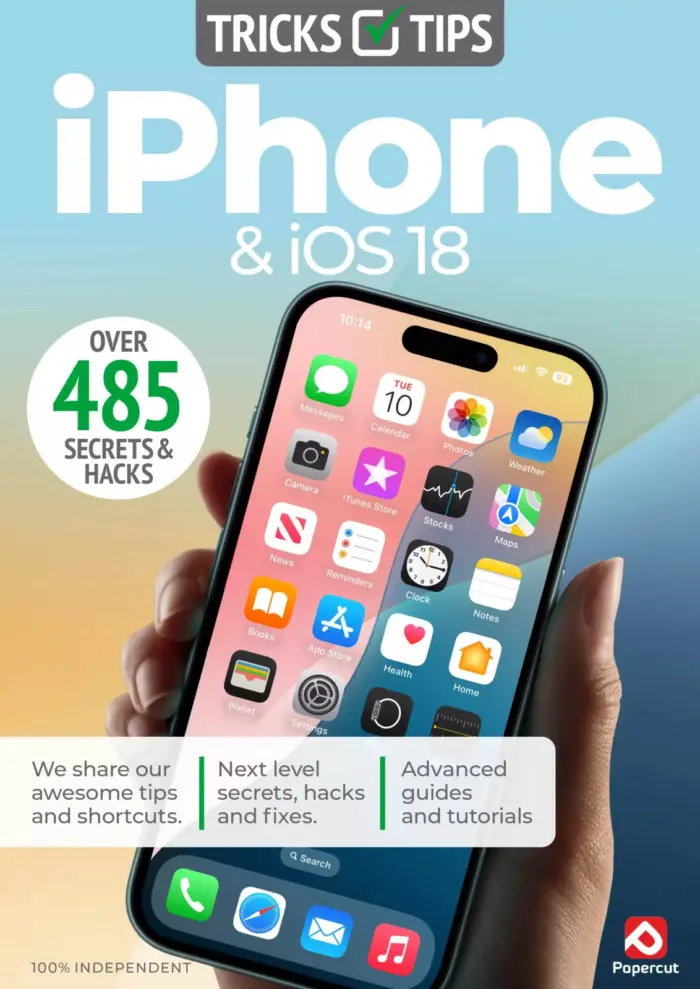
iPhone & iOS 18 Tricks & Tips — 7th Edition 2025
Sold by Papercut
Coding User – The AI Issue, Autumn 2025
Sold by Papercut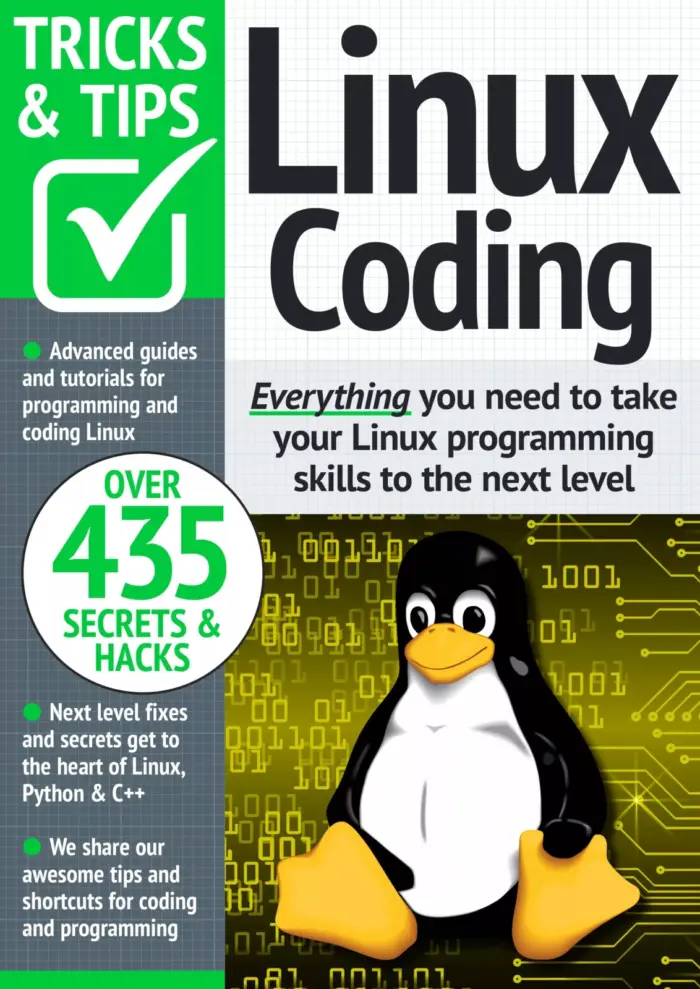
Linux Coding Tricks & Tips
Sold by Papercut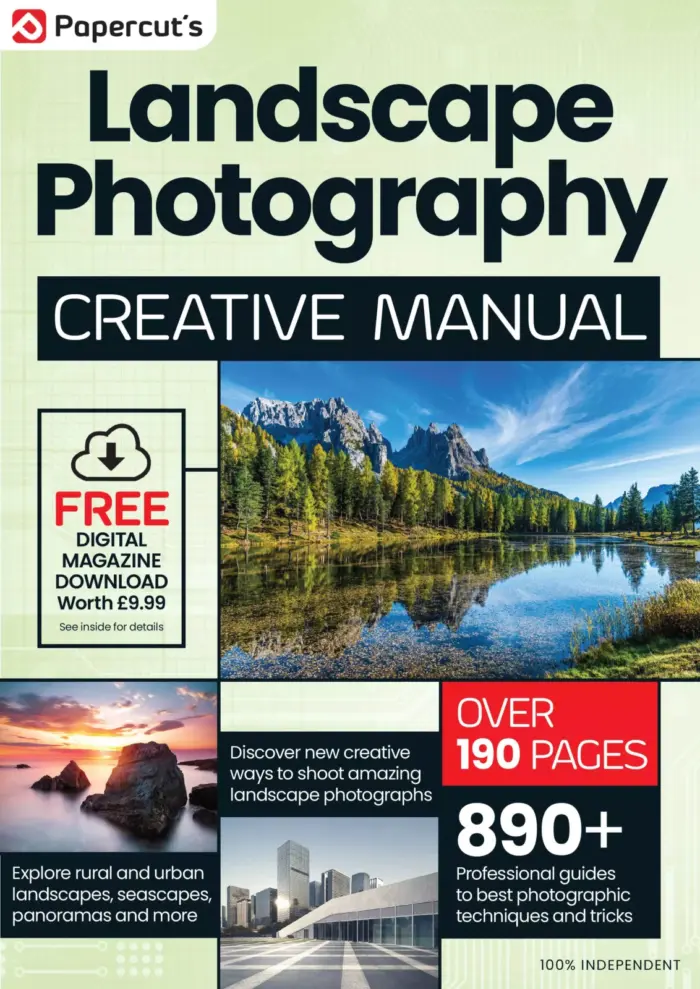
The Complete Landscape Photography Manual
Sold by Papercut Original price was: $5.00.$2.50Current price is: $2.50.






There are no reviews yet.