

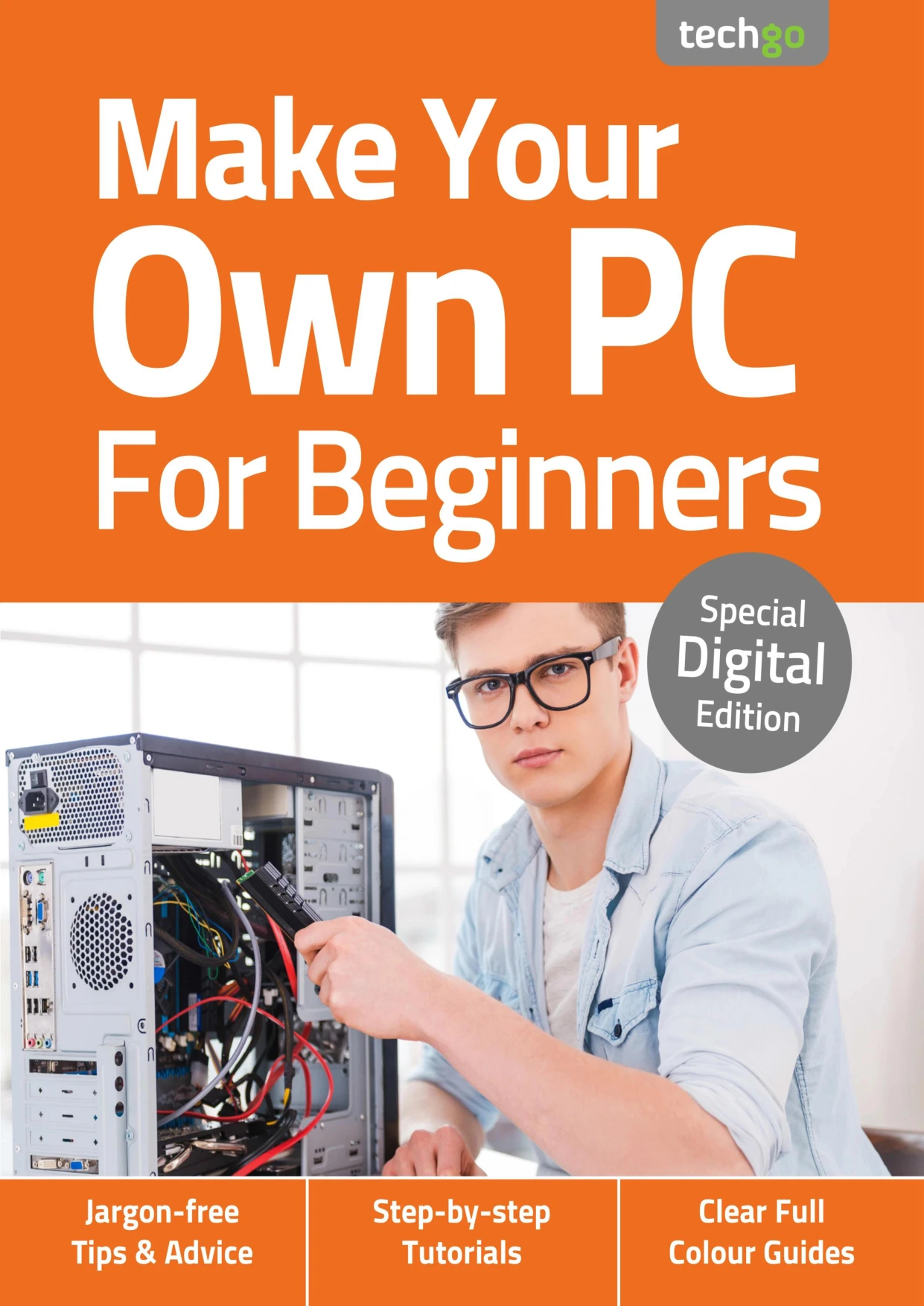
Make Your Own PC For Beginners No5
Original price was: $2.00.$1.00Current price is: $1.00.

Papercut
Product Specs:
- File Type: PDF
- File Size: 35.9 MB
- Book Language: English
- Total Page Count: 54
- Instant Download
Plan Before You Buy 💻
Building a PC can feel like a closed club—until someone hands you a clear map of the parts, the choices, and the compatibility traps. Make Your Own PC For Beginners is that map. This 3rd edition from Papercut Limited is a concise, full-colour guide aimed at readers who want to understand what goes inside a desktop before spending money on a single component.
The guide opens with the planning stage, because a successful build starts long before any case is opened. It lays out ten practical reasons to build rather than buy, then walks through choosing a system type—Intel or AMD—and explains how that decision ripples through motherboard, processor, and other component choices.
From there, it covers the physical foundation: picking a case, matching a motherboard, selecting a processor, understanding RAM, and deciding between HDD, SSD, or both. Each chapter is written for the beginner who wants to make informed trade-offs rather than chase specs blindly.
Component Choices, Explained Clearly ⚙️
Graphics cards, power requirements, optical drives, expansion cards, and cooling all get their own focused sections. The book doesn’t just list parts; it explains why capacity, compatibility, airflow, and budget interact. A dedicated jargon buster at the end translates the acronyms and terms that often make PC building feel more complicated than it is.
Because the material is presented in a jargon-free, step-by-step style, it suits readers who are comfortable with everyday technology but new to assembling a desktop. It’s also useful for anyone who wants to upgrade an existing machine with more confidence.
Who This Guide Is For
- First-time builders who want a structured overview before buying parts.
- Upgraders who want to understand how CPUs, motherboards, RAM, storage, and GPUs fit together.
- Anyone tired of pre-built bloatware and curious about choosing their own components.
- Readers who appreciate clear, full-colour explanations without assumed expert knowledge.
What You’ll Find Inside 🧠
- Ten reasons to build your own PC
- Choosing the system type: Intel or AMD
- Case, motherboard, processor, and RAM selection
- Storage options: HDD, SSD, or both
- Graphics cards, power, optical drives, and expansion cards
- CPU and case cooling
- Pre-build precautions
- Jargon buster
Why It Works as a Start-to-Finish Reference
Rather than overwhelm you with every possible configuration, the guide keeps its focus on the decisions that matter most during a first build. It treats planning as the real foundation and explains the vocabulary you’ll encounter in product listings. If you want a readable, well-illustrated introduction to PC hardware, this edition gives you a solid place to start.
This digital edition is ready for your tablet, laptop, or reading app—ideal for keeping beside you while you compare components and plan your first build.
User Reviews
Be the first to review “Make Your Own PC For Beginners No5”
You must be logged in to post a review.

Instagram Tricks & Tips — 19th Edition (2024)
Sold by Papercut
Windows 10 Tricks and Tips
Sold by Papercut
Android Tricks and Tips
Sold by Papercut
Coding & Programming User Manual
Sold by Papercut
iPhone for Seniors – iOS 26 Update (Issue 02, 2026)
Sold by Papercut
Digital Photography Complete Manual — 26th Edition, 2025
Sold by Papercut Original price was: $2.00.$1.00Current price is: $1.00.






There are no reviews yet.