

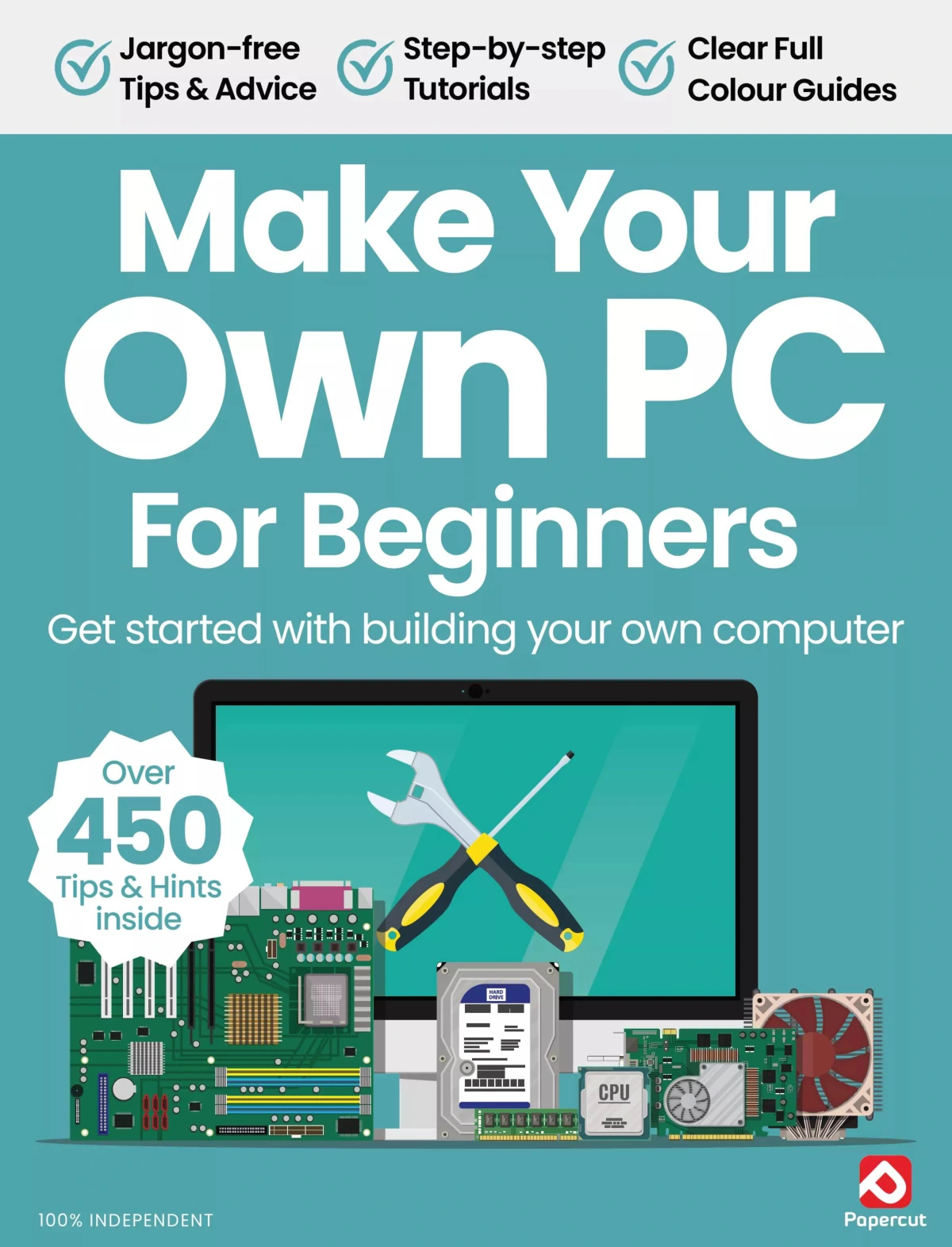
Make Your Own PC For Beginners – 20th Edition 2024
Original price was: $13.36.$6.68Current price is: $6.68.

Papercut
Product Specs:
- File Type: PDF
- File Size: 31.0 MB
- Book Language: English
- Total Page Count: 52
- Instant Download
Build a PC You Actually Understand 💻
Somewhere between the first cardboard box and the moment the system powers on, building a PC turns abstract specs into something you can use, upgrade, and troubleshoot with confidence. Make Your Own PC For Beginners is written for readers who want that experience without needing an engineering background. This 20th edition from Papercut starts at the planning stage and stays with you through component choices, assembly, and a plain-English jargon buster.
It is not a spec sheet in magazine form. The guide explains why each decision matters: how the processor and motherboard must match, why a case affects cooling and cable routing, and where a little planning can save money and compatibility headaches later.
Plan the Build Before You Buy 🛠️
The opening section makes a practical case for planning rather than impulse-buying. It outlines reasons to build your own system, from picking exact components and taking advantage of deals to spreading the cost over time and avoiding unwanted preinstalled software.
- Why self-building can be more satisfying than buying off the shelf
- How to choose between Intel and AMD platforms
- What to consider when selecting a system type and case
- How good airflow and cable management support long-term reliability
Choose Components as a System, Not a Checklist ⚙️
The main chapters move through the parts that define a desktop PC. Each topic is treated as part of a larger build, so readers can see how one choice affects the next.
- Cases: size, style, airflow, fan mounts, and cable management
- Motherboards: sockets, form factors, expansion slots, and platform compatibility
- Processors: Intel and AMD options, performance expectations, and motherboard matching
- Memory: choosing the right RAM for the build
- Storage: HDD, SSD, or a combination of both
- Graphics: selecting a graphics card and understanding when more power is needed
- Power and cooling: PSU requirements, CPU coolers, and case cooling
From Parts to First Boot ✅
Later sections cover expansion cards, optical drives, and the precautions to take before assembly begins. The guide keeps the focus on practical understanding, helping new builders recognise the moments where care, compatibility checks, and a methodical approach make the biggest difference.
A jargon buster rounds out the material, translating the vocabulary that can make PC building feel intimidating at first. That reference is useful not only during the first build but also when upgrading or troubleshooting later.
Who This Guide Suits
This 2024 edition is aimed at beginners, including readers who have never seen the inside of a computer and those with some basic knowledge who want to build with more confidence. It is also a sensible starting point for anyone who prefers to understand the hardware before spending money on a custom desktop.
A Practical Starting Point for a First Build 🧠
Make Your Own PC For Beginners combines planning advice, component explanations, and build-stage guidance in one focused guide. If you want to move from wondering how a PC works to choosing parts with purpose, this edition offers a clear, independent path into the process.
User Reviews
Only logged in customers who have purchased this product may leave a review.

Samsung Galaxy For Beginners – 23rd Edition 2026
Sold by Papercut
iPhone User: The iPhone 17 Issue (Autumn 2025)
Sold by Papercut
Adobe Elements Tricks and Tips – 19th Edition 2024
Sold by Papercut
Adobe Photoshop for Beginners
Sold by Papercut
The Complete Photoshop Elements Manual – 18th Edition, 2024
Sold by Papercut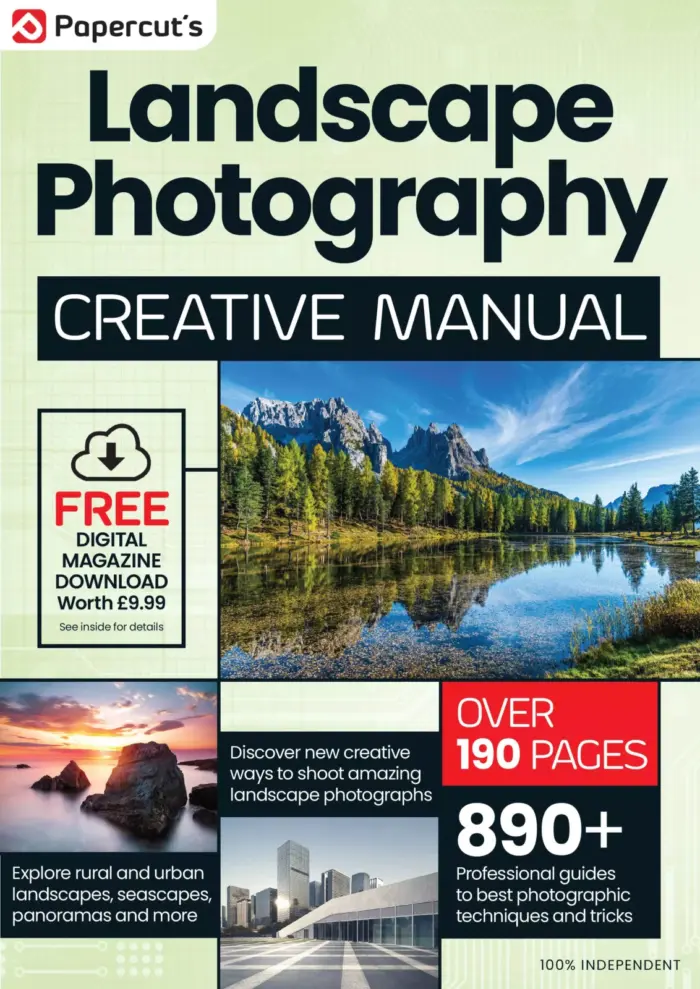
The Complete Landscape Photography Manual
Sold by Papercut Original price was: $13.36.$6.68Current price is: $6.68.




There are no reviews yet.