

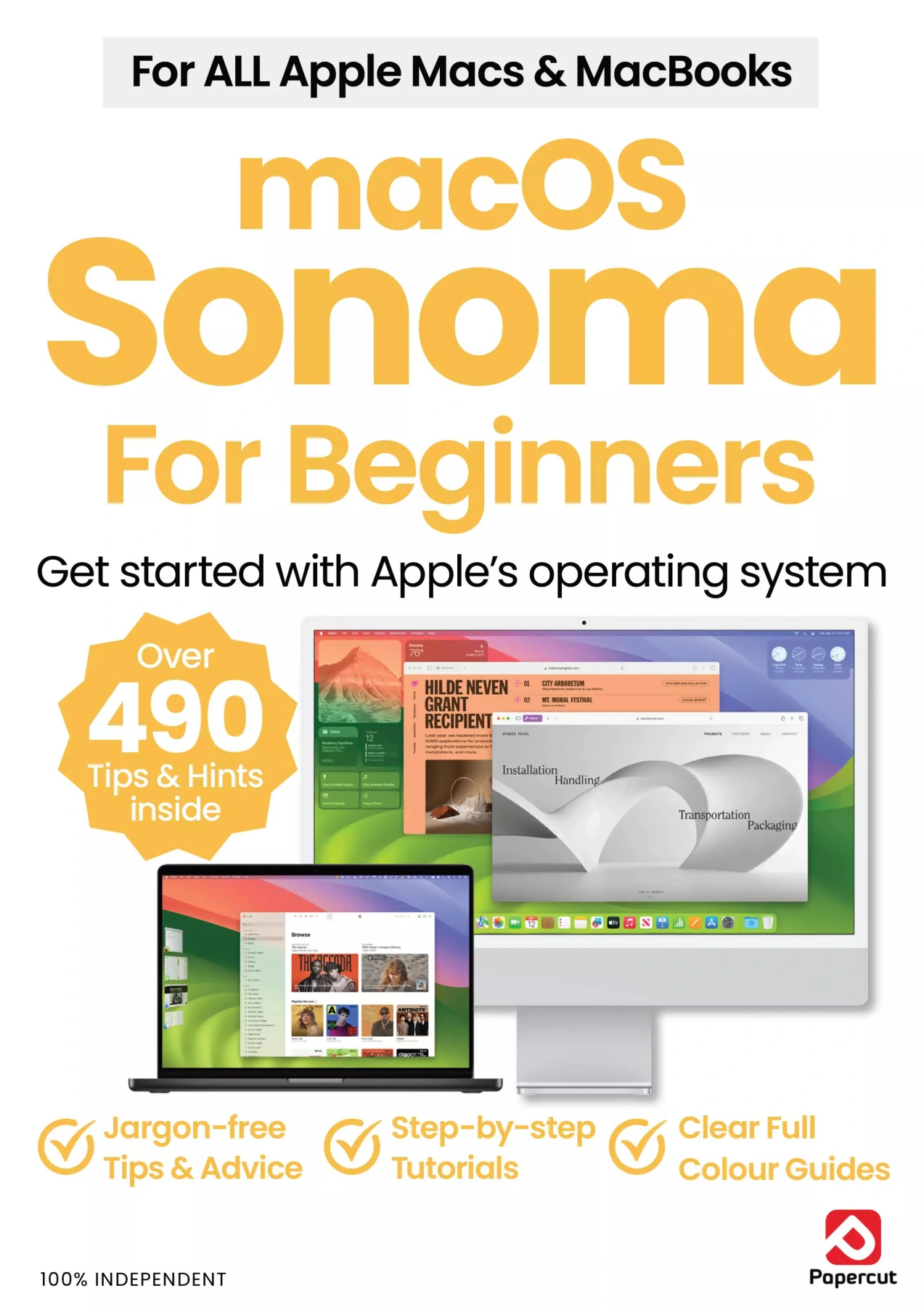
macOS Sonoma For Beginners – 6th Edition
Original price was: $13.36.$6.68Current price is: $6.68.

Papercut
Product Specs:
- File Type: PDF
- File Size: 50.0 MB
- Book Language: English
- Total Page Count: 84
- Instant Download
Get Comfortable with Your First Mac 💻
If you have just unboxed a MacBook Air, iMac, Mac mini, Mac Studio or Mac Pro, macOS Sonoma can feel like a lot at once. This independent beginner’s guide starts where you are: with the first setup screens, the Apple ID prompt, and the small decisions that make a new Mac feel like your own. It is written in plain English and built for people who want clear answers without wading through technical manuals.
From First Boot to Daily Routine
The guide follows a practical path through macOS Sonoma. Early chapters cover language and region settings, accessibility tools, Touch ID, account setup, Siri, Screen Time and Location Services. From there, it moves into the desktop: wallpapers and screen savers, widgets, Dark Mode, Night Shift, Desktop Stacks and trackpad gestures. You also get familiar with the menu bar, Finder, the Dock, notifications, Spotlight and how to install apps from both Apple and third-party developers.
What You’ll Find Inside
- Step-by-step first-time setup for a new Mac
- Touch ID, Apple ID and account basics
- Desktop widgets, wallpapers and screen savers
- Trackpad gestures and desktop organisation
- Wi-Fi, Ethernet and getting online
- Finder, Dock, menus, notifications and Spotlight
- Safari browsing and built-in translation tools
- Mail, Home, Music, News, Photos, Contacts and Calendar
Written for Beginners, Not Power Users ✨
The 6th edition keeps its focus on the questions new Mac owners actually ask. Instructions are broken into short, illustrated steps, and the tone stays friendly rather than technical. If you are moving from a Windows PC, the guide also covers Migration Assistant, which can help transfer files, accounts and settings from an older computer.
Learn the Apps You’ll Actually Use
Beyond the desktop, the book introduces the core apps that come with macOS Sonoma. You’ll find guidance on sending and receiving email in Mail, browsing with Safari, managing smart-home devices in Home, building a music library in Music, catching up with News, editing and organising photos, and keeping track of events in Calendar. Each area is approached as part of everyday Mac use, not as an advanced power-user project.
An Independent Guide for New Mac Owners
This is an unofficial, independent publication and is not affiliated with Apple. It is designed for new adopters, home users, students and anyone who wants a patient introduction to macOS Sonoma. With 84 illustrated pages, it gives you a structured way to learn the operating system that powers your Mac—so you can spend less time guessing and more time using your computer with confidence.
User Reviews
Only logged in customers who have purchased this product may leave a review.

Outdoor Photography Tricks and Tips
Sold by Papercut
WhatsApp User Manual – 13th Edition, 2025
Sold by Papercut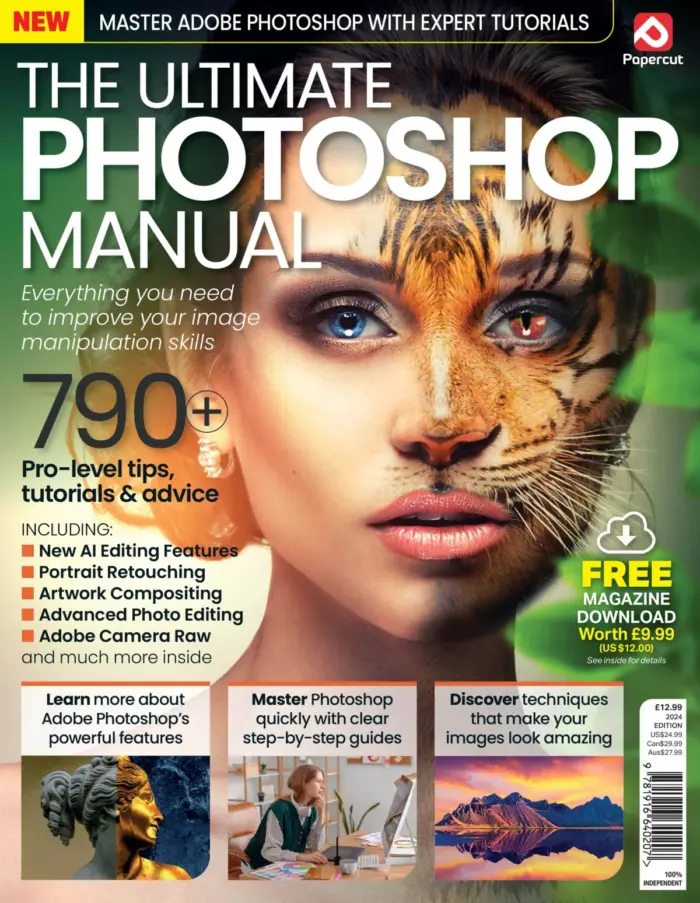
The Ultimate Photoshop Manual 2024
Sold by Papercut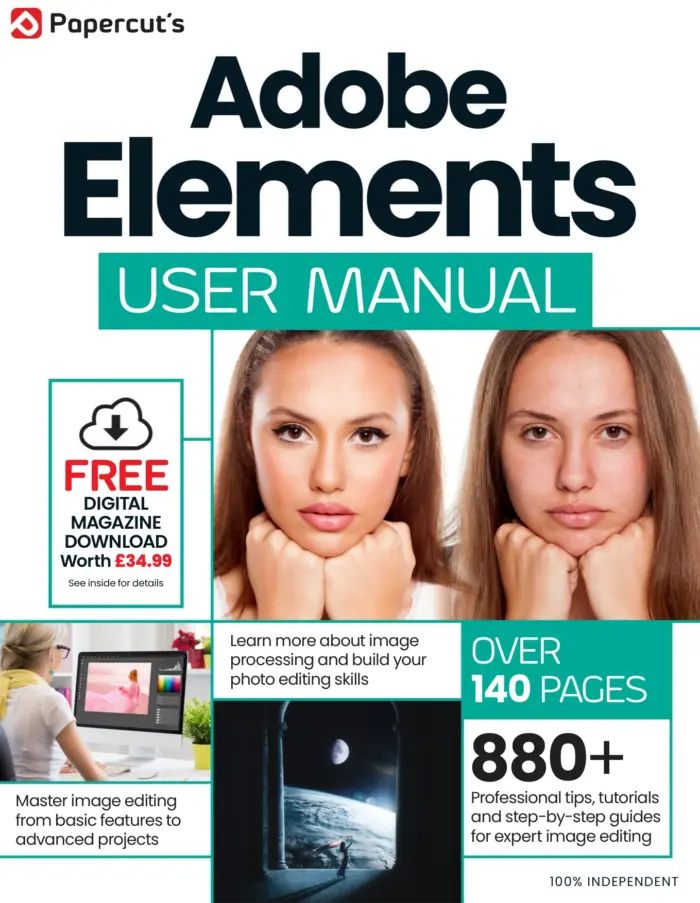
Photoshop Elements The Complete Manual
Sold by Papercut
Building Your Own PC Complete Manual – 15th Edition, 2026
Sold by Papercut
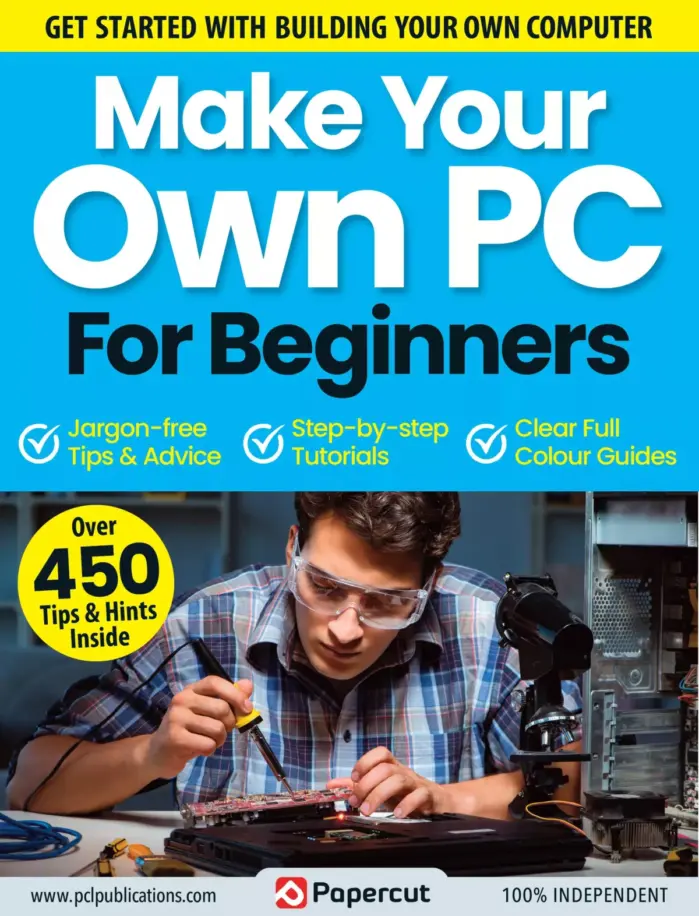
Make Your Own PC Tricks & Tips: 22nd Edition 2025
Sold by Papercut Original price was: $13.36.$6.68Current price is: $6.68.



There are no reviews yet.