

Linux Coding & Programming The Complete Manual — Issue 8
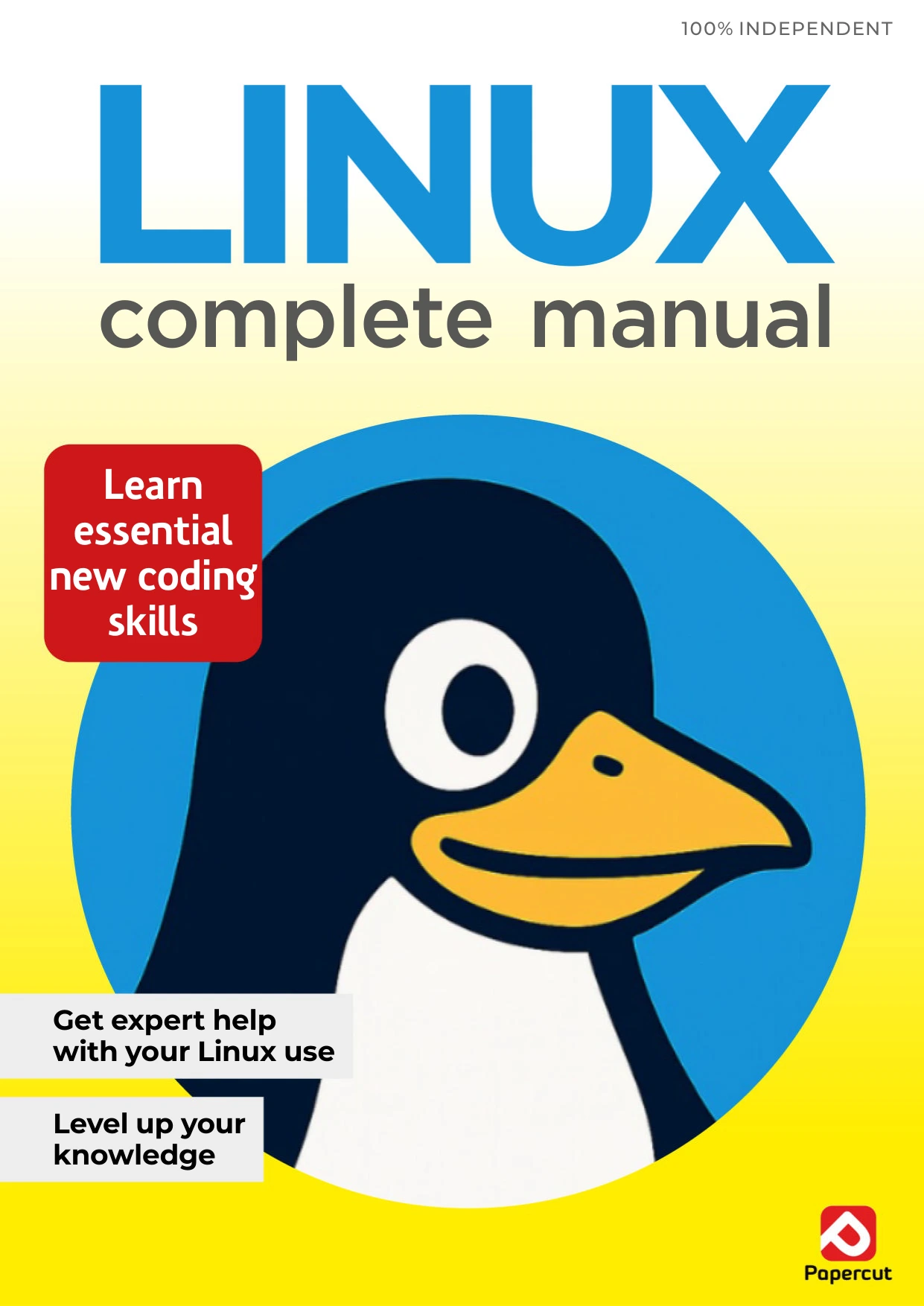
Original price was: $7.00.$3.50Current price is: $3.50.

Papercut
Product Specs:
- File Type: PDF
- File Size: 42.4 MB
- Book Language: English
- Total Page Count: 88
- Instant Download
Linux can feel like a different world when you first encounter distributions, desktop environments and the command line. This issue of Linux Coding & Programming The Complete Manual takes a hands-on route into that world: first explaining the basics, then guiding readers through installation, the Linux Mint desktop and practical terminal work.
The tutorials move from getting a Linux system running to making it your own—and then using commands and Bash scripts to do more with it. For newcomers who want a structured introduction rather than a pile of disconnected tips, that progression gives the subject room to make sense.
Start with the Linux essentials
Opening sections explain what Linux is, why people use it and how distributions differ. Linux Mint receives particular attention, alongside discussion of desktop environments and choosing a distro. This context helps readers understand that Linux is not one fixed desktop experience, but an ecosystem with different options to explore.
Set up a system and get comfortable
The installation tutorials cover creating Linux installation media on Windows, installing Linux on a PC and setting up a virtual environment. From there, the guide turns to the Cinnamon menu and desktop, with further sections on post-installation tips, user accounts and customization. Readers can build familiarity step by step, from first boot to a more personal desktop.
Make the terminal less mysterious 💻
Terminal lessons introduce basic commands and common tasks, including updating Linux Mint, installing applications, creating files and managing directories. Quick-reference material and an A–Z command list provide useful companions to the tutorials, while the Bash scripting sequence introduces a way to automate work from the command line.
A practical starting point for Linux learners
With its emphasis on explanations and guided tasks, this issue is suited to readers beginning with Linux or looking for a clear refresher on Mint, terminal use and basic scripting. Explore it in order for a guided introduction, or turn to the command references when you need a quick reminder.
User Reviews
Only logged in customers who have purchased this product may leave a review.
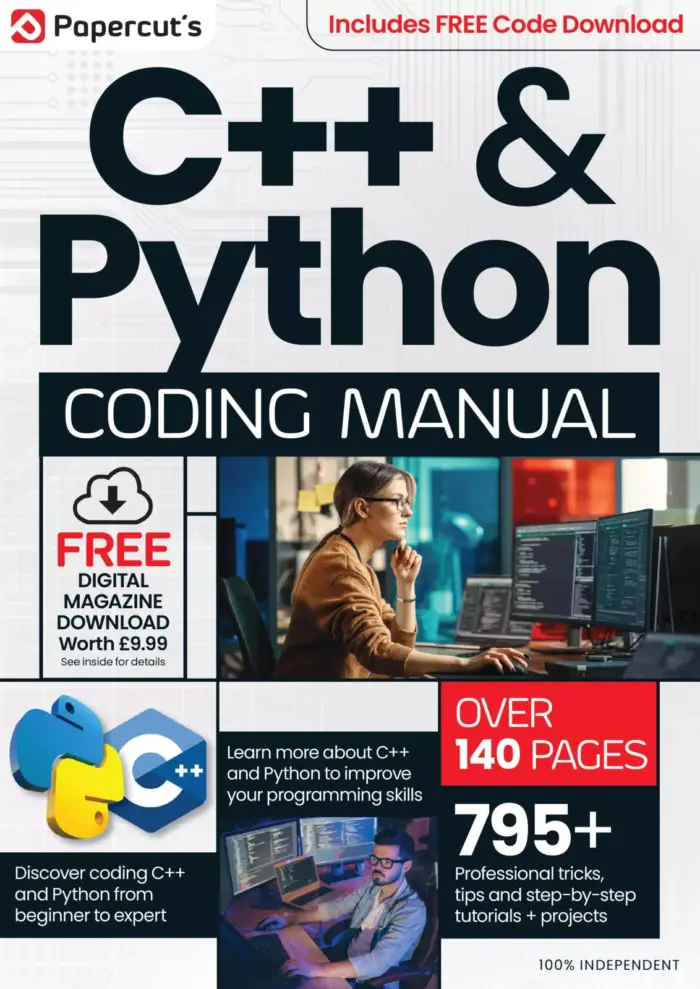
The Complete C++ & Python Manual – 19th Edition 2024
Sold by Papercut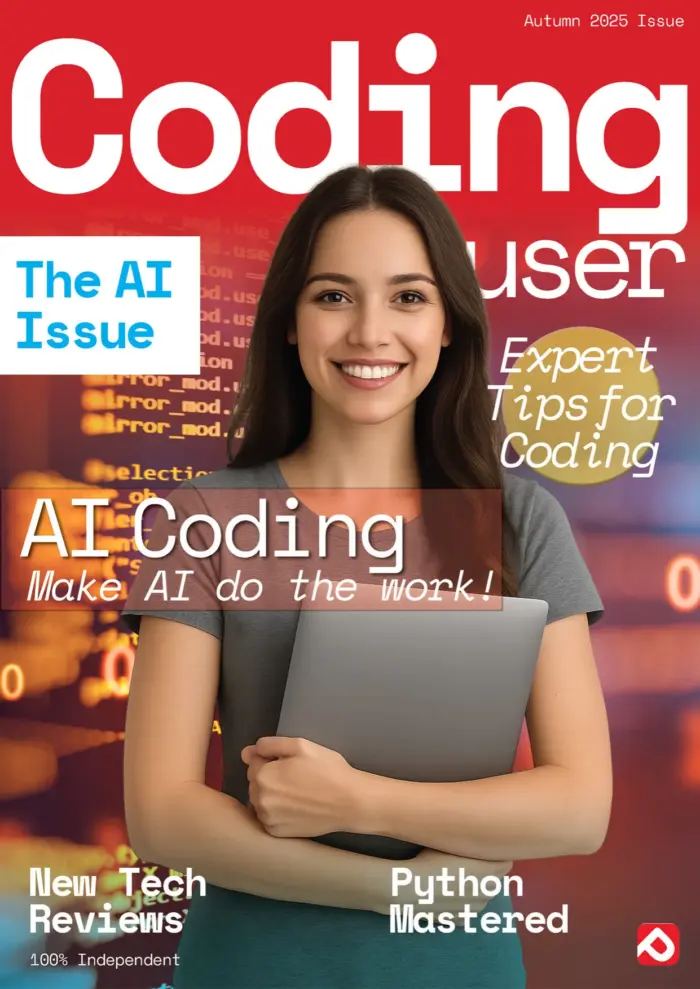
Coding User – The AI Issue, Autumn 2025
Sold by Papercut
Adobe Elements User Manual – 21st Edition 2025
Sold by Papercut
Adobe Photoshop User – Autumn 2025
Sold by Papercut
Adobe Elements Tricks and Tips – 19th Edition 2024
Sold by Papercut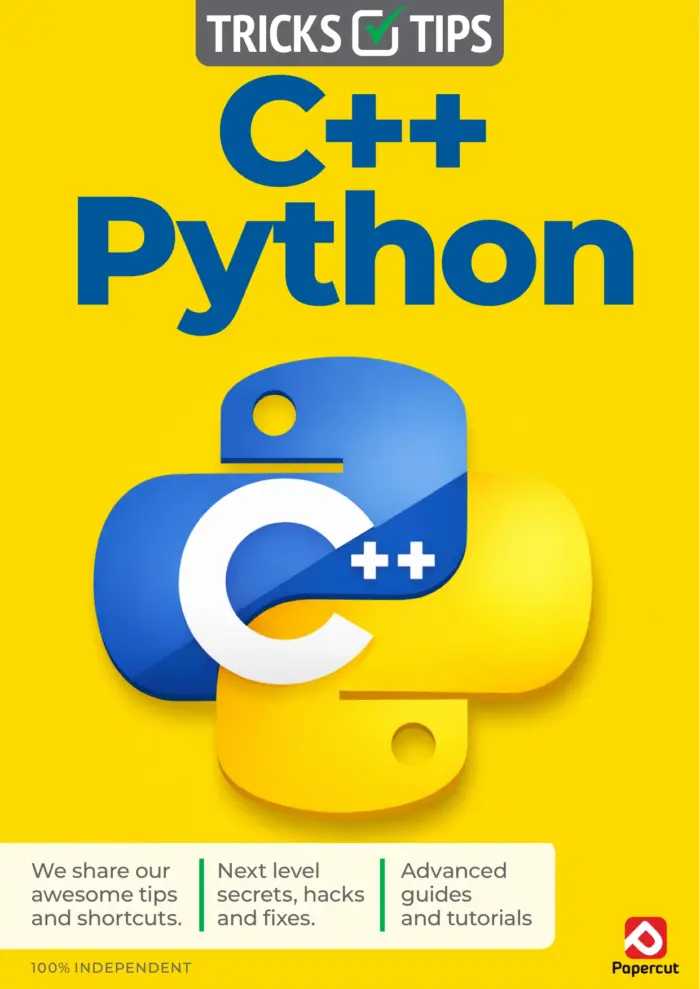
C++ & Python Tricks & Tips – 21st Edition 2026
Sold by Papercut Original price was: $7.00.$3.50Current price is: $3.50.
There are no reviews yet.