

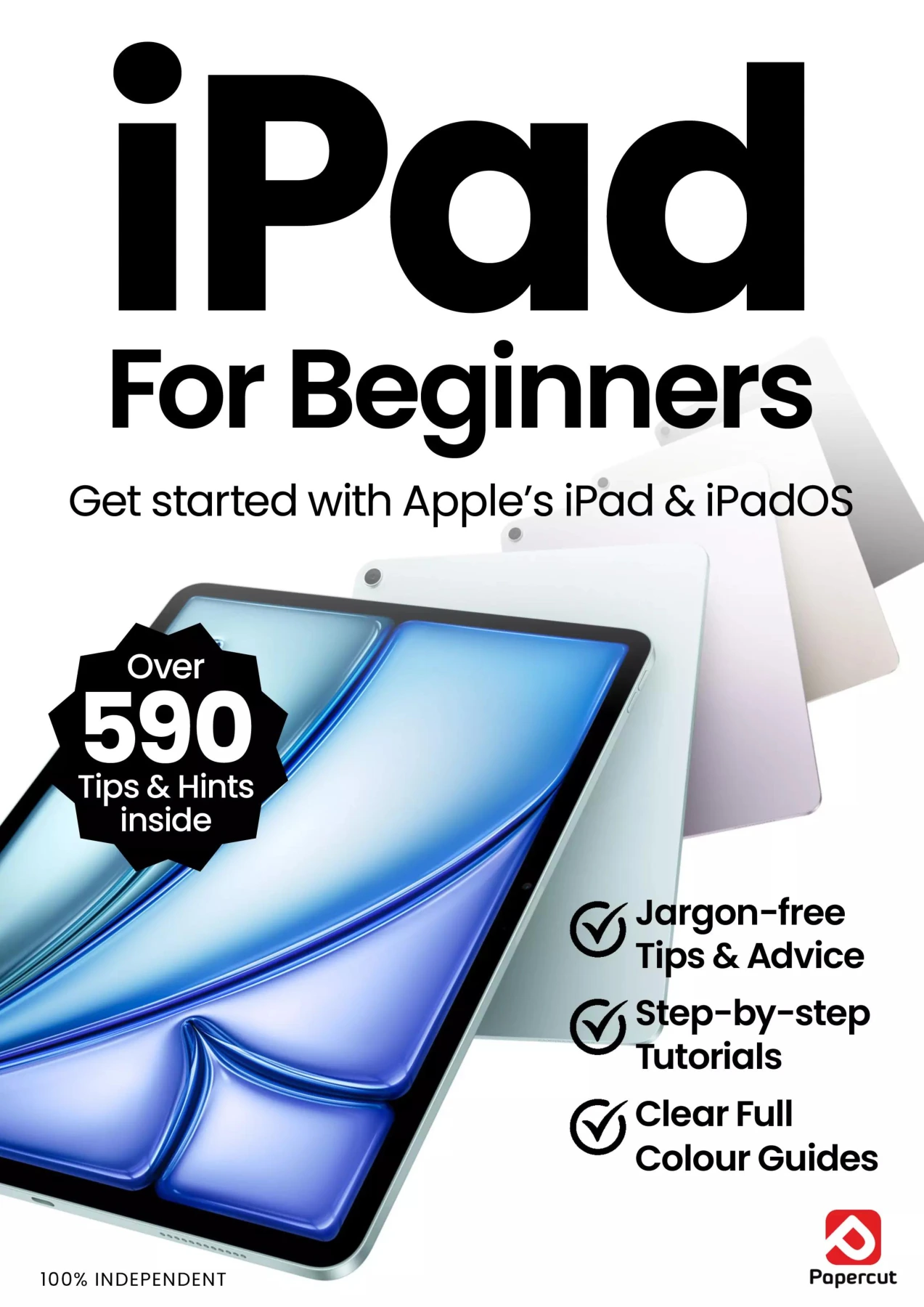
iPad For Beginners
Original price was: $5.00.$2.50Current price is: $2.50.

Papercut
Product Specs:
- File Type: PDF
- File Size: 53.5 MB
- Book Language: English
- Total Page Count: 88
- Instant Download
A new iPad can feel intuitive—right up until you need to set it up, find a setting, or work out what a new feature actually does. iPad For Beginners offers a plain-English starting point, with illustrated, step-by-step guidance for getting comfortable with Apple’s tablet and its software.
Start with the essentials
The guide begins with the parts of the iPad and the first steps of using it: initial setup, Apple ID, Face ID or Touch ID, the Home and Lock screens, internet access, and email. It also introduces everyday controls such as touchscreen gestures, the onscreen keyboard, and Control Centre—useful groundwork for readers who would rather understand how things work than tap around at random.
Explore Apple Intelligence on iPad
A dedicated section turns to Apple Intelligence and its connections with familiar apps and tools. The contents include AI features in Photos, Translate, Image Playground, Siri, Writing Tools, ChatGPT integration, and Apple Intelligence features in Mail and Notes. Grouping these subjects in an iPad guide gives readers a route into newer capabilities alongside the device basics.
Learn at a comfortable pace
Papercut Ltd describes its For Beginners manuals as independent guides with fully illustrated tutorials and accessible language. That makes this edition a natural fit for new iPad owners seeking a friendly introduction, as well as readers who want a reference for particular setup steps or features.
From first power-up to a closer look at Apple Intelligence, this guide is organized around the practical questions that arise while getting to know an iPad.

Internet Security Complete Manual — 27th Edition (2026)
Sold by Papercut
Coding User – The AI Issue, Autumn 2025
Sold by Papercut

Black & White Photography For Beginners
Sold by Papercut

ChatGPT For Beginners
Sold by Papercut Original price was: $5.00.$2.50Current price is: $2.50.






There are no reviews yet.