

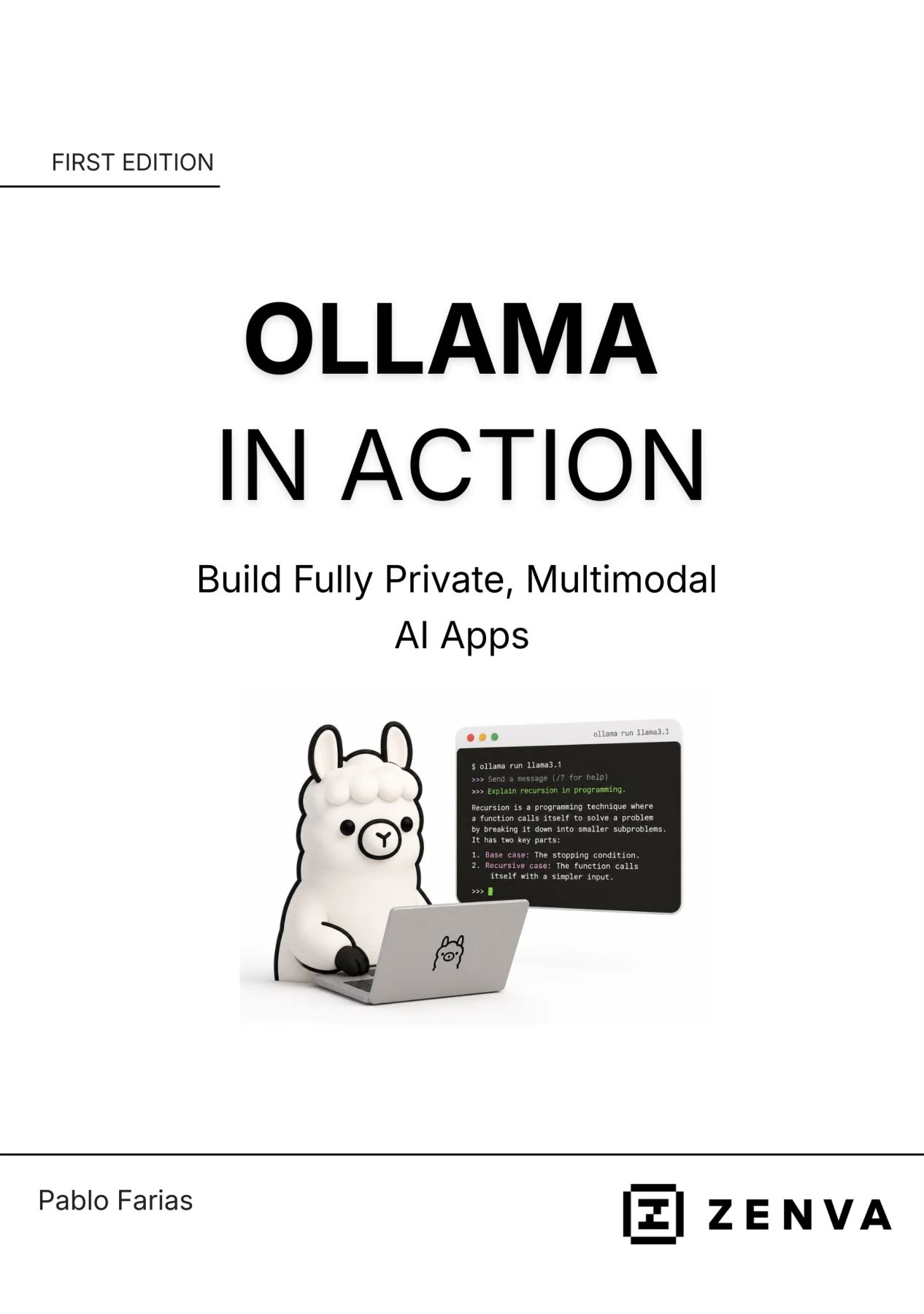
Ollama in Action: Build Fully Private, Multimodal AI Apps
Original price was: $5.00.$2.50Current price is: $2.50.

Pablo Farias
Product Specs:
- File Type: PDF
- File Size: 2.6 MB
- Book Language: English
- Total Page Count: 81
- Instant Download
Run Powerful AI Models on Your Own Machine 💻
Ollama in Action: Build Fully Private, Multimodal AI Apps is a hands-on guide to running large language models locally with Ollama. Instead of sending prompts and images to cloud services, you can experiment, build, and iterate on your own hardware. The book treats local AI as a practical workflow: install the tools, learn the commands, connect Ollama to Python, and assemble working applications that keep your data private.
From Setup to Working Local LLM Projects ⚙️
The early chapters establish the foundation. You’ll look at why local LLMs became viable, what Ollama does, and how privacy, cost, offline availability, and community transparency shape the local-AI landscape. Hardware considerations and trade-offs are discussed honestly, so you can judge what your machine can realistically run before diving into model downloads.
Installation guidance covers macOS, Windows, and legacy WSL setups. Once Ollama is installed, the book walks through core commands: listing models, installing new ones, running a model, checking sizes and GPU memory, deleting models, and comparing small and large options. These are the daily moves of local LLM work.
Python Integration and Multimodal Inputs 🐍
The middle of the book moves from command line to Python. You’ll create scripts that call Ollama through its API, prepare request data, send prompts, and read responses. From there, the focus expands to multimodal models: loading an image from disk, reading binary data, encoding it as Base64, and adding it to a request. This opens the door to applications that can analyze visual input without relying on a third-party service.
Build a Stateful Chatbot 🧠
Ollama’s chat API is introduced alongside the generate API, with clear explanations of the messages array and the role of system prompts. You’ll build a basic chatbot, then extend it into a stateful conversation that remembers context. The progression is deliberate: first understand the request structure, then capture input, update history, send the conversation to Ollama, and handle the response.
Project: Catalog Bird Images with a Local LLM 📷
The final project ties the skills together. You’ll set up a script that processes images from a folder, tightens the prompt, refactors the image loader and API call into reusable functions, and saves results to a CSV file. It is a compact example of how local multimodal AI can support real cataloging and data-entry tasks while keeping the workflow private.
Who This Book Is For
The material assumes comfort with Python fundamentals—variables, functions, conditionals, loops, dictionaries, lists, file reading and writing, and running scripts from the command line. You should also be familiar with AI tools as a user, though you do not need prior experience building AI applications. If you want to move from using cloud AI to owning your local stack, this first-edition guide offers a focused path.
What You’ll Take Away
- A working Ollama installation and a command-line workflow for managing local models.
- Python scripts that connect to Ollama and send text and image requests.
- An understanding of the difference between generate and chat APIs.
- A stateful chatbot pattern you can extend.
- A complete multimodal project that reads images and writes structured CSV output.
Digital Delights delivers this ebook for readers who want practical, private AI development without losing sight of the trade-offs.
User Reviews
Be the first to review “Ollama in Action: Build Fully Private, Multimodal AI Apps”
You must be logged in to post a review.
Original price was: $5.00.$2.50Current price is: $2.50.

There are no reviews yet.