

CapCut for Creators: The Ultimate Guide to Stunning Video Editing
Original price was: $5.00.$2.50Current price is: $2.50.

O. Owais
Product Specs:
- File Type: PDF
- File Size: 75.9 MB
- Book Language: English
- Total Page Count: 265
- Instant Download
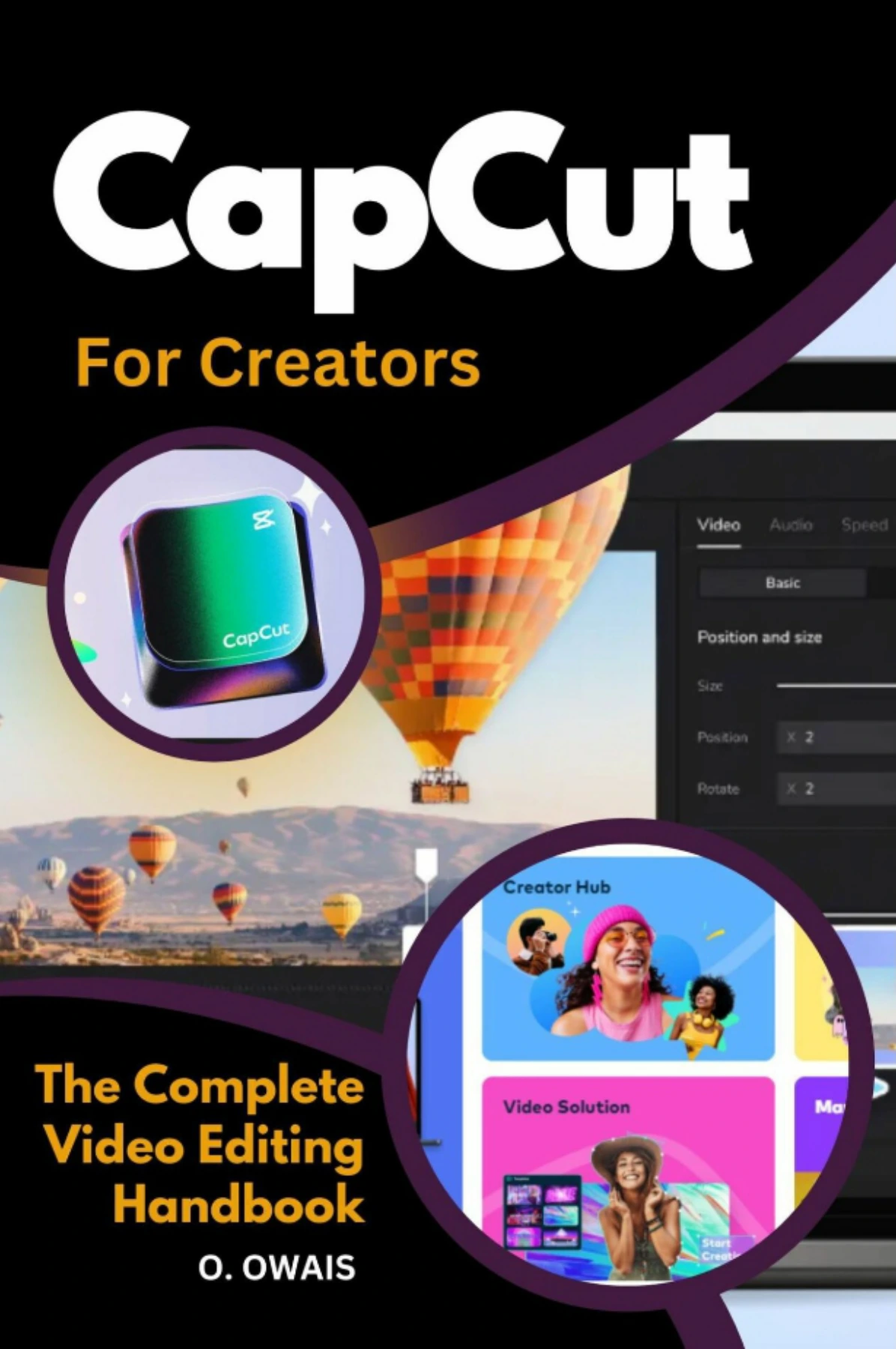
CapCut puts a full set of editing tools within reach, but a polished video takes more than a few quick cuts. In CapCut for Creators, O. Owais walks through the editing process from the first look at the interface to arranging clips, shaping sound, adding visual effects, and exporting a finished project.
The guide moves between desktop and mobile workflows, making it relevant to creators who edit on a computer as well as those building videos on a phone. Its step-by-step focus helps connect individual tools to the larger rhythm of a project.
Start with the Workspace, Then Build the Edit
Early chapters introduce CapCut’s interface, installation, workspace options, aspect ratios, and the basic sequence of an edit. Readers follow the path from importing and organizing media to placing clips on the timeline, refining a project, and sharing the result.
Shape the Picture 🎬
Once the fundamentals are in place, the book covers trimming and splitting, speed changes, transitions, filters, stickers, and visual effects. It also explores overlays, green-screen techniques, motion tracking, and keyframes—tools that give editors more ways to control how a video looks and moves.
Give Sound and Text Their Place
Audio receives its own attention, including extracting and modifying sound, adding background music, and using CapCut’s voice changer. Sections on text, titles, and automatic captions round out the guidance for making video content clearer and more expressive.
A Practical Reference for CapCut Creators
With coverage spanning desktop and mobile editing, this book may suit newcomers learning the workflow as well as creators looking to explore techniques beyond basic cuts. It offers a structured starting point for making vlogs, social content, lessons, and other video projects in CapCut.
User Reviews
Be the first to review “CapCut for Creators: The Ultimate Guide to Stunning Video Editing”
You must be logged in to post a review.
Original price was: $5.00.$2.50Current price is: $2.50.






There are no reviews yet.