

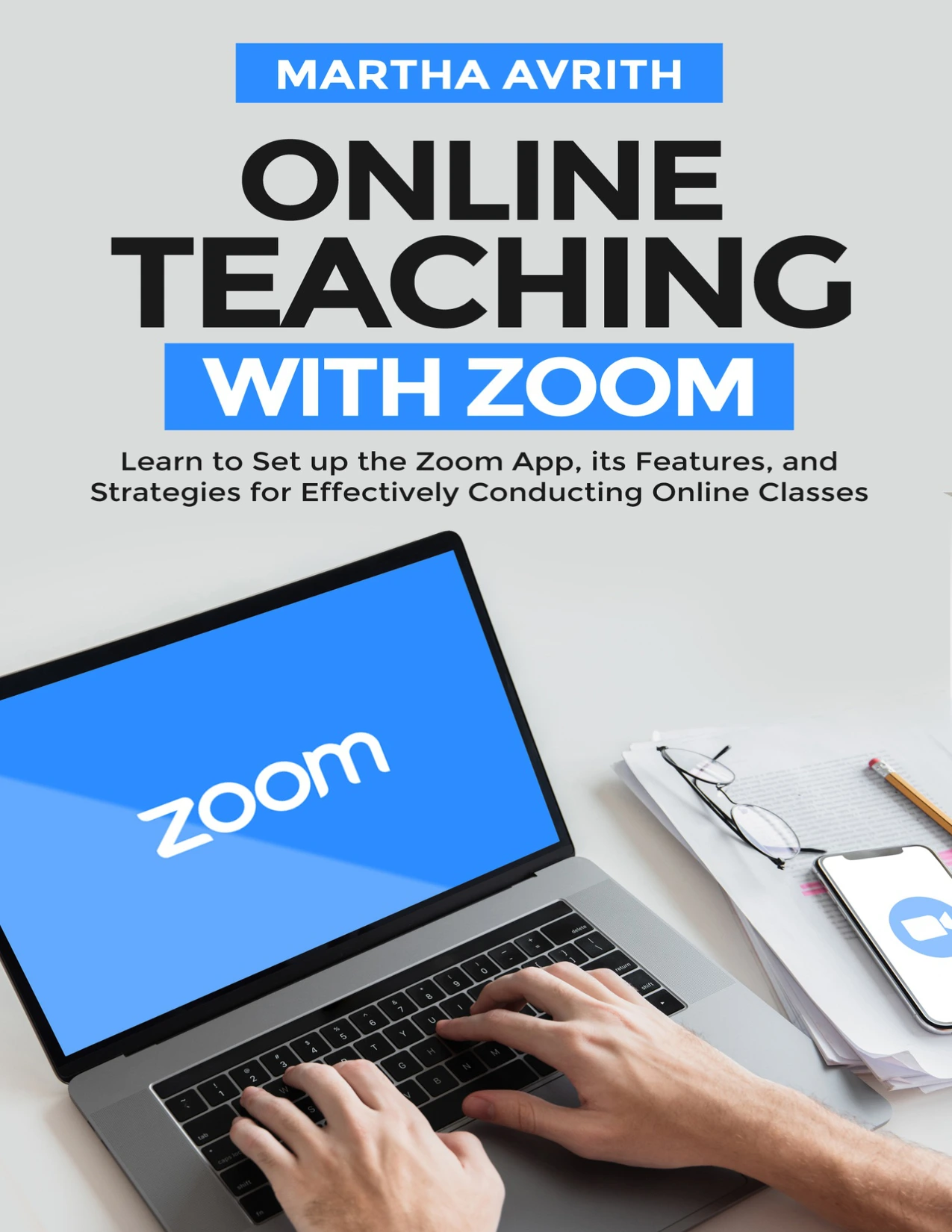
Online Teaching with Zoom: Learn to Set Up the Zoom App, Its Features, and Strategies for Effectively Conducting Online Classes
Original price was: $5.00.$2.50Current price is: $2.50.

Martha Avrith
Product Specs:
- File Type: PDF
- File Size: 1.8 MB
- Book Language: English
- Total Page Count: 95
- Instant Download
Teach Live with Confidence 💻
When classrooms moved online, Zoom became one of the most familiar ways to keep lessons, discussions, and office hours going. Martha Avrith’s Online Teaching with Zoom is a straightforward 2020 handbook for educators who need to move from installing the app to actually running a class. It doesn’t assume you are a technology expert. Instead, it begins with the basics and builds toward practical teaching scenarios.
From Setup to First Class
The early chapters explain what Zoom is and how it works: video meetings, webinars, live chat, screen sharing, and the difference between a Zoom Meeting and a Zoom Room. You’ll find guidance on choosing a plan, understanding the education option, and installing Zoom on Windows, Mac, and mobile devices. Signing up, scheduling a meeting, sending invitations, and starting or joining a session are all covered step by step.
Inside the Virtual Classroom 🎓
Once the technical groundwork is in place, the book turns to teaching. It looks at scheduling classes, keeping students engaged, setting up assignments, and managing individual and group presentations. Several teaching scenarios are discussed, so you can see how the same tool might be adapted for different lesson formats.
Zoom Compared with Other Tools
Not every school or trainer settles on Zoom by default. A dedicated chapter compares it with Skype Meet, Google Meet, and Microsoft Teams, outlining benefits and differences. For readers weighing their options, this section provides context rather than a hard sell.
Tips for Smoother Sessions
A generous tips chapter rounds out the guide. Suggestions include:
- Pre-scheduling classes and setting a teaching agenda
- Sharing your screen and muting student microphones to reduce interruptions
- Creating recurring meetings and automating reminders
- Collecting information from attendees and using waiting rooms
- Recording calls and improving audio quality
- Using virtual backgrounds, filters, emoji reactions, and co-hosts
These are small operational details, but together they can make a live lesson feel more organised and less frantic.
Who Will Find It Useful 📚
The book is written for teachers, tutors, trainers, and facilitators who are new to Zoom or who want a structured introduction to online delivery. It may also suit administrators and education staff who need to understand the platform’s core features before supporting others. The language is plain and the chapters follow a logical progression, making it easy to read from start to finish or dip into when a specific question comes up.
A Practical Starting Point
If you are preparing to teach online and want a clear, non-technical walkthrough of Zoom, this guide offers a focused place to begin. It covers the essentials without assuming prior experience, and it keeps the focus on the teaching task rather than on software for its own sake.
User Reviews
Be the first to review “Online Teaching with Zoom: Learn to Set Up the Zoom App, Its Features, and Strategies for Effectively Conducting Online Classes”
You must be logged in to post a review.
Original price was: $5.00.$2.50Current price is: $2.50.




There are no reviews yet.