
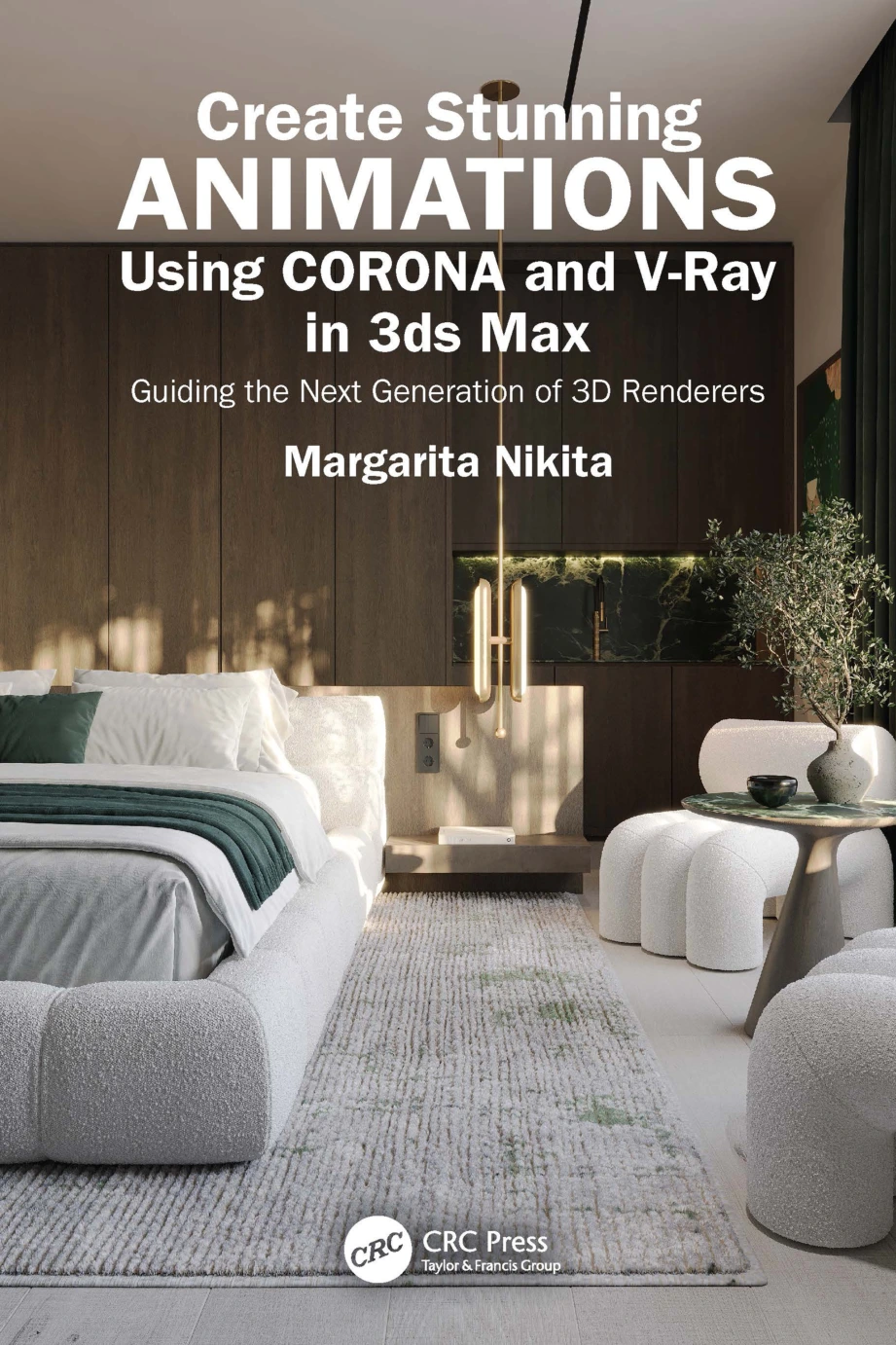
Create Stunning Animations Using Corona and V-Ray in 3ds Max: Guiding the Next Generation of 3D Renderers
Original price was: $61.96.$30.98Current price is: $30.98.
Product Specs:
- File Type: PDF
- File Size: 102.2 MB
- Book Language: English
- Total Page Count: 172
- Instant Download
Description
Turning a polished still render into a moving scene takes more than pressing Render. In Create Stunning Animations Using Corona and V-Ray in 3ds Max, Margarita Nikita builds a practical route from core animation controls to finished sequences, with examples that connect camera movement, lighting, rendering, and simulation.
The six-chapter guide is designed for beginners and intermediate users of 3ds Max. Its step-by-step approach makes the work easier to follow: learn a technique, see it applied, then consider how it fits into a complete animated scene.
Start with the keyframes, then shape the motion
The opening chapters introduce the 3ds Max interface and animation basics, including keyframes, timing, parameters, modifiers, and the Curve Editor. These foundations help readers understand how to control movement and refine its pacing before moving on to more involved scenes.
Make the camera and lighting part of the story
Dedicated chapters explore camera animation and animated lighting. Examples include camera movement and walkthroughs, alongside changes to light intensity, color, and color temperature. Together, these topics show how movement and illumination can guide attention through a rendered scene.
Plan the render from sequence to movie
Rendering guidance covers workflows and settings for both Corona and V-Ray, combining rendered images into a movie, and rendering with Chaos Cloud. The book also includes examples using Topaz Video AI for video upscaling, frame interpolation, and assembling images into video.
Explore water and fire simulations
The final chapter turns to simulations, with examples focused on water from a faucet and fireplace fire. These projects extend the book’s scope beyond camera and object animation into effects that bring additional motion to a scene.
A practical reference for 3ds Max animators
With its progression from interface basics to camera work, lighting, rendering, and simulations, this guide suits readers who want a structured introduction to animation workflows in 3ds Max, as well as practitioners looking for focused examples with Corona and V-Ray.
Only logged in customers who have purchased this product may leave a review.
Related products
-
Sale!
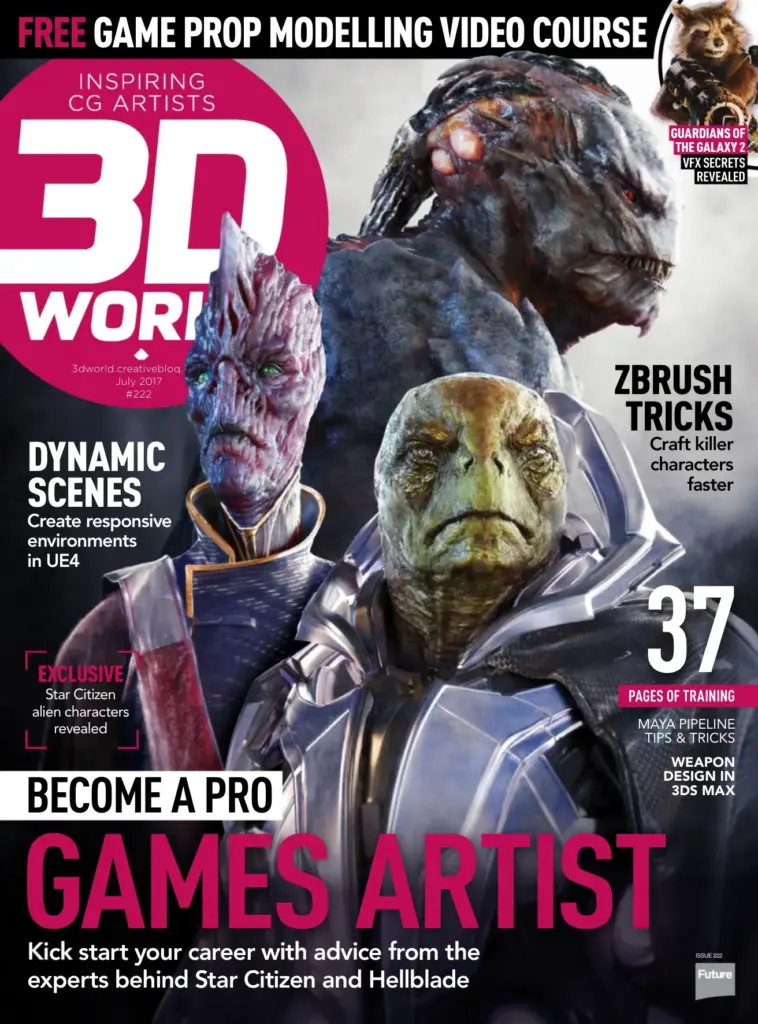
3D World Issue 222 July 2017
Original price was: $21.33.$10.66Current price is: $10.66. Add to cart -
Sale!
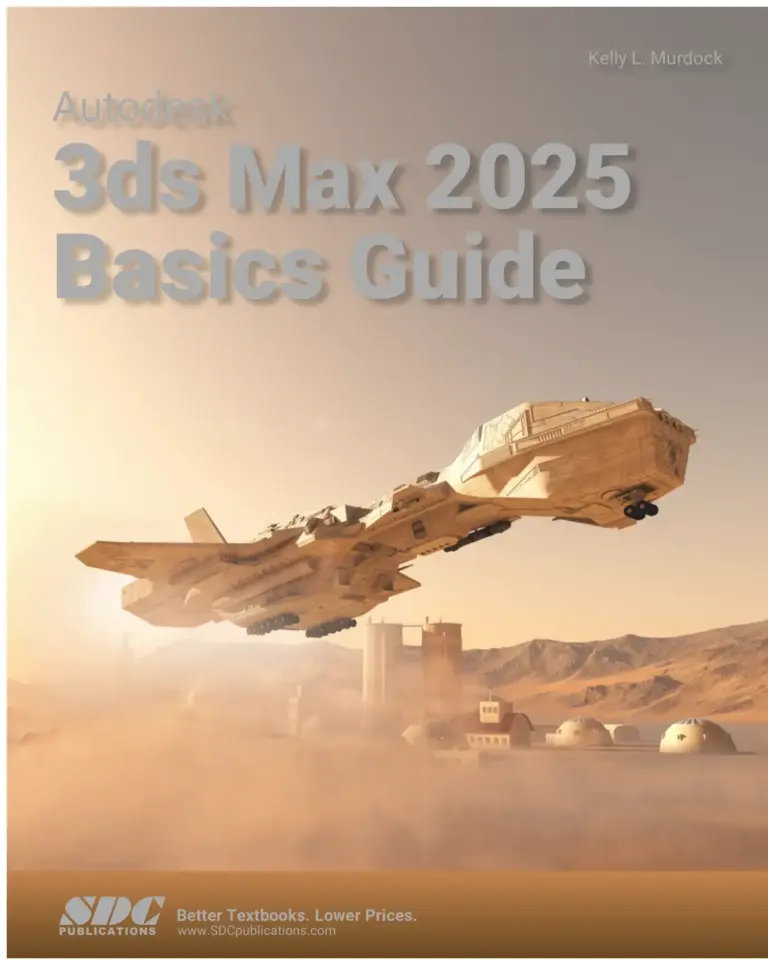
Autodesk 3ds Max 2025 Basics Guide
Original price was: $94.07.$47.03Current price is: $47.03. Add to cart -
Sale!
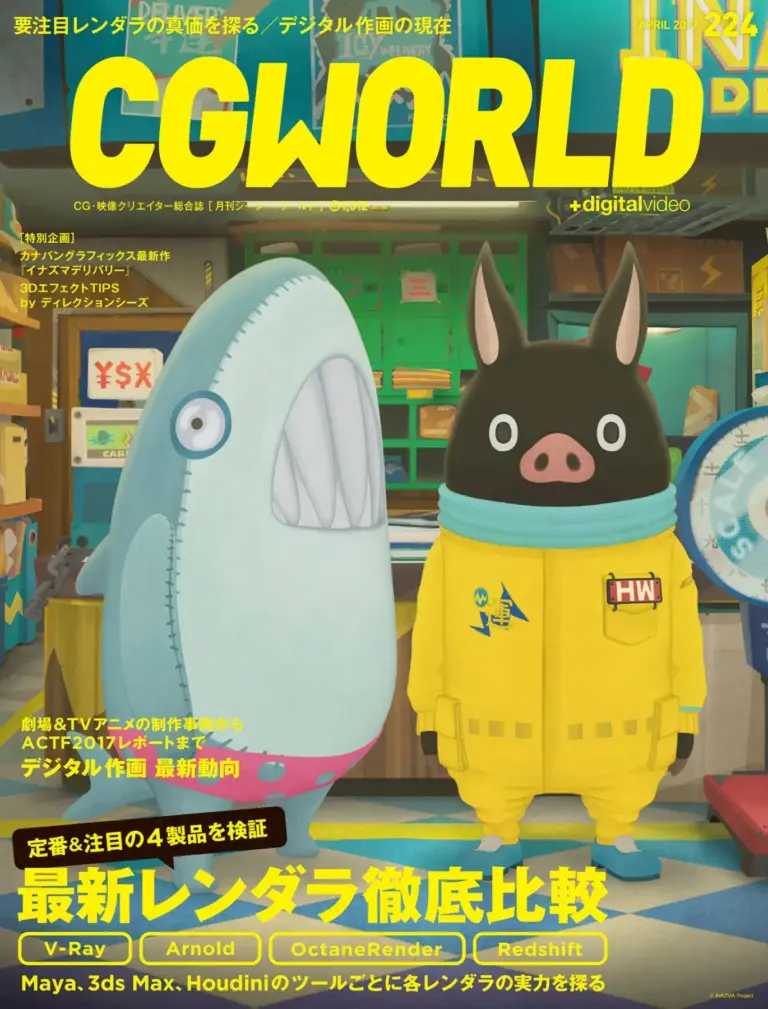
CGWORLD(シージーワールド)2017年4月号
Original price was: $157.00.$78.50Current price is: $78.50. Add to cart -
Sale!
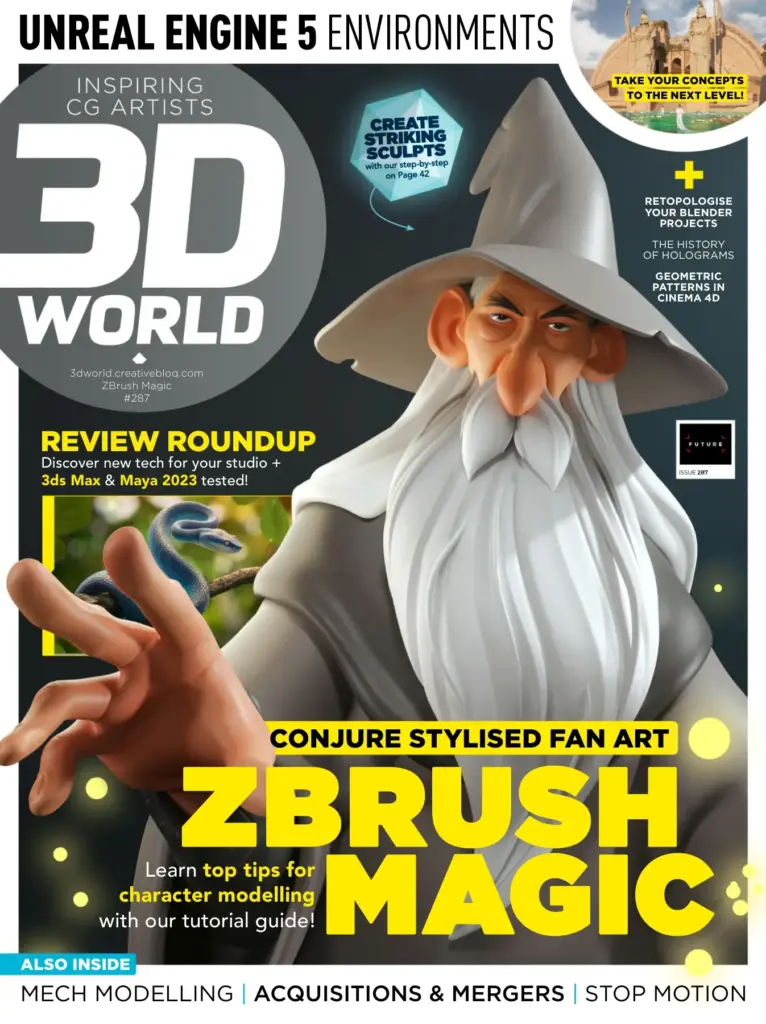
3D World Issue 287 – June 2022
Original price was: $37.39.$18.70Current price is: $18.70. Add to cart
Reviews
There are no reviews yet.