

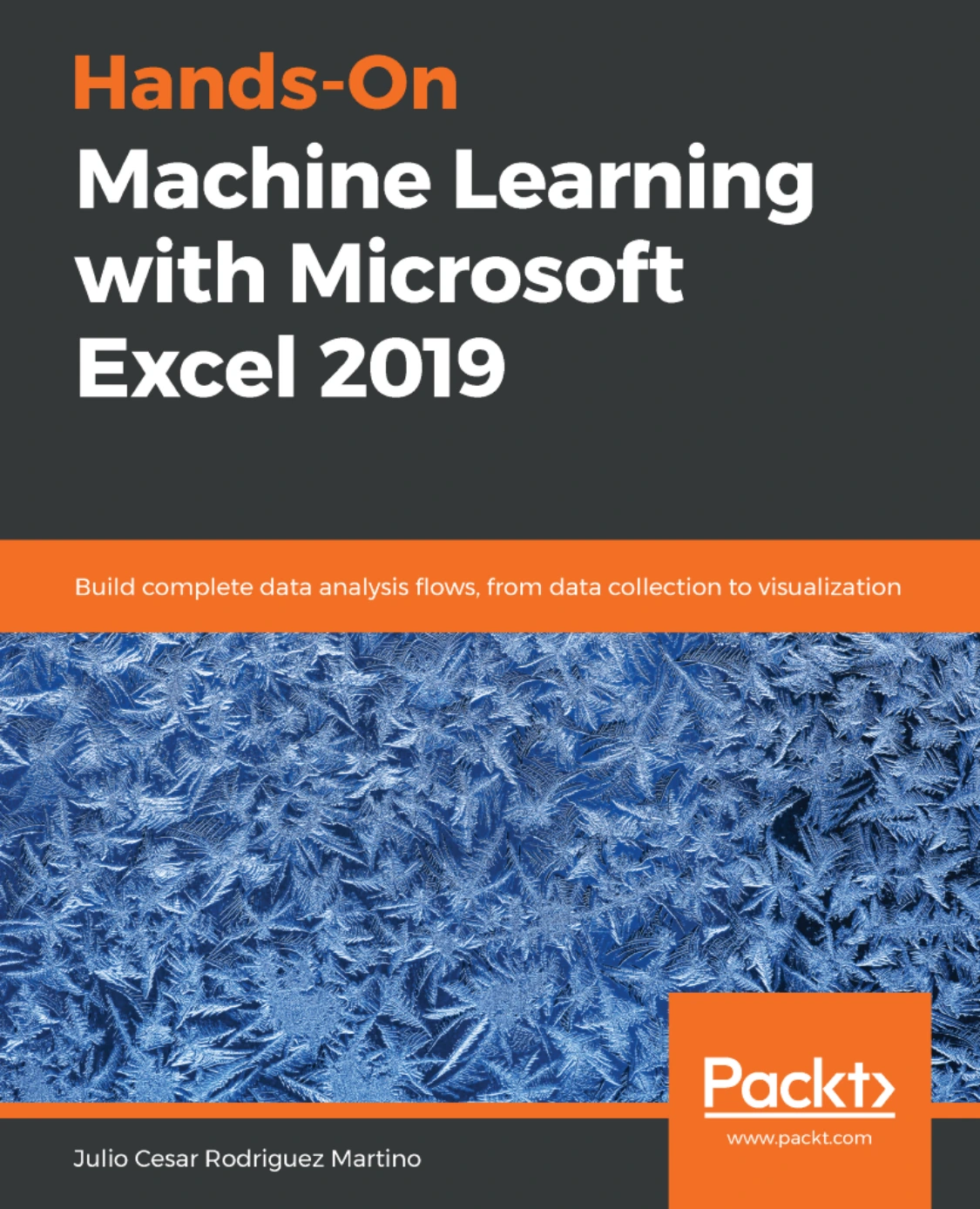
Hands-On Machine Learning with Microsoft Excel 2019
Original price was: $27.89.$13.95Current price is: $13.95.

Product Specs:
- File Type: PDF
- File Size: 22.3 MB
- Book Language: English
- Total Page Count: 243
- Instant Download
Machine learning need not begin in a programming notebook. This hands-on guide uses Microsoft Excel as a working environment for exploring data, building models, and presenting results—connecting the core ideas of machine learning with the everyday tools many analysts already know.
Julio Cesar Rodriguez Martino takes the reader from introductory models and evaluation through the practical stages of an analytics project: bringing data into Excel, preparing it, selecting useful variables, and turning analysis into visual explanations. Later chapters extend the work to neural networks and cloud-based experiments with Azure.
Start with the models, then put them to work
The opening chapters introduce supervised and unsupervised learning through examples involving linear regression, decision trees, and clustering. Along the way, the book addresses underfitting and overfitting and explains ways to evaluate results, including classification accuracy, confusion matrices, AUC, and common error measures. These foundations give readers a framework for judging a model, not just producing one.
Follow the data from source to analysis
Excel’s role begins before modeling. The book covers importing information from text files, other workbooks, web pages, JSON files, and databases, followed by data cleansing and preliminary analysis. Chapters on covariance, Pearson and Spearman correlation, least squares, and feature selection help show how relationships among variables can inform the next analytical step.
Explore business questions in Excel
Practical examples include market basket analysis, customer cohort analysis, and time-series modeling and forecasting. The visualization material spans comparisons, distributions, and geographic data, with charts, histograms, and maps among the techniques covered. Together, these subjects show how a spreadsheet workflow can carry an analysis from data preparation through interpretation.
Meet neural networks—and the cloud
Later chapters introduce the perceptron, neural-network training and testing, deep networks, and backpropagation. The book also explores connecting Excel with Microsoft Azure Machine Learning Studio to load data, create experiments, train a decision-tree model, and make predictions from Excel.
Who may find this useful?
This book is particularly relevant to data analysts and experienced Excel users who want to investigate machine learning without making conventional programming the starting point. Project managers interested in testing models may also appreciate its example-led approach. A working knowledge of Excel is required.
For readers curious about what their spreadsheets can do beyond familiar formulas and charts, this book offers a structured route into data analysis and machine learning—one practical example at a time.
User Reviews
Be the first to review “Hands-On Machine Learning with Microsoft Excel 2019”
You must be logged in to post a review.
Original price was: $27.89.$13.95Current price is: $13.95.

There are no reviews yet.