

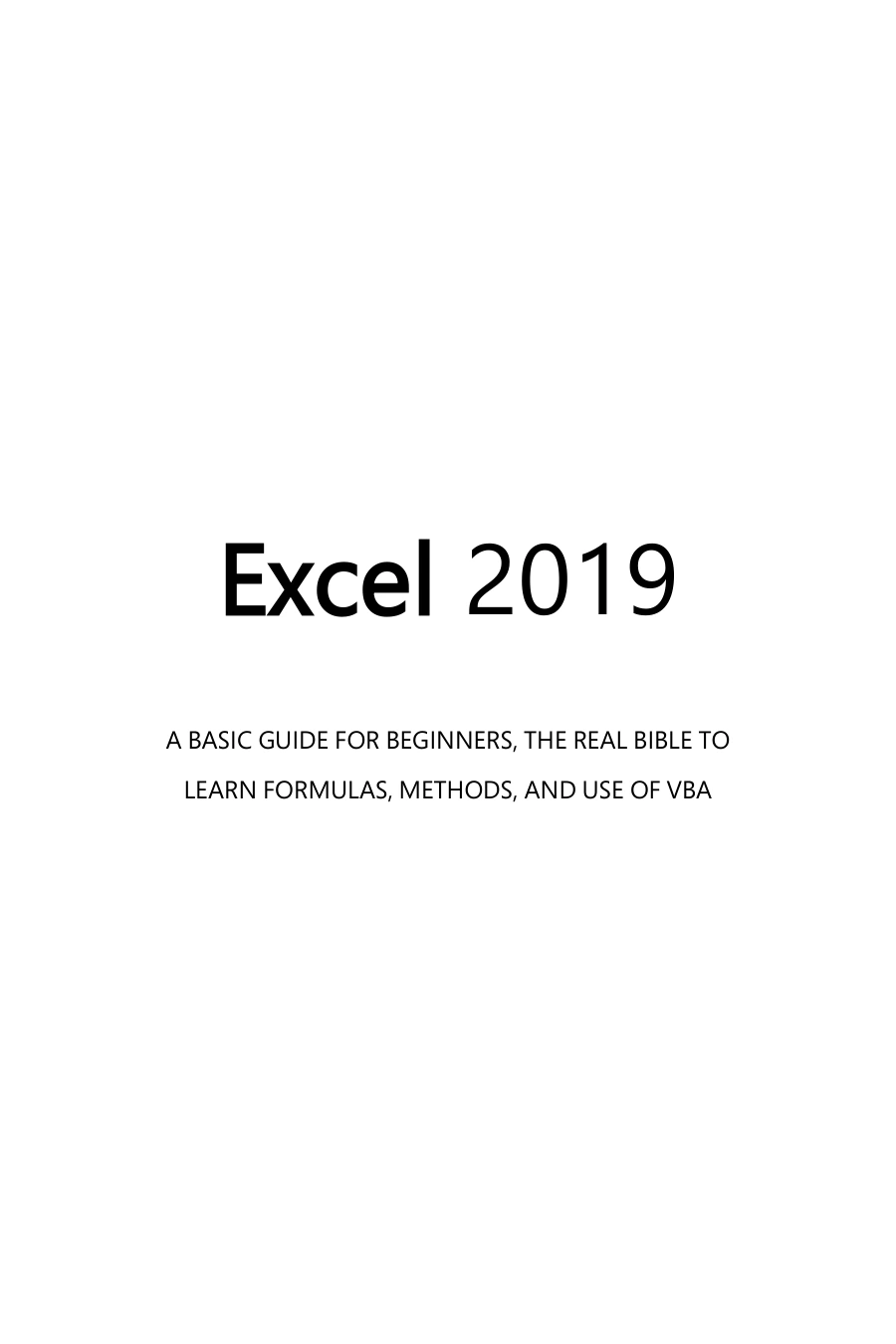
Excel 2019: 2 Books in One, A Basic Guide for Beginners + How to Use Formulas and Functions in Your Business, to Boosting Your Productivity and Master Spreadsheets
Original price was: $5.00.$2.50Current price is: $2.50.

Josh McKenzie
Product Specs:
- File Type: PDF
- File Size: 3.1 MB
- Book Language: English
- Total Page Count: 456
- Instant Download
Excel can turn rows of figures into working budgets, organized records and useful analysis. This two-part guide starts with the essentials of Microsoft Excel 2019, then extends into business and financial modelling, giving beginners a path from everyday spreadsheet tasks toward more involved applications.
Start with the spreadsheet essentials
The opening material introduces worksheets, charts and basic data organization, then covers sorting, filtering and shortcuts for working more efficiently. The contents also include PivotTables and charts, which help readers explore and present information in a spreadsheet.
Formulas, functions and automation
Examples named in the book include IF, DATE, DATEDIF, LEN, MID and VLOOKUP. Later sections introduce VBA and automating tasks. Taken together, these topics show how Excel can do more than hold data: formulas can calculate from it, while automation can support repeatable work.
Apply Excel to budgets and financial models
The second part turns toward budget planning, payment calculations and business modelling. Its contents address the structure and design of financial models, planning a workbook, laying out a model and using functions for financial, statistical and time-based calculations. Further topics include Solver, loan costs and amortization schedules.
A practical starting point for Excel learners
With its combination of introductory spreadsheet skills and business-focused examples, this book may suit beginners who want to build familiarity with Excel while seeing how it is used for budgeting, data analysis and modelling. Readers with some spreadsheet experience may also find the sections on formulas, VBA and model design relevant to their interests.
User Reviews
Only logged in customers who have purchased this product may leave a review.
Original price was: $5.00.$2.50Current price is: $2.50.
There are no reviews yet.