

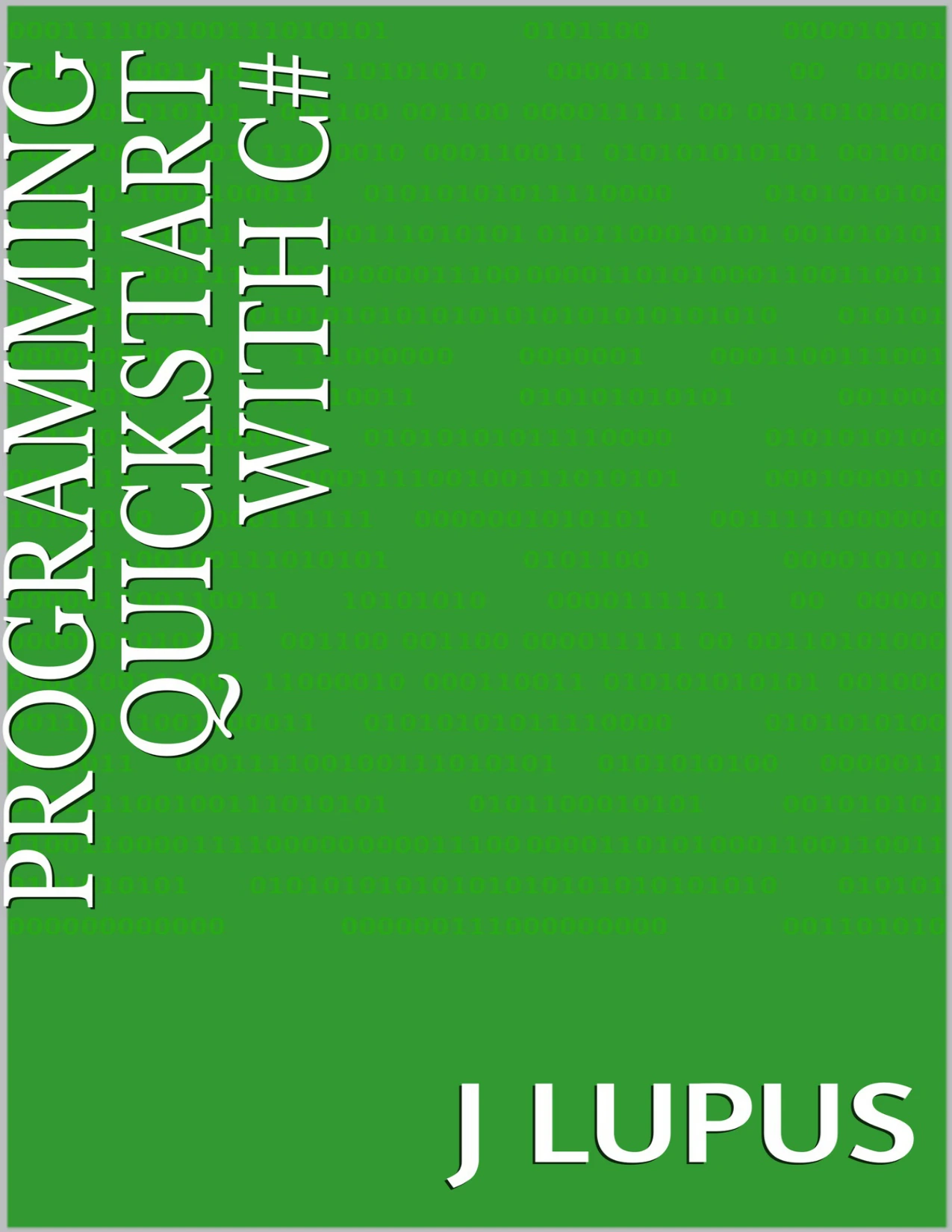
Programming Quickstart with C#
Original price was: $5.00.$2.50Current price is: $2.50.

J Lupus
Product Specs:
- File Type: PDF
- File Size: 643.6 KB
- Book Language: English
- Total Page Count: 16
- Instant Download
A First Program, Not a First Lecture 💻
Programming Quickstart with C# is built for readers who want to write code, not spend weeks reading about it. In a compact sequence of steps, J Lupus introduces Microsoft’s C# language by guiding you through the setup of Visual Studio Community and the creation of a small console application called Addition Demo. The goal is simple: get a working program running, then understand the pieces that made it work.
From Installation to Hello World ⚙️
The guide begins with the development environment. It explains what an IDE does, why Visual Studio is the common choice for C#, and which workload to select during installation. Once the environment is ready, you create a new console project and run the generated code. That first run is deliberately modest—a Hello World message—but it confirms that your tools are connected and ready for the next step.
Think Through the Algorithm First
Before writing the addition program, the guide pauses to turn the problem into pseudocode. Two numbers go in, the values are added, and the result is printed to the console. This short planning stage shows how a plain-language algorithm can bridge the gap between an idea and C# syntax. It is a useful habit for beginners, because it keeps attention on the logic instead of the punctuation.
Core C# Ideas, Explained Briefly 🧠
The basics section introduces variables and data types with a practical tone. You see why C# distinguishes whole numbers from decimal numbers, and how types such as int, long, float, double, and bool shape what a variable can store. The guide also touches on the structure of a C# program, including namespaces, classes, and the Main method where execution begins. These are early concepts, presented as part of a working example rather than as abstract theory.
Who This Quickstart Is For
If you are curious about C# and want a short, guided first project, this guide meets you at the beginning. It is not a complete language reference, and it does not try to be. Instead, it gives you a clear route through installation, project creation, algorithm design, and a first program that actually runs. Readers who prefer to learn by doing will get the most from its step-by-step approach.
A Small Finish with a Clear Next Step
The final sections summarize the process and reinforce what happened at each stage. By the end, you have seen the full arc of a beginner project: prepare the tools, plan the logic, write the code, and run the result. From there, you can continue exploring C# with a foundation that is small but real.
User Reviews
Only logged in customers who have purchased this product may leave a review.
Original price was: $5.00.$2.50Current price is: $2.50.
There are no reviews yet.