

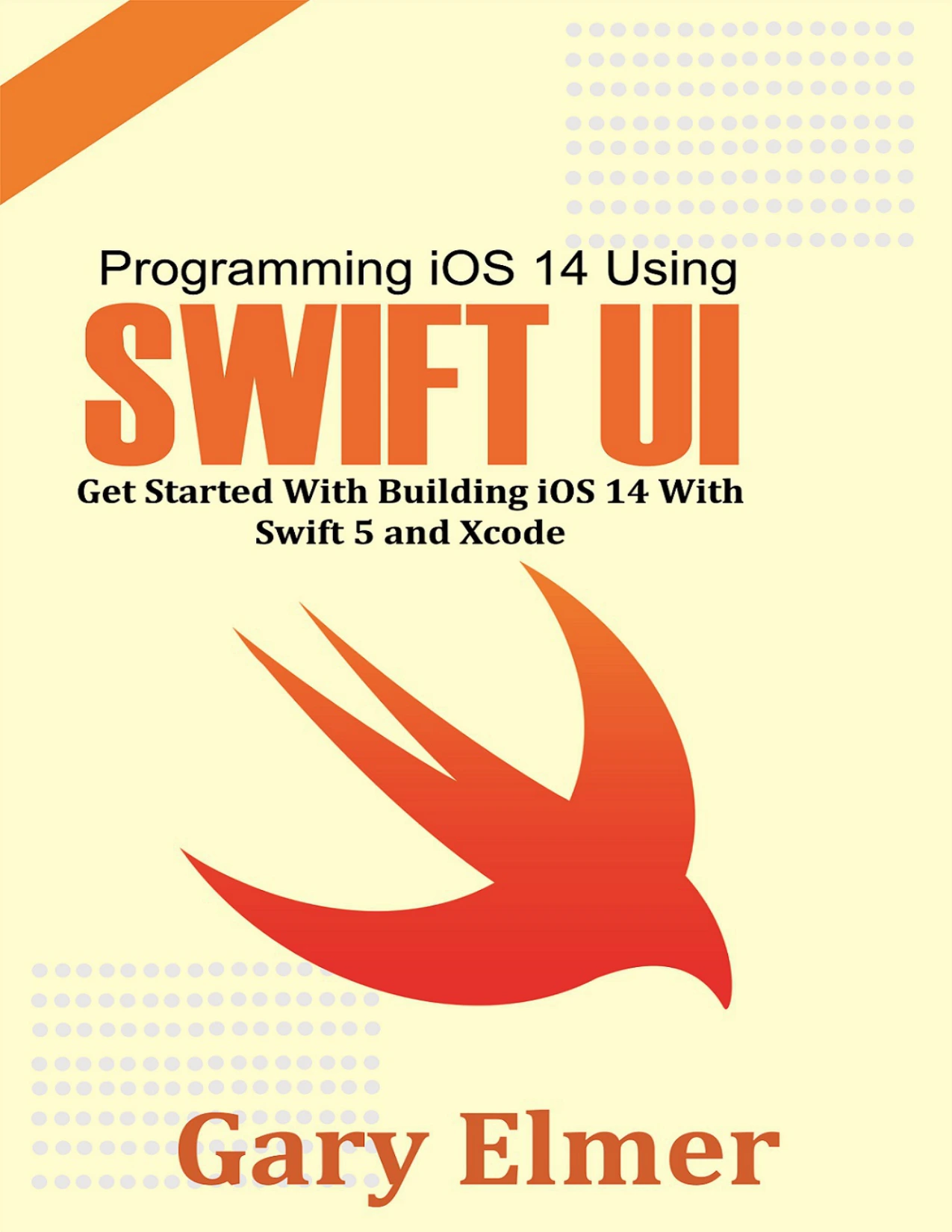
Programming iOS 14 Using SwiftUI: Get Started With Building iOS 14 With Swift 5 and Xcode
Original price was: $5.00.$2.50Current price is: $2.50.

Gary Elmer
Product Specs:
- File Type: PDF
- File Size: 6.8 MB
- Book Language: English
- Total Page Count: 141
- Instant Download
Build iOS 14 Apps with SwiftUI 💻
This guide is a direct, practical starting point for anyone who wants to learn how Apple’s modern tools fit together. It introduces iOS 14 development through SwiftUI, Swift 5, and Xcode 12, and it keeps the focus on the steps that turn a blank project into a working app. The material is written for readers who prefer clear explanations and hands-on practice over abstract theory.
Start with Swift 5 Fundamentals
Before moving on to screens and controls, the book builds a working foundation in Swift. Early chapters cover variables and constants, tuples, optionals, error handling, assertions, and preconditions. From there, it moves through basic operators, strings and characters, Unicode, classes and objects, initialization, properties, protocols, extensions, access control, operator overloading, generics, and functions. These are the building blocks that make SwiftUI code readable and predictable.
Set Up Xcode 12 and the iOS 14 SDK ⚙️
The book walks through the Apple Developer program, installing Xcode 12 and the iOS 14 SDK, and creating a new project. It explains the main Xcode interface, the debug area, how to view threads and variables, and how to organize project files into groups. Separate chapters introduce Xcode playgrounds as a low-pressure space for experimenting with Swift code before applying it to a full app.
Design Interfaces in SwiftUI and Interface Builder
Once the tools are in place, the focus shifts to building interfaces. Readers learn how to work in SwiftUI mode, create a SwiftUI interface, and run an app on a connected device. The guide also covers the Interface Builder workflow: adding user interface objects to the canvas, connecting objects to code, and linking user actions to the right parts of a project. This is where code and interface begin to work as one.
Debug, Localize, and Ship Your App
Later chapters cover building and running an app, creating and distributing a watch-only app, and localizing an app for different languages. The final sections look at App Store distribution, including app thinning for iOS, tvOS, and watchOS, slicing for iOS and tvOS, and bitcode. For a reader who wants the full arc from first Swift file to a submitted app, this structure keeps the big picture in view.
Who This Book Suits
This is a beginner-friendly introduction for aspiring iOS developers, students, and programmers who are new to SwiftUI or Xcode. It is especially useful if you want a concise, step-by-step route into iOS 14 development rather than a massive reference volume. If you already build iOS apps professionally, you may find it more helpful as a quick orientation to SwiftUI and the Xcode 12 workflow than as an advanced deep dive.
User Reviews
Be the first to review “Programming iOS 14 Using SwiftUI: Get Started With Building iOS 14 With Swift 5 and Xcode”
You must be logged in to post a review.
Original price was: $5.00.$2.50Current price is: $2.50.






There are no reviews yet.