

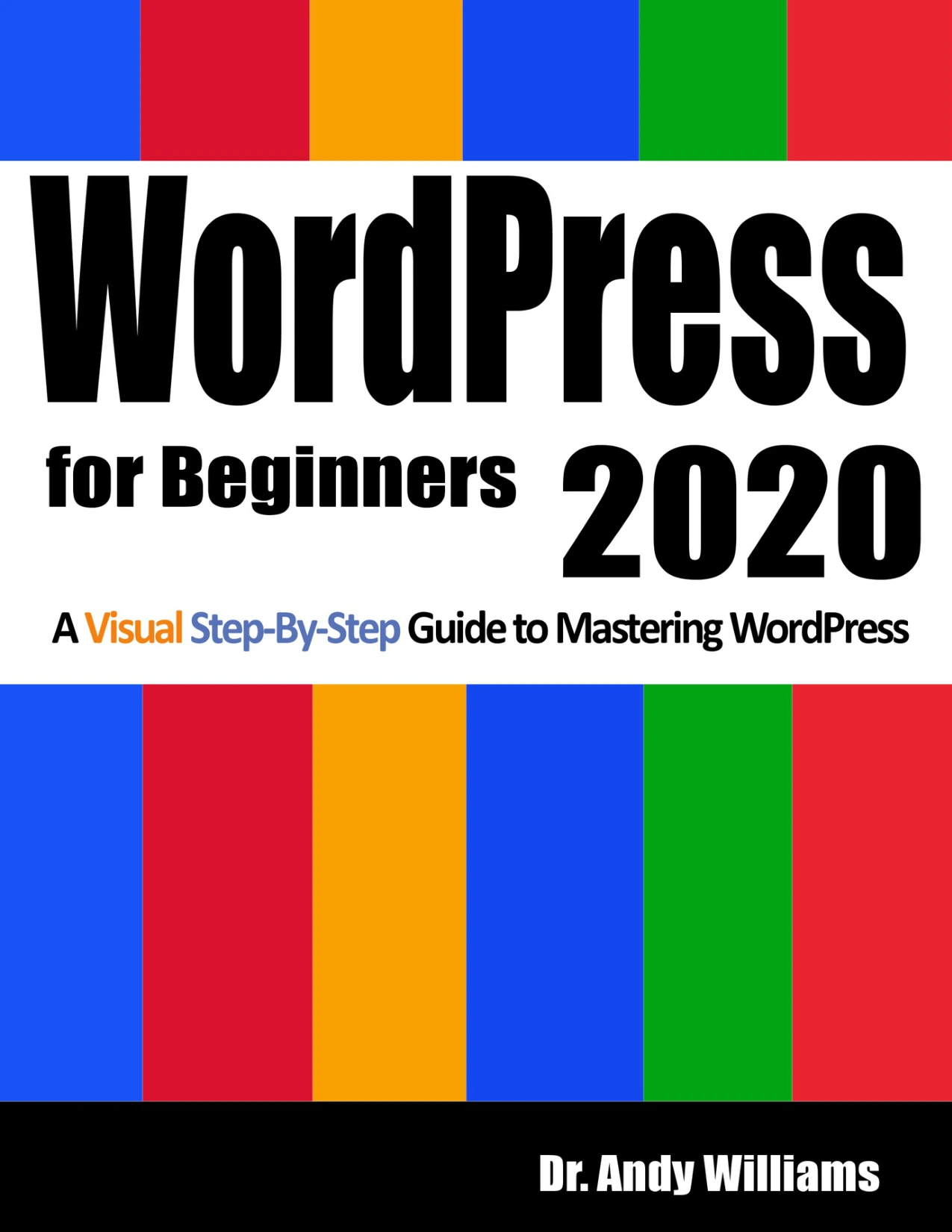
WordPress for Beginners 2020: A Visual Step-by-Step Guide to Mastering WordPress
Original price was: $5.00.$2.50Current price is: $2.50.

Dr. Andy Williams
Product Specs:
- File Type: PDF
- File Size: 11.4 MB
- Book Language: English
- Total Page Count: 241
- Instant Download
Master WordPress Without the Overwhelm
WordPress powers a huge part of the web, but getting started can feel like learning a second language. WordPress for Beginners 2020 turns that experience around. Instead of burying you in jargon, Dr. Andy Williams uses a visual, step-by-step approach that walks you through each click, setting, and decision. Building a blog, a business site, or a personal portfolio? The material keeps its focus on getting your site live and manageable.
Rather than expecting you to piece together scattered tutorials, this guide follows a clear path from choosing a domain and hosting through installing WordPress, exploring the dashboard, and publishing your first pages and posts. Every chapter builds on the last, so you can follow along even with no prior experience.
A Visual, Step-by-Step Path From Setup to Live Site
Because the book is designed for visual learners, the instructions are paired with screenshots that match what you will actually see on your screen. That reduces the confusion of text-only directions and helps you build confidence quickly.
The journey covers everything from versus, the costs of owning a site, and installing an SSL certificate, to a full tour of the dashboard and settings. You will learn how to clean out pre-installed clutter, configure essential options, and get your site ready for real content.
Inside the Guide
- Choosing a domain, hosting, and registrar
- Installing WordPress and an SSL certificate
- Understanding the dashboard, sidebar, and screen options
- Configuring General, Writing, Reading, Discussion, Media, and Permalink settings
- Managing themes, widgets, and menus
- Using basic HTML for links, images, and lists
- Installing essential plugins like UpdraftPlus, Contact Form 7, Yoast SEO, and Akismet
- Creating and moderating comments
- Working with the Media Library
- Understanding pages versus posts, categories, and tags
- Writing posts using both the Classic editor and Gutenberg blocks
- Publishing content and maintaining security
Hands-On Learning With Tasks to Complete
One of the strengths of this guide is its practical structure. Major learning phases end with a Tasks to Complete section, giving you a chance to apply what you have just learned. That hands-on approach helps turn passive reading into real skill-building, so you are not just memorizing steps—you are actually building your website as you go.
Who Should Read This Guide
If you are new to WordPress, have tried other tutorials and felt lost, or prefer seeing instructions rather than just reading them, this book was written with you in mind. Small business owners, bloggers, hobbyists, and anyone who wants to manage their own website without hiring a developer will find the clear explanations and visual examples especially helpful.
Start Building Your Site Today
This 2020 edition has been updated to reflect the current WordPress experience, so you can work with the tools and options you are likely to see now. With its patient teaching style and logical progression, WordPress for Beginners 2020 gives you the foundation to launch, customize, and maintain a website you control.
Ready to turn an idea into a live site? Grab your copy and start following the first task today.
User Reviews
Be the first to review “WordPress for Beginners 2020: A Visual Step-by-Step Guide to Mastering WordPress”
You must be logged in to post a review.
1-Hour WordPress 2021: A visual step-by-step guide to building WordPress websites in one hour or less!
Sold by Dr. Andy Williams
How to Write Great Website Content in 2021: Use the Power of LSI and Themes to Boost Website Traffic with Visitor-Grabbing, Google-Loving Web Content
Sold by Dr. Andy Williams
SEO 2020: Actionable, Hands-on SEO, Including a Full Site Audit (Webmaster Series Book 1)
Sold by Dr. Andy Williams Original price was: $5.00.$2.50Current price is: $2.50.

There are no reviews yet.