

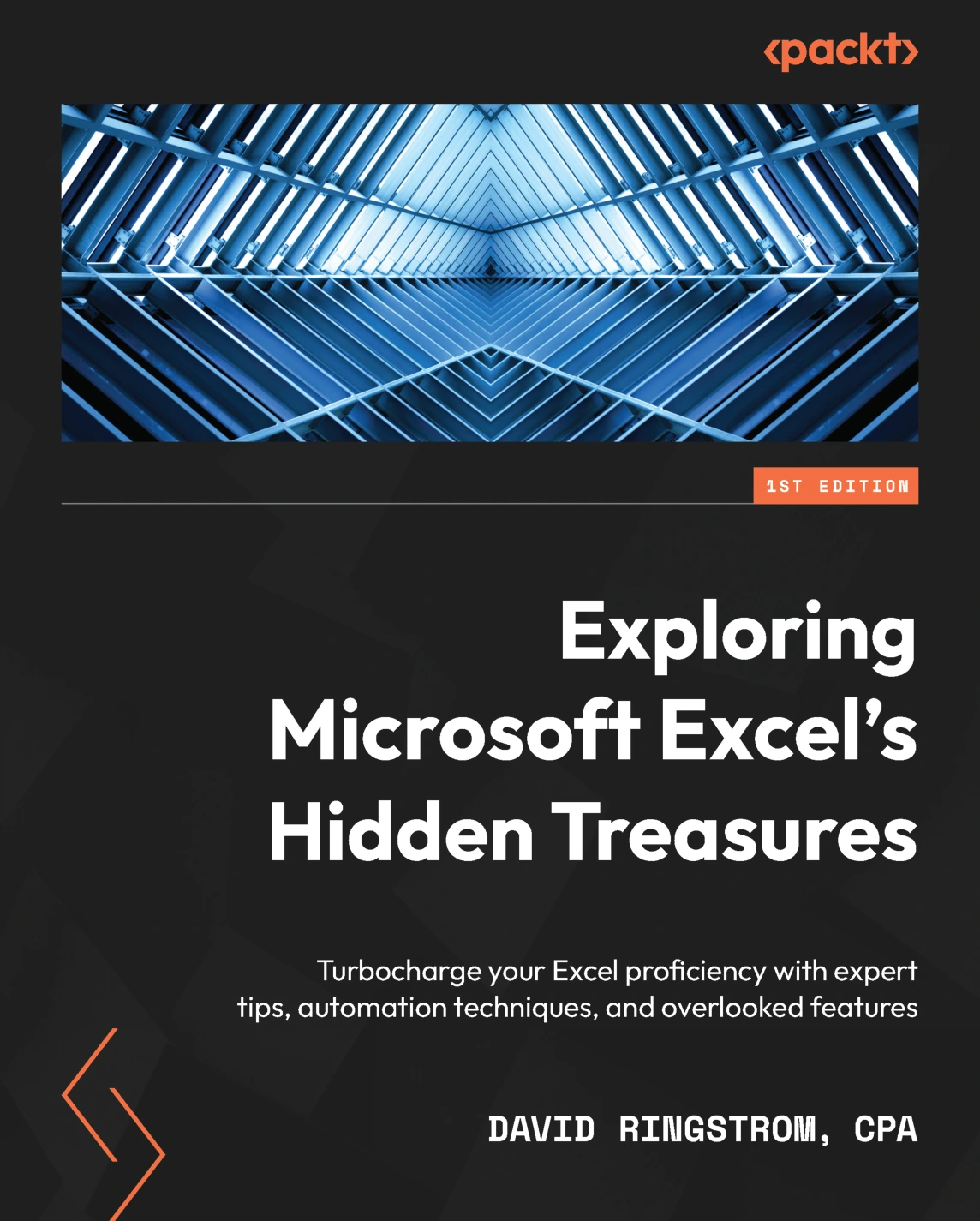
Exploring Microsoft Excel’s Hidden Treasures
Original price was: $9.99.$5.00Current price is: $5.00.

David Ringstrom
Product Specs:
- File Type: PDF
- File Size: 15.7 MB
- Book Language: English
- Total Page Count: 444
- Instant Download
Excel can do far more than most people discover by clicking through the Ribbon. In Exploring Microsoft Excel’s Hidden Treasures, spreadsheet specialist David Ringstrom focuses on the overlooked commands, safeguards, and newer features that can make everyday workbooks more accessible, reliable, and efficient. The emphasis is practical: understand what Excel already offers, then put those tools to work in real spreadsheets.
Make workbooks easier to use
The book opens with accessibility—not as an afterthought, but as a way to make spreadsheets clearer for everyone who needs to work with them. It considers worksheet names, color use, merged cells, tables, and Excel’s Accessibility Checker, as well as features that help users find commands and functions.
Recover, protect, and customize your work
Ringstrom also addresses the less glamorous moments that matter: AutoRecover, AutoSave, backups, damaged workbooks, and prompts that appear when opening files. From there, he explores ways to shape Excel around your workflow, including Quick Access Toolbar commands, Ribbon customization, shortcuts, and workbook-specific tools.
Turn spreadsheet features into practical tools
Chapters on Conditional Formatting, Data Validation, and Form Controls show how to make spreadsheets respond to data and guide user input. What-If Analysis and financial functions add another dimension, helping readers examine scenarios rather than relying on a single fixed answer. Later topics include XLOOKUP, dynamic arrays, LET and LAMBDA, and Power Query.
Learn by trying the techniques
Detailed examples and accompanying workbooks give readers a way to follow along and test ideas directly. That hands-on approach suits people who already use Excel and want to investigate its less obvious options, improve the resilience of their files, or reduce repetitive steps in familiar tasks.
For curious, experienced Excel users
Intermediate and advanced users—including business professionals, accountants, project managers, and analysts—will find a broad set of ideas to explore. Keep it nearby when a spreadsheet raises the familiar question: surely Excel has a better way to do this?
User Reviews
Only logged in customers who have purchased this product may leave a review.
Original price was: $9.99.$5.00Current price is: $5.00.


There are no reviews yet.