

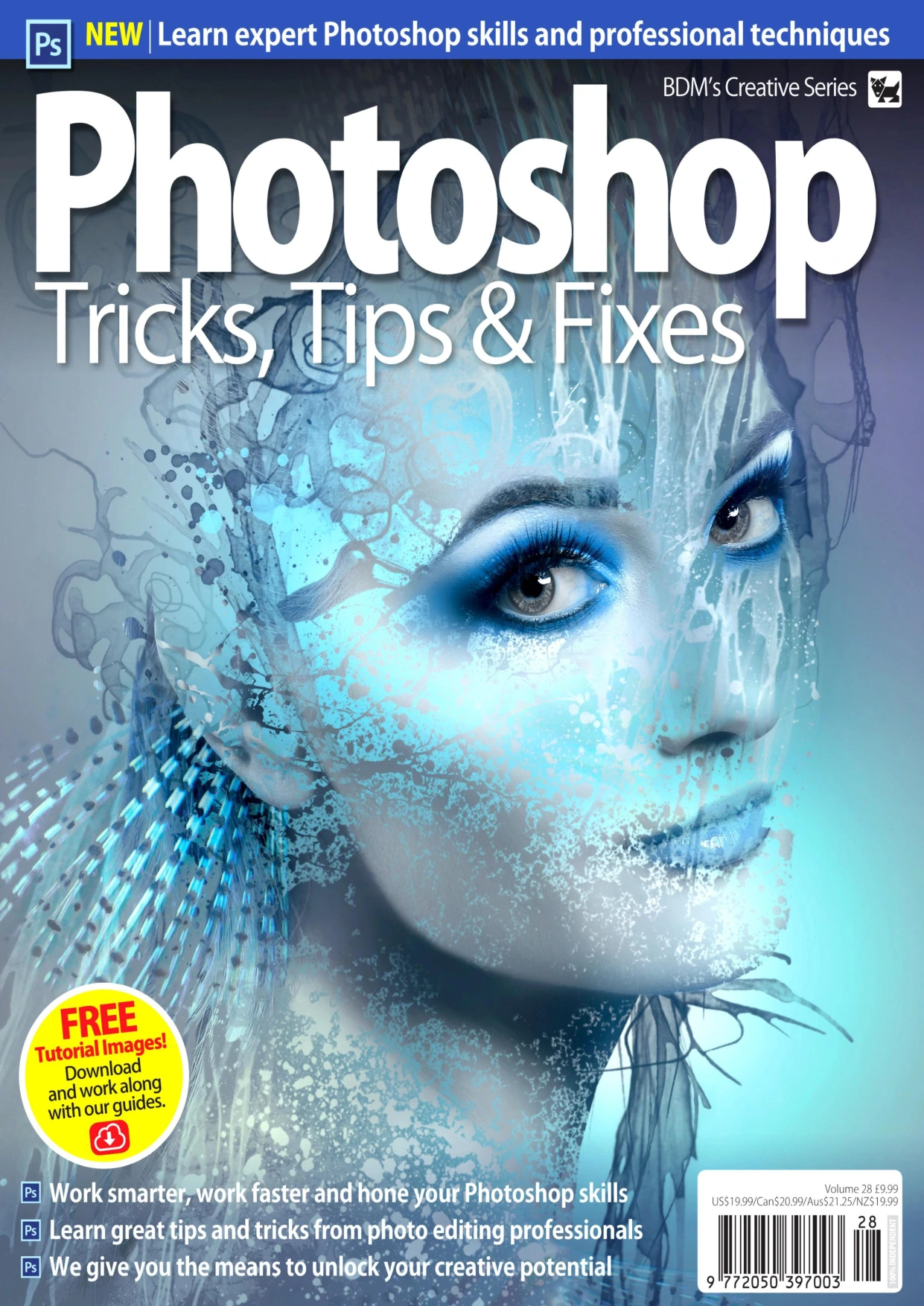
Photoshop Tips, Tricks & Fixes, Volume 28
Original price was: $5.00.$2.50Current price is: $2.50.

Black Dog Media
Product Specs:
- File Type: PDF
- File Size: 95.3 MB
- Book Language: English
- Total Page Count: 146
- Instant Download
A Practical Guide to Photoshop’s Hidden Shortcuts and Fixes
Photoshop Tips, Tricks & Fixes, Volume 28 is built for readers who want to move beyond random experimentation and build a reliable Photoshop workflow. Published as part of BDM’s Creative Series and edited by Mark Frost, this volume pairs clear explanations of core tools with the kind of small discoveries that save time: keyboard shortcuts, menu options, layer tricks, and fixes for common editing problems.
Start with the Essentials 🎨
The opening chapters establish a solid foundation. Readers are introduced to Photoshop’s purpose and strengths, the main interface, the menu system, the toolbar, and essential keyboard shortcuts. From there, the guide explains layers, adjustment layers, and layer masks—the structures that make non-destructive editing possible. Selection tools and selection techniques follow, along with the healing brush tools, brushes, pencil, and eraser.
Build Confidence with Everyday Retouching
Once the basics are in place, the volume moves through practical editing tasks. You’ll find coverage of the Clone Stamp tool, gradient fill and paint bucket, modifying selections, Curves and Levels, cropping and resizing, Quick Mask mode, Content-Aware Fill and Scale, exposure adjustments, contrast and saturation, graduated filters, lens-distortion correction, and panorama stitching. The sequence helps readers understand how these tools relate to one another instead of treating each one as a separate trick.
Creative Projects to Put It All Together
The later part of the guide shifts into project-based learning. Composite photos, a Pierrot portrait effect, stone skin, science-fiction art, Lego portraits, and text portraits each give readers a chance to combine selections, masks, layers, blending, retouching, and colour work. These projects are useful for photographers, digital artists, and designers who want to see how a finished image comes together from start to finish.
Who Will Get the Most from Volume 28?
Beginners can follow the early chapters as a structured introduction to Adobe Photoshop. Intermediate users may find the tips, fixes, and workflow notes especially valuable because they highlight shortcuts and techniques that are easy to overlook. Hobbyists, photographers, graphic designers, and creative professionals who use Photoshop for photo editing, compositing, or digital art will find practical material throughout.
Inside This Volume
- Photoshop interface, menus, toolbar, and keyboard shortcuts
- Layers, adjustment layers, layer masks, and selections
- Healing brushes, painting tools, Clone Stamp, and gradients
- Curves, Levels, cropping, Quick Mask, and Content-Aware tools
- Exposure, contrast, saturation, filters, and lens correction
- Panorama stitching, colour replacement, and soft focus
- Composite, portrait, sci-fi, Lego, and text-portrait projects
Why Keep It Nearby
Photoshop is vast, and even regular users tend to settle into a small set of familiar tools. This volume works as a reference you can return to when a selection is fighting back, a mask needs refining, or a composite needs a more believable finish. The mix of foundational explanations and focused tips makes it a useful companion for both planned projects and quick problem-solving.
Your Next Photoshop Step
If you are ready to make Photoshop feel less like a maze and more like a creative toolkit, Volume 28 offers a guided path through the program’s core features and creative possibilities. Add it to your Digital Delights library and keep the practical guidance close at hand.
User Reviews
Only logged in customers who have purchased this product may leave a review.
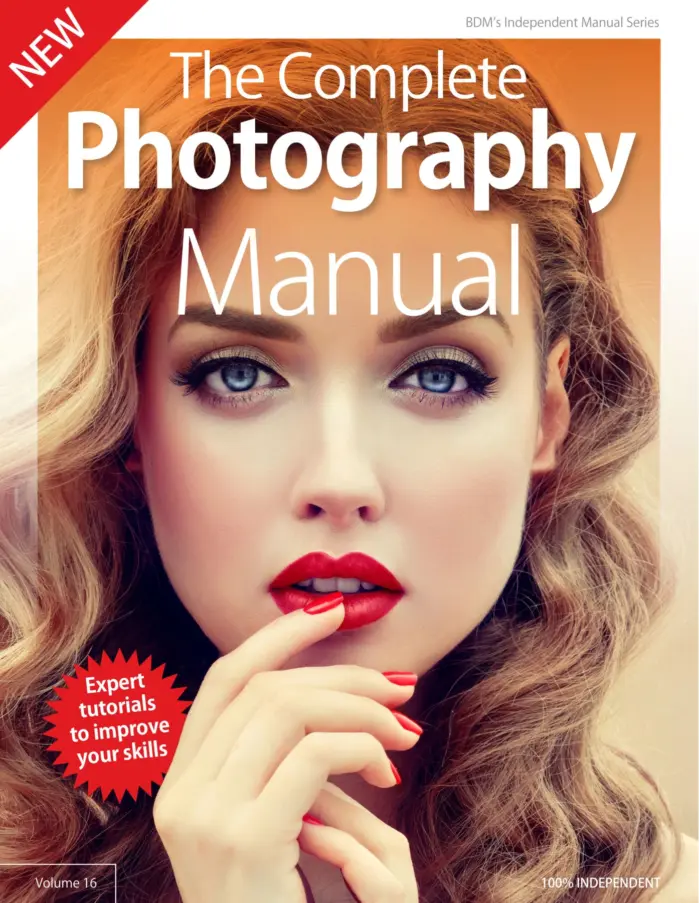
The Complete Photography Manual Volume 16
Sold by Black Dog Media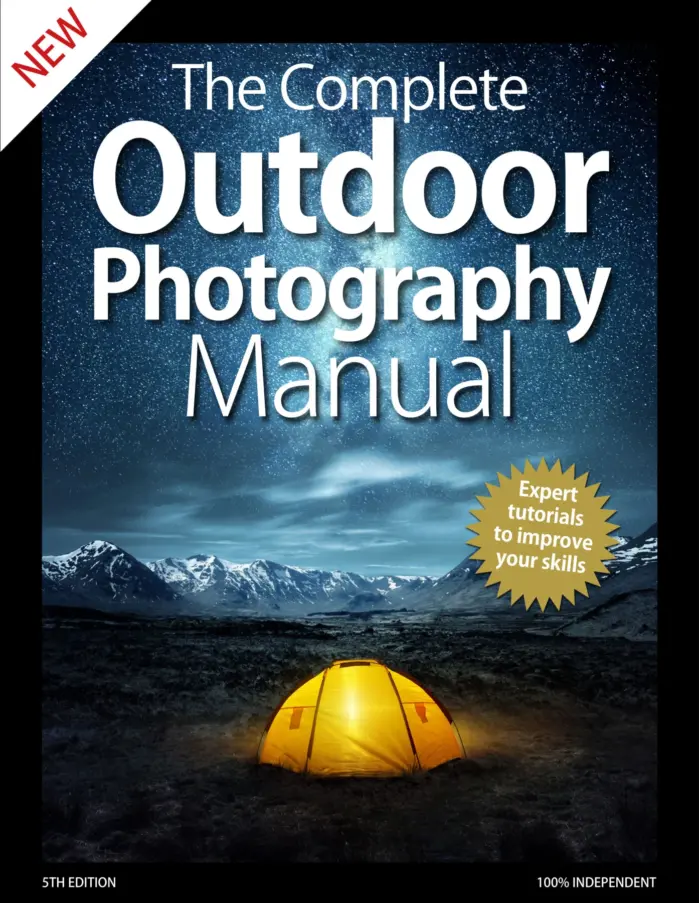
The Complete Outdoor Photography Manual
Sold by Black Dog Media
The Complete Linux Manual Volume 30
Sold by Black Dog Media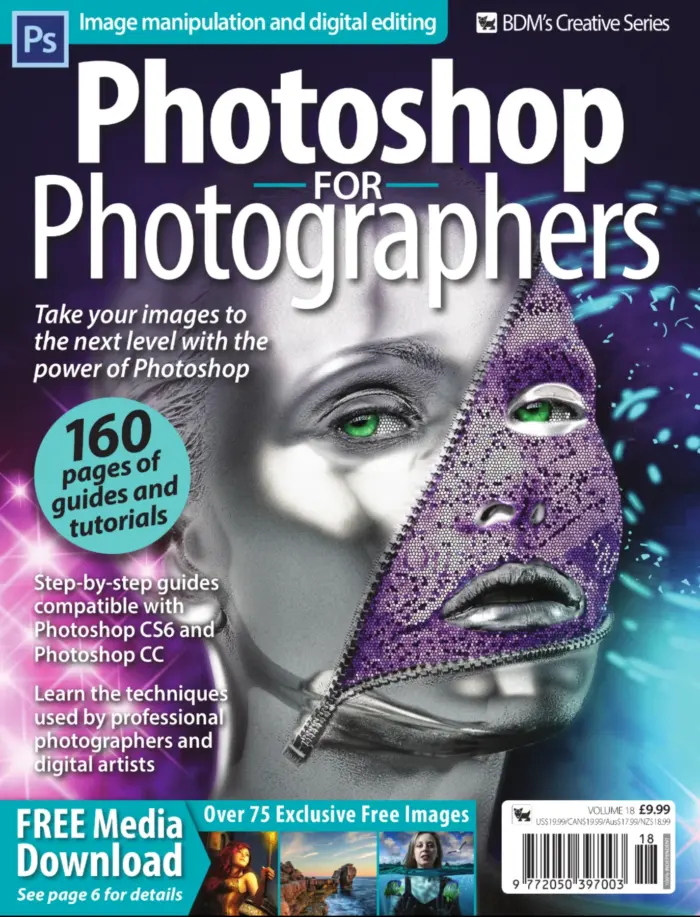
Photoshop for Photographers, Volume Eighteen
Sold by Black Dog Media
The Complete Landscape Photography Manual
Sold by Black Dog Media
The Complete Android Manual – Expert Tutorials To Improve Your Skills
Sold by Black Dog Media Original price was: $5.00.$2.50Current price is: $2.50.




There are no reviews yet.