

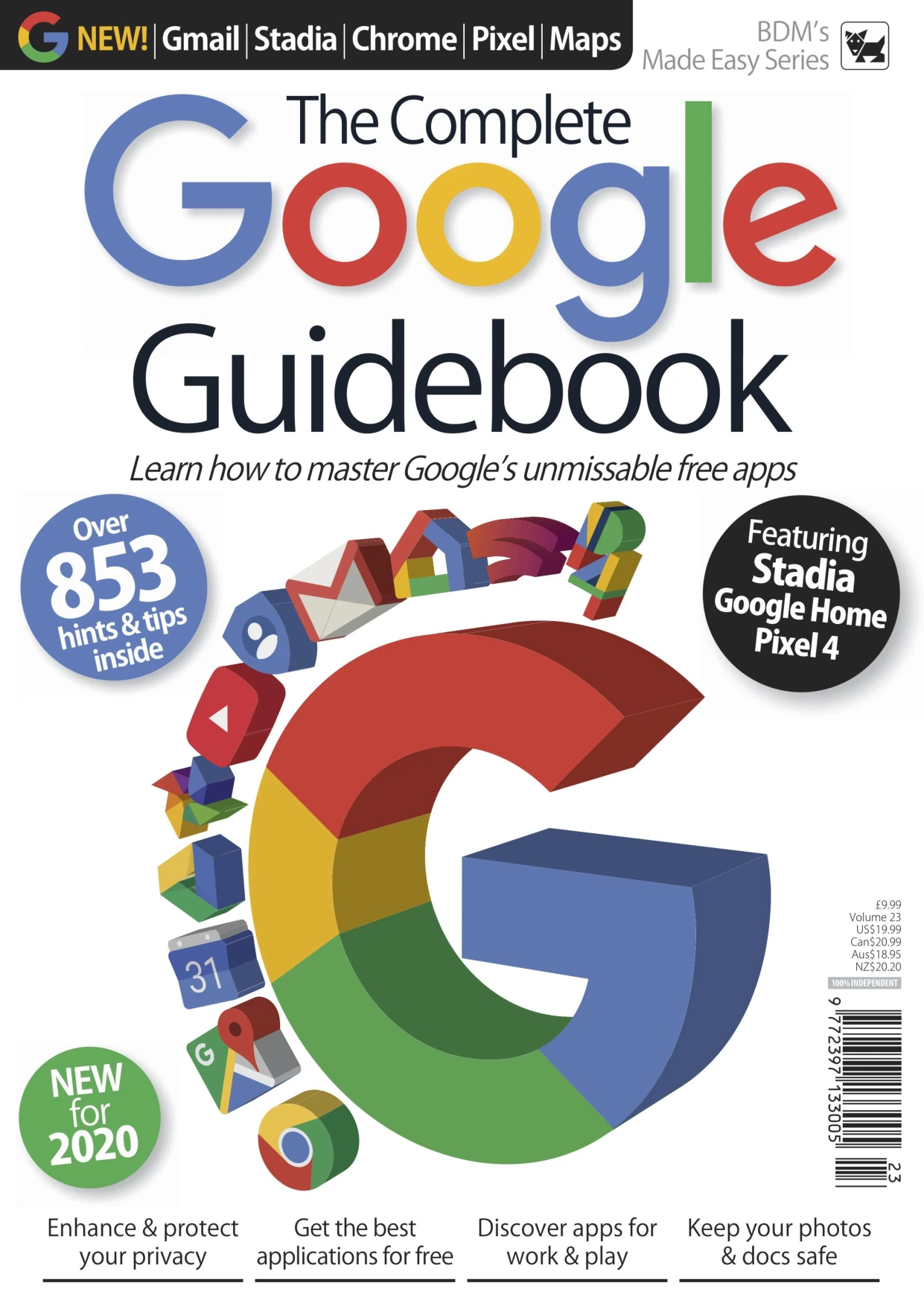
The Complete Google Guidebook Vol 23
Original price was: $93.00.$46.50Current price is: $46.50.

BDM Publications
Product Specs:
- File Type: PDF
- File Size: 84.3 MB
- Book Language: English
- Total Page Count: 147
- Instant Download
What’s Inside This Google Guidebook?
Google has quietly built a collection of free tools that most people use every day without ever discovering their full potential. This guide from BDM Publications pulls those services together into one clear, practical manual. Whether you want to organise your inbox, plan a trip, create documents, or explore the world from your screen, you’ll find step-by-step help that’s easy to follow.
The book opens with the basics: creating a Google account, strengthening security, protecting privacy, and improving your everyday searches. From there it moves into Chrome, Gmail, Google Calendar, Maps, Earth, Translate, Flights, Photos, and YouTube. Each chapter breaks tasks into manageable steps, so you can quickly put what you learn into practice.
Cloud Tools for Everyday Work
A major section focuses on Google’s cloud-based productivity tools. You’ll learn how to use Drive, Docs, Sheets, Slides, Google Drawing, Keep, and Google Forms. The guide shows how to create, share, and collaborate on documents without complicated setup. Cloud Print and Google Pay are also covered, giving you practical options for printing and payments.
Hardware, Apps, and Entertainment
Beyond the web tools, the final chapters introduce Google Home, Pixel, Chromecast, and Stadia. These hardware guides help you set up devices, play music, use routines, and get more from your Google hardware. If you’ve ever wondered what Google’s devices can do, this section provides a friendly starting point.
Who Will Find This Guide Useful?
The material is aimed at everyday users rather than IT professionals. If you’re comfortable with a browser but want to explore Google’s apps more confidently, the instructions are straightforward and avoid unnecessary jargon. It’s also helpful for anyone who manages multiple devices and wants to keep their Google account organised and secure.
Because the guide is organised by topic, you can either work through it from start to finish or jump directly to the app or tool you need. Whether you’re curious about a specific service or simply want to understand the Google ecosystem better, the content is designed to be accessible and immediately useful.
User Reviews
Be the first to review “The Complete Google Guidebook Vol 23”
You must be logged in to post a review.
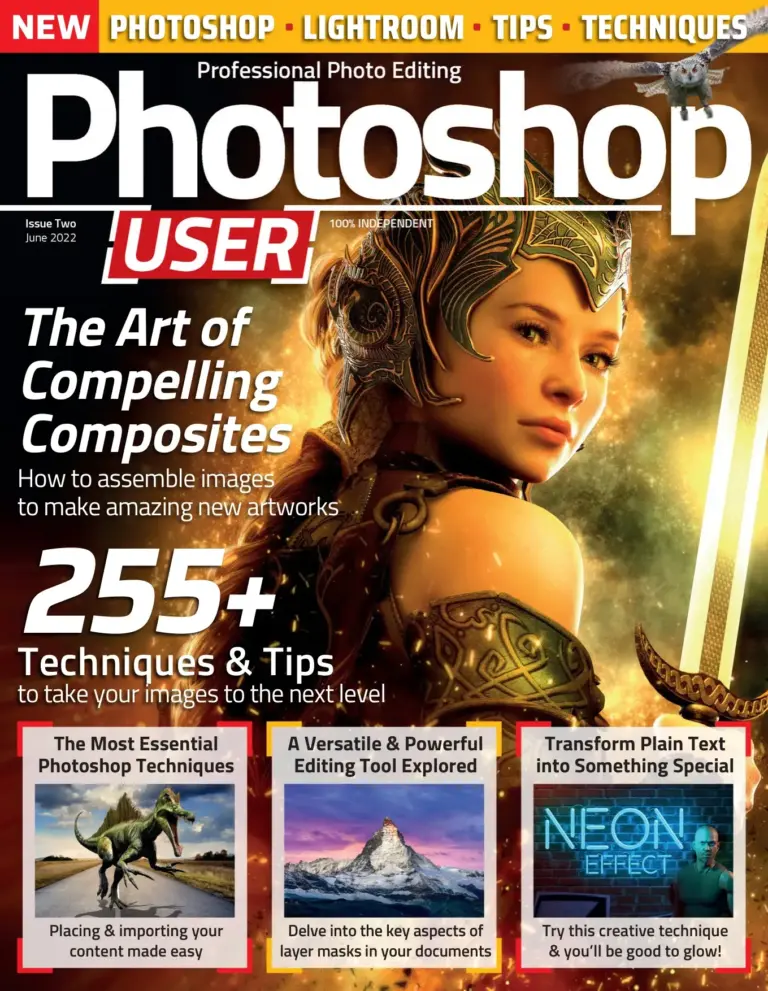
Photoshop User Magazine Issue 2 – June 2022 Back Issue
Sold by BDM Publications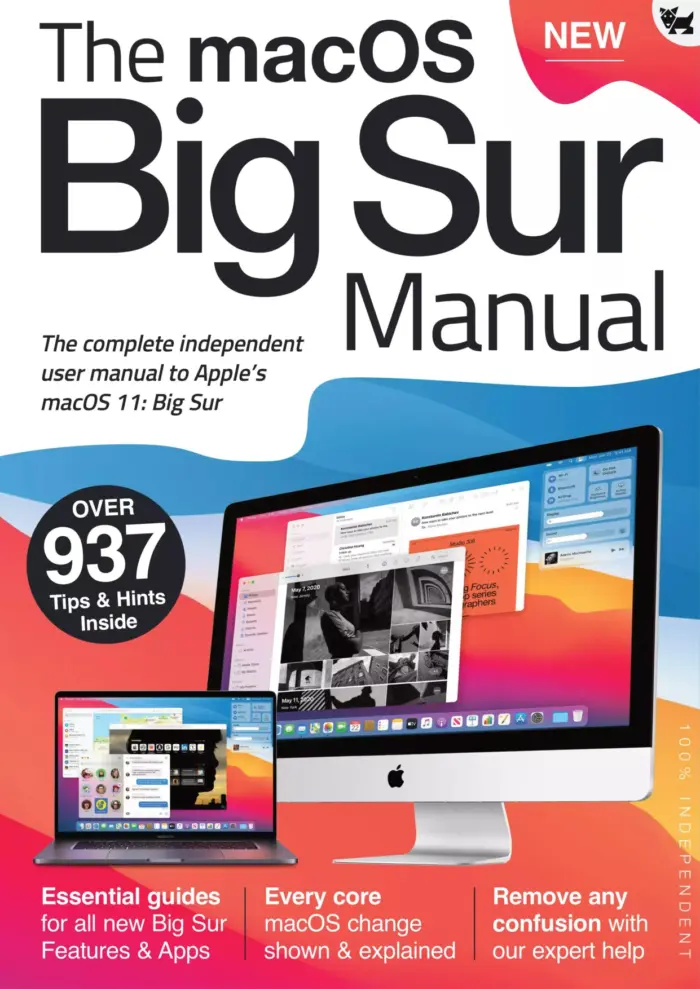
The macOS Big Sur Manual: The Complete Independent User Manual to Apple’s macOS 11: Big Sur
Sold by BDM Publications
Raspberry Pi For Beginners – 4th Edition
Sold by BDM Publications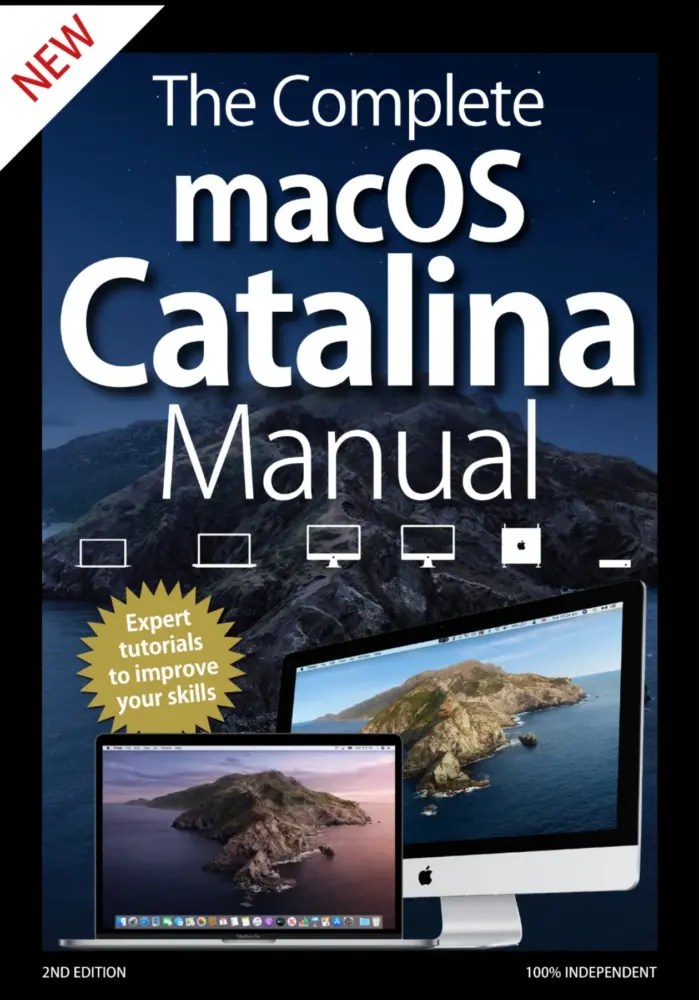
The Complete macOS Catalina Manual – 2nd Edition 2020
Sold by BDM Publications
The Complete Windows 10 Manual
Sold by BDM Publications
The Complete iPhone iOS 13 Manual
Sold by BDM Publications Original price was: $93.00.$46.50Current price is: $46.50.






There are no reviews yet.