

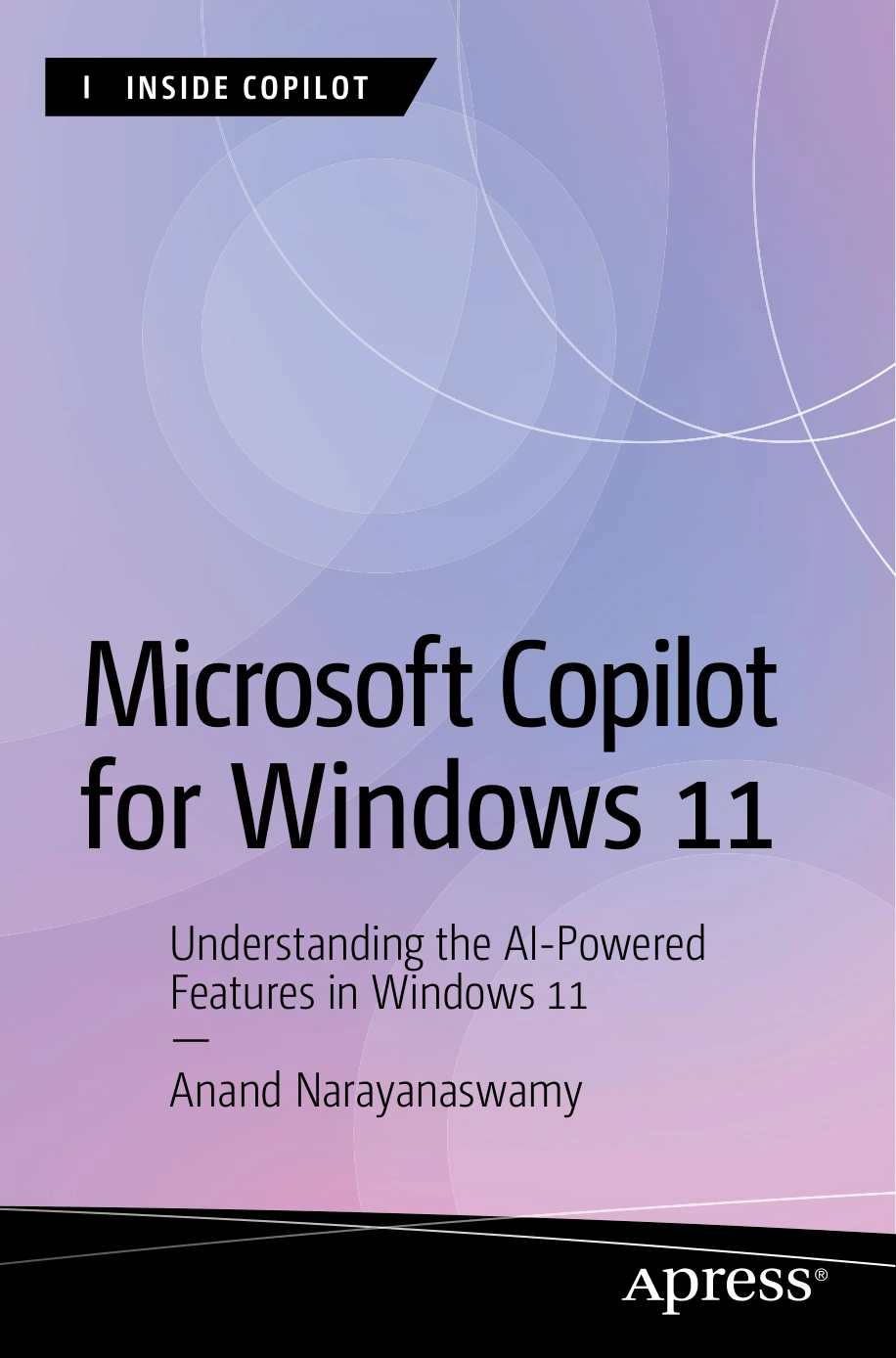
Microsoft Copilot for Windows 11: Understanding the AI-Powered Features in Windows 11
Original price was: $5.00.$2.50Current price is: $2.50.

Anand Narayanaswamy
Product Specs:
- File Type: PDF
- File Size: 25.8 MB
- Book Language: English
- Total Page Count: 304
- Instant Download
Meet the AI Assistant Built into Windows 11 💻
Microsoft Copilot has changed how Windows 11 users approach everyday computing. Instead of switching between apps and searching for answers, you can ask, refine, and act inside the operating system. Anand Narayanaswamy’s Microsoft Copilot for Windows 11 is a hands-on guide to that shift, written for readers who want to use Copilot confidently rather than simply know it exists.
The book opens with the evolution of generative AI and Microsoft Copilot, giving context to the assistant’s design and capabilities. From there, it moves into practical work: accessing Copilot, choosing conversation styles, exporting output, and building prompts that produce useful results.
From First Prompt to Fluent Workflow
Prompting is treated as a skill worth developing. The early chapters explain the art of good prompting, then demonstrate how Copilot fits into Windows 11 tasks. You will see how the assistant can help with listing wireless networks, emptying the Recycle Bin, displaying startup apps, working with accessibility features, live captions, screenshots, background images, and focus sessions.
Copilot Notebook, visualization tools, and conversation management also receive attention, helping readers keep their AI interactions organized and purposeful.
Copilot Across the Microsoft Ecosystem
Windows 11 is only one part of the story. The book follows Copilot into Microsoft Edge, Bing, Skype, and Copilot Web, showing how the same assistant adapts across browsing, search, messaging, and web-based work. There is coverage of Copilot GPTs, plugins, and services that connect Copilot to real-world tasks such as recipes, travel searches, price comparisons, restaurant recommendations, shopping, and even song creation.
Create Images, Designs, and Everyday Content ✨
For readers interested in visual and creative work, the later chapters turn to Image Creator and Microsoft Designer. The material covers generating images from your own prompts, creating social posts, greeting cards, invitations, and wallpapers. It also looks at advanced Designer features such as removing image backgrounds and using Generative Erase. This section is especially useful for anyone who needs polished visuals without a deep design background.
Copilot in Microsoft 365 and Beyond
The book also explores Copilot in Microsoft 365, including Excel and PowerPoint, and explains Copilot Pro and its purchase process. Later chapters cover the Windows app, prompting the app, working with Copilot GPTs, creating your own GPTs, and using Copilot plugins. A final section looks at devices with a Copilot key, including the Microsoft Surface Laptop 6 and the Acer Aspire 3D 15 SpatialLabs Edition, giving readers a view of where Copilot-enabled hardware is heading.
Who Will Get the Most from This Book
Professionals, students, and everyday Windows users can all benefit. If your schedule includes repetitive computer tasks, Copilot can help draft emails, generate PowerPoint presentations, write code on GitHub, and speed up processes. The book is written for beginner, intermediate, and expert levels, so you can start with the basics and return for more advanced workflows as your confidence grows.
Why It Belongs on Your Digital Shelf
Microsoft Copilot for Windows 11 is a practical, current guide to one of the most significant changes in personal computing. It does not just explain what Copilot is; it shows how to work with it across Windows, Microsoft 365, the web, and creative tools. For readers who want to move from curiosity to capability, this book offers a clear path.
User Reviews
Be the first to review “Microsoft Copilot for Windows 11: Understanding the AI-Powered Features in Windows 11”
You must be logged in to post a review.
Original price was: $5.00.$2.50Current price is: $2.50.




There are no reviews yet.